
Create Your Own Free PNG Images with MockoFun AI
To create PNG images with Mockofun, describe the image you want and generate it with AI. Use the AI generated PNG for stickers, emojis, characters & mascots, icons, logos, etc.
What Is an AI PNG Generator?
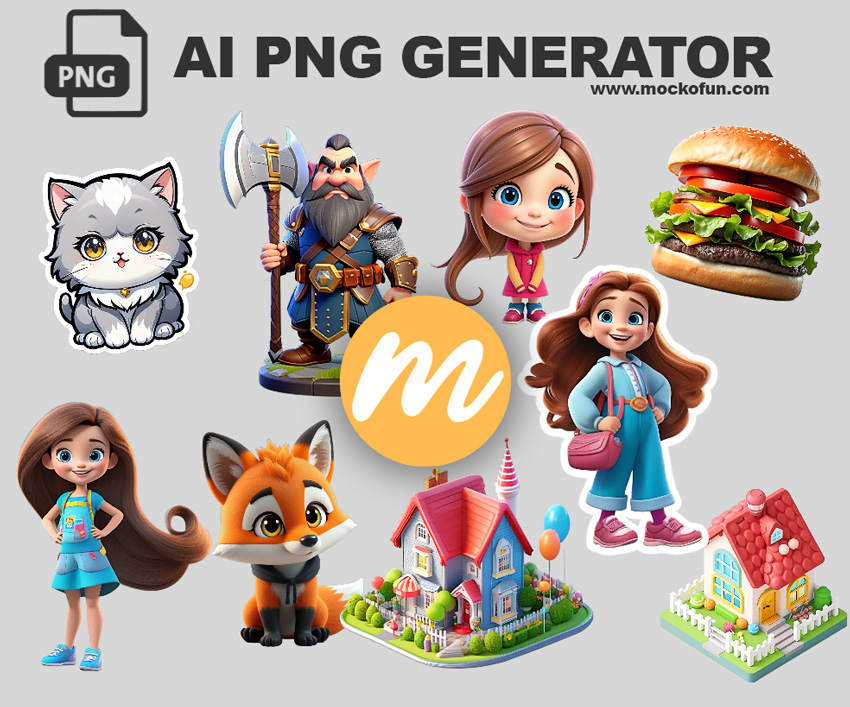
An AI PNG generator is a tool that uses artificial intelligence to create PNG images from text prompts.
Unlike ordinary AI image generators, an AI PNG generator can be used to create graphics intended for transparent backgrounds, making the resulting images useful as stickers, emojis, characters, icons, objects, product graphics and other design elements.
| AI PNG Generator | Traditional AI Image Generator |
|---|---|
| Designed for PNG graphics | General image generation |
| Can be used for transparent-background graphics | Generates a scene with background |
| Great for isolated objects and characters, stickers, icons and design assets | Great for photos and illustrations |
How to Use Mockofun's AI PNG Generator to Make PNG Images
The MockoFun AI PNG generator can do these:
- AI Generated Images PNG – create unique images (like characters, objects, logos, or icons) from text prompts.
- AI Image Background Removal – removes background and converts images into PNGs with a transparency.
How to Generate a PNG With AI
Step 1. Open MockoFun AI
Step 2. Write a Text Prompt
Step 3. Set the Transparent BG
Step 3. Download PNG
Step 1: Describe your PNG image
In Mockofun use the PNG maker AI tool . Go the the AI Image Generator. Then, type your prompt and describe the:
- Subject
- Style (photo realistic, illustration, 3D renders or cartoon style.)
- Colors
- Perspective
- Lighting, etc.
Step 2: Add “transparent background”
Check the Transparent BG option next to the AI prompt.
Step 3: Choose the AI Model
Choose the AI model from the list. Google Nano Banana 2 and GPT Image 2 are among my favorites.
Step 4: Generate the PNG
Click the Generate button and wait for the result.
Step 5: Download the PNG
Here you have two options:
- Go to the Download button and choose PNG file from the dropdown list to download the entire canvas or,
- Choose the Download image button next to the generated PNG image.
Ready to create your own AI PNG? Try the MockoFun PNG Maker AI.
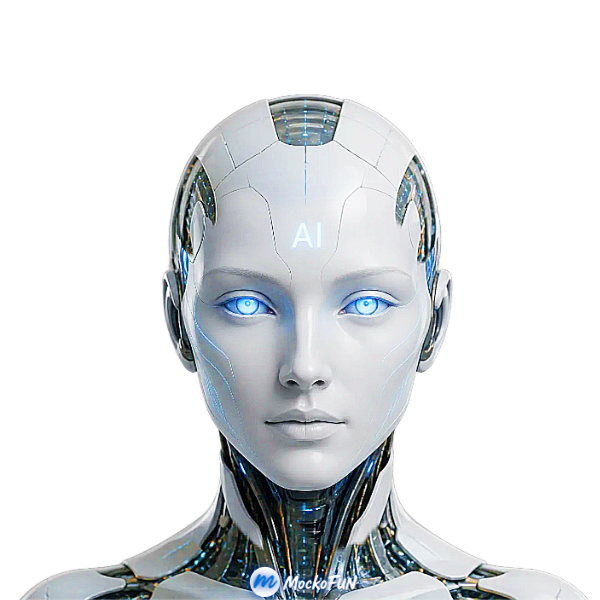
AI PNG Prompt Examples
- Transparent character PNG: cute cartoon astronaut character, full body, colorful 3D illustration, isolated, transparent background
- Animal PNG: cute golden retriever sitting, full body, realistic digital illustration, isolated, transparent background
- Sticker PNG: kawaii coffee cup sticker, thick white outline, colorful cartoon style, isolated, transparent background
- Object PNG: modern red sports car, side view, detailed 3D render, isolated, transparent background
- Icon PNG: blue cloud weather icon, clean vector style, isolated, transparent background
- Product PNG: elegant black perfume bottle, studio product photography, centered, isolated, transparent background
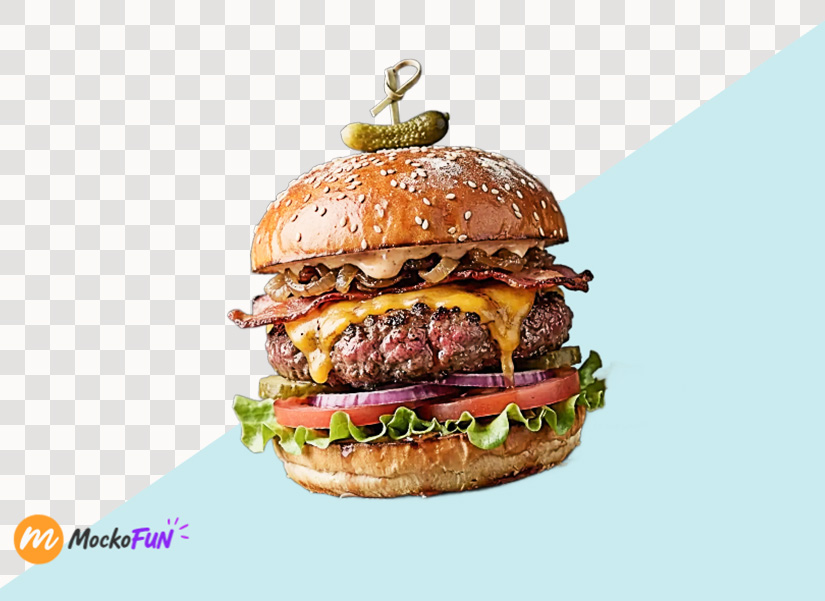
Aspect Ratio: Square (1:1), AI Model: Nano Banana 2, Transparent BG: Checked
Prompt: One big burger, high details, hyper realistic, 8k, volumetric lighting, sharp, vibrant colors, food photography
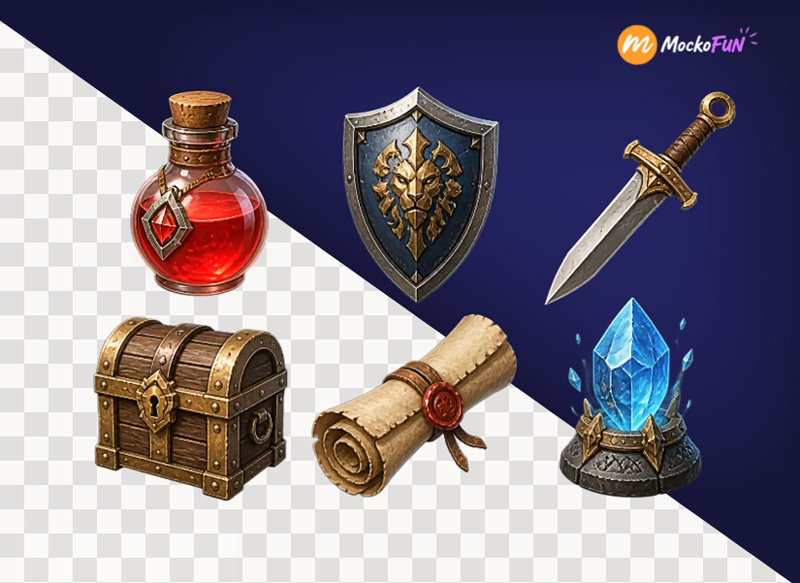
AI Game Assets
Generate visual assets for games, including characters, weapons, items, creatures, environments, icons, and collectible objects.
Prompt: “Fantasy RPG health potion, glowing red liquid, detailed game asset, transparent background, PNG.”
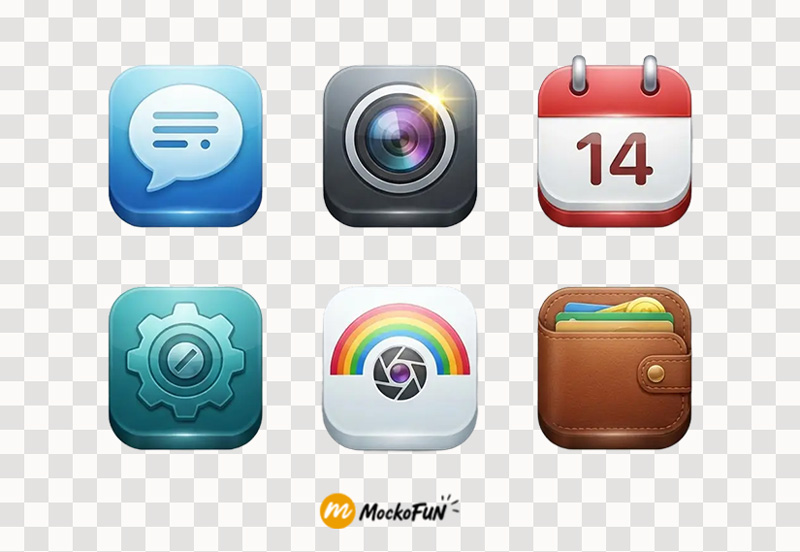
AI Icon PNG
Design clean, recognizable icons for websites, apps, presentations, and digital interfaces.
Prompt: “Modern set of 6 app icons, 3D glossy design, transparent background, PNG.”
AI Person PNG
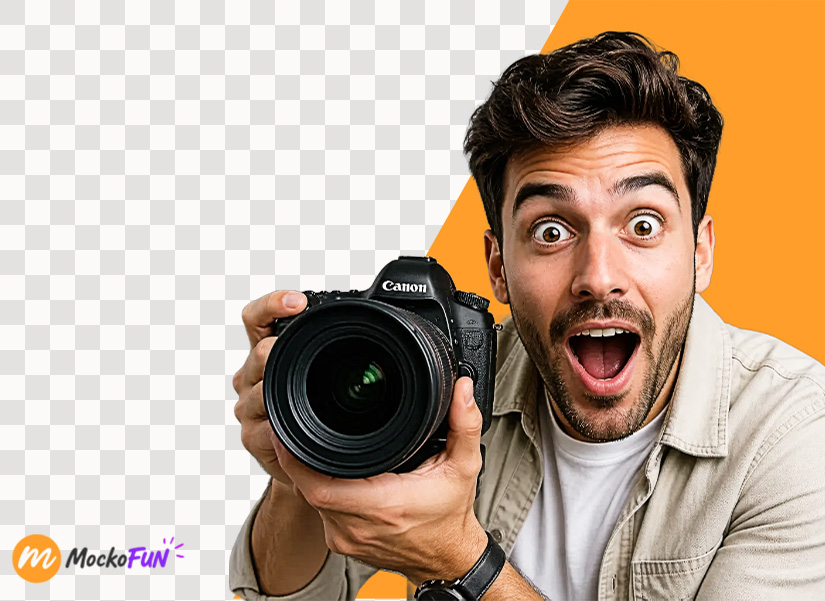
Create unique person or people PNG images with transparent backgrounds for games, illustrations, profiles, and creative projects. Design anything from fantasy heroes to modern professionals.
Prompt: “Photorealistic close-up of a young man looking extremely surprised and excited, wide eyes and open mouth, holding a professional camera toward the viewer, expressive reaction, modern casual clothing, dramatic studio lighting, sharp details, vibrant colors, isolated on transparent background, PNG, YouTube clickbait thumbnail style.”
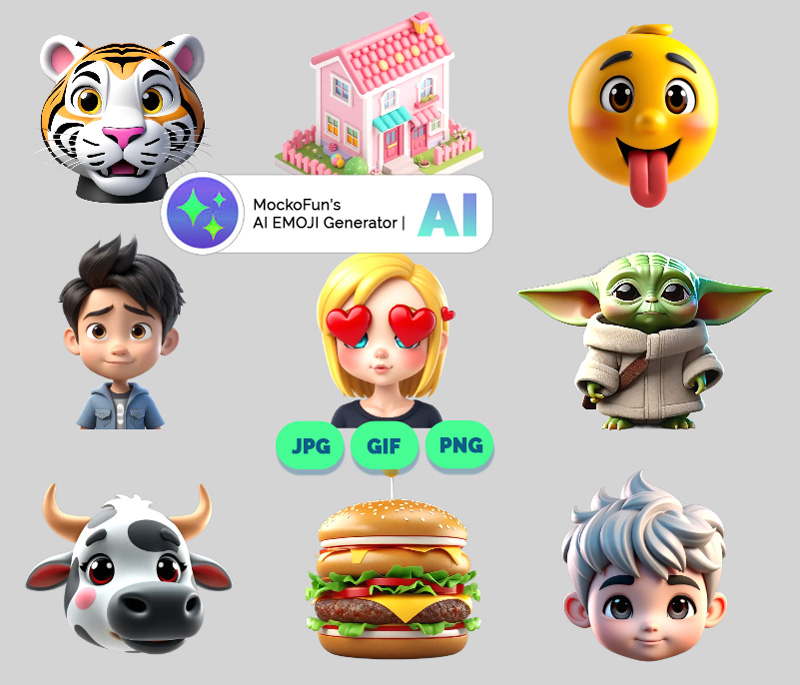
AI Emoji PNG
Generate cute emojis on transparent backgrounds with Mockofun’s AI emoji generator.
Prompt: “emoji angry tiger portrait, 3D emoji style, transparent background, PNG.”
AI Animal PNG
Generate realistic, cute, or stylized animals isolated on transparent backgrounds. Perfect for stickers, educational content, designs, and digital artwork.
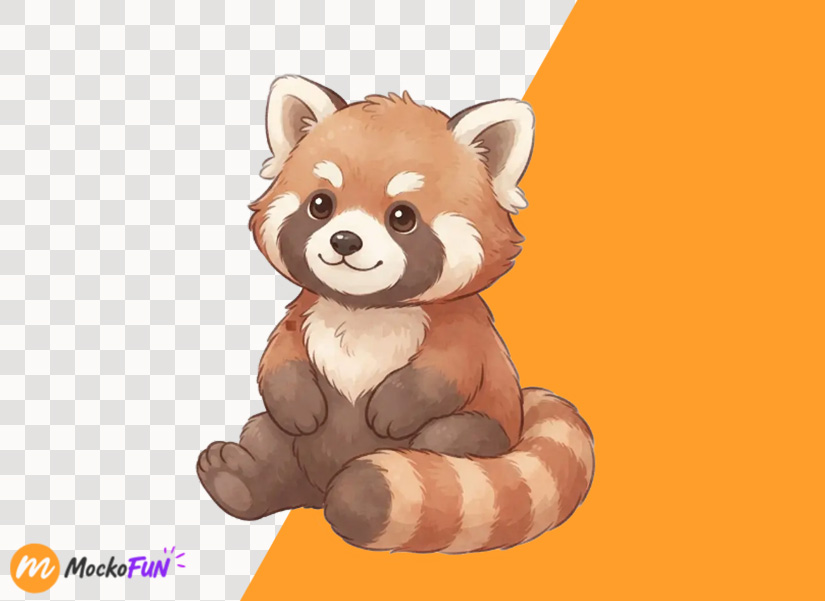
Prompt: “Adorable red panda sitting, cartoon style, soft colors, transparent background, PNG.”
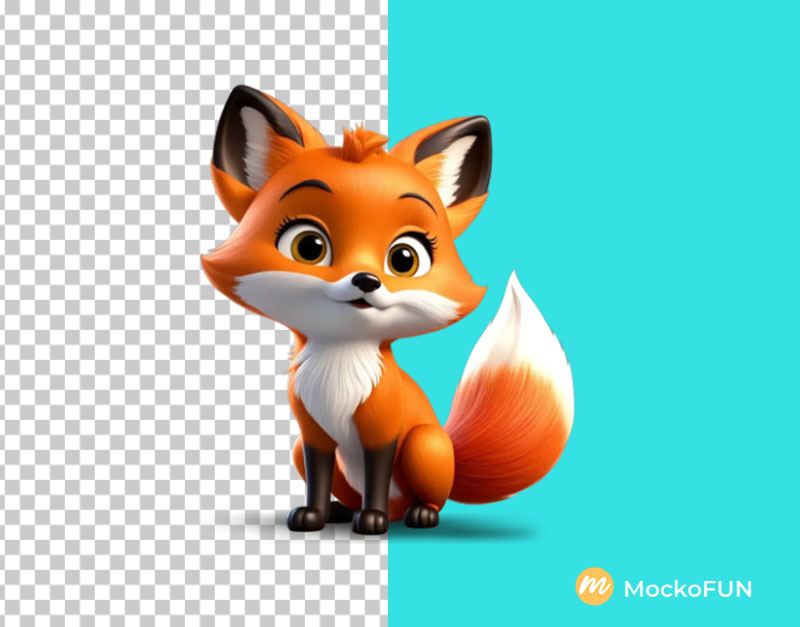
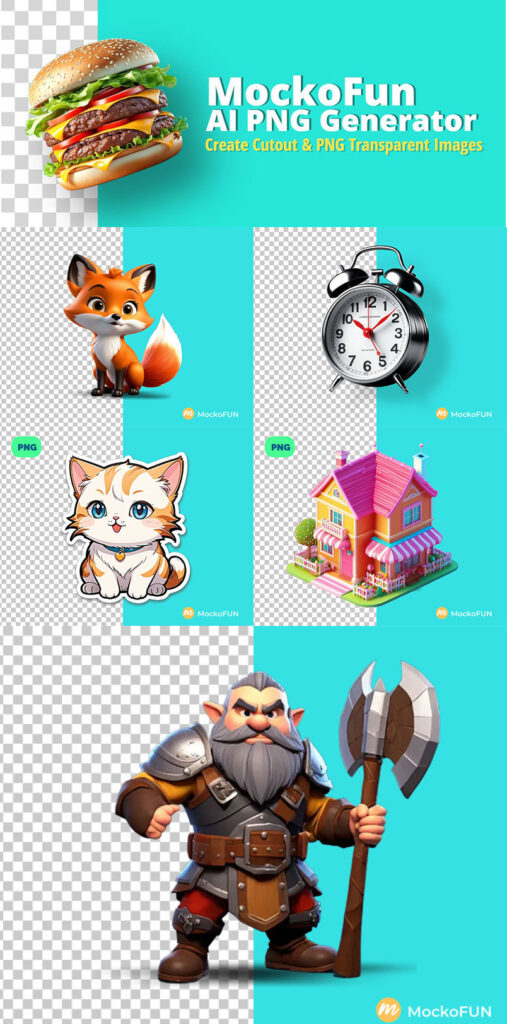
I love to use the PNG AI generator to create cute animals like this 3D fox character.
Prompt: “Chibi style cute fox character, 3D cartoon style, high details, hyper realistic, 8k, volumetric lighting, sharp, vibrant colors”
To make consistent characters use the same seed and characteristics. Use a characteristic pose, such as sitting in a specific way, standing on hind legs, or lying down. Mention different actions like jumping, running, or playing with a specific toy.
AI Product PNG
Create professional product visuals with clean backgrounds or transparent cutouts for marketing, catalogs, and online stores.
Prompt: “Luxury black wireless headphones, realistic product photography, isolated, transparent background, PNG.”
AI Cartoon PNG
I needed a cute girl character without background to use in a poster design. For this particular task, I used the 3D Cartoon effect from the Effects & Style list. Check the Transparent BG option.
The AI cartoon generator helps you generate PNG characters in different styles like: Anime, Chibi, Disney, Pixar, etc.
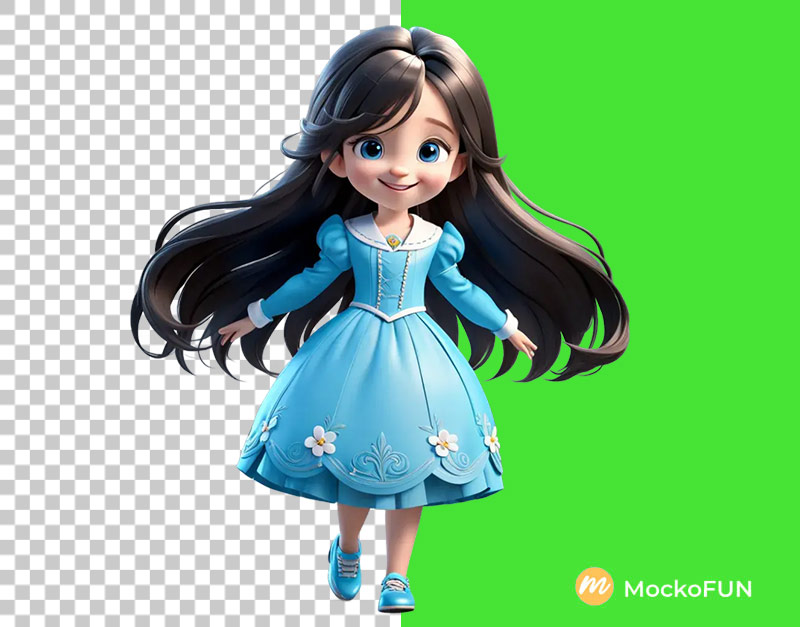
MockoFun Settings: Aspect Ratio Square (1:1), Effects & Styles 3D Cartoon,
Prompt: 2147867523 little girl character with long hair blue eyes smiling, full body, wearing shoes, Disney style, Pixar style. vibrant colors, gray background –transparent
AI Pokemon PNG
Our AI PNG generator is great for creating all kinds of transparent images. If you are looking for a PNG AI generator free, you are in the right place. In this list you have some examples of what MockoFun can do.
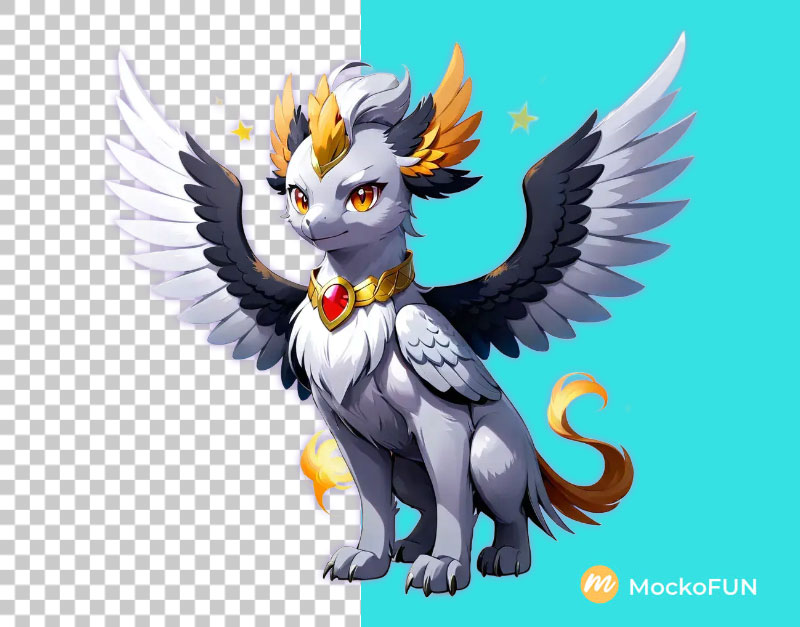
Use the AI Pokemon generator to create fakemons with different styles and characteristics.
AI Pixel PNG
Our AI PNG image maker can do all kind of styles. For example, if you need a pixel character PNG for an 8-bit video game try the Pixel Art effect.
Check out our AI pixel art generator page and there you’ll find lots of art prompts that you can try in MockoFun. The AI PNG generator free tier includes 10 credits/month. If you need more images, you can buy extra AI credits and generate more PNG images.
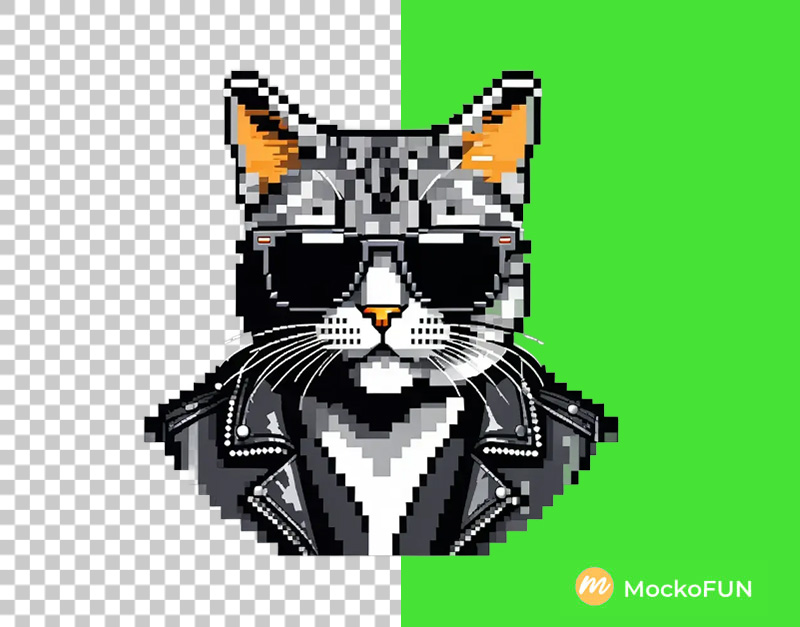
MockoFun Settings: Aspect Ratio Square (1:1), Effects & Styles Pixel Art
Prompt: 1897876692 Cat head wearing sunglasses, leather jacket, jeans, stand alone, flat light gray background. vector. –transparent
AI House PNG
The PNG image maker is great for 3D renders like house models for example. Try the AI architecture generator for more details on how to write Midjourney architecture prompts that work in MockoFun and other AI models.
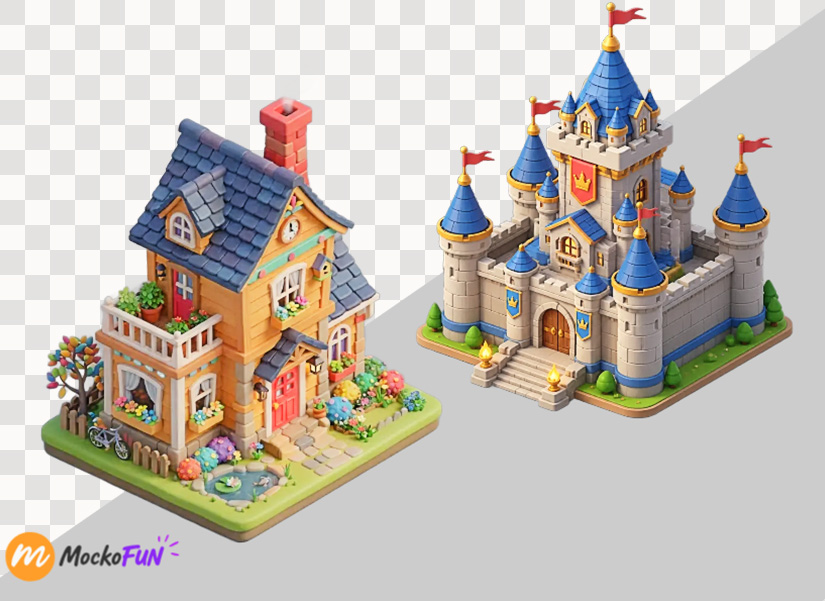
I used the transparent PNG maker to create a cute candy style house. But, you can use the tool to make any type of building, furniture pieces, other objects, etc.
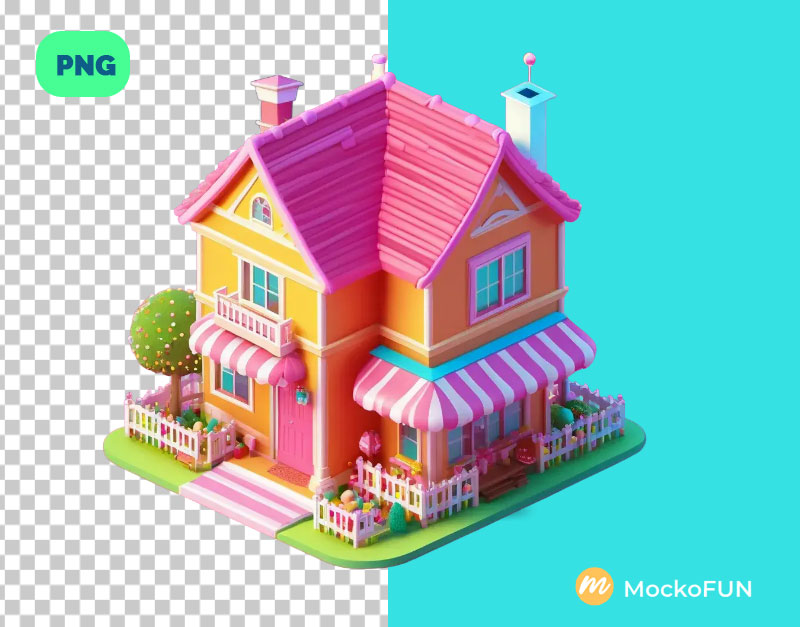
MockoFun Settings: Aspect Ratio Square (1:1), Effects & Styles None or 3D Cartoon for a more cartoonish look
Prompt: “3D cute isometric colorful house, cartoon, girly style”
Prompt: “3D cute isometric colorful house, cartoon, candy style”
AI Object PNG
The AI PNG image generator is great for creating objects like this alarm clock. Use the MockoFun PNG maker AI tool to create isolated objects for Posters & Flyers, PowerPoint presentations, Google Classroom and so on.
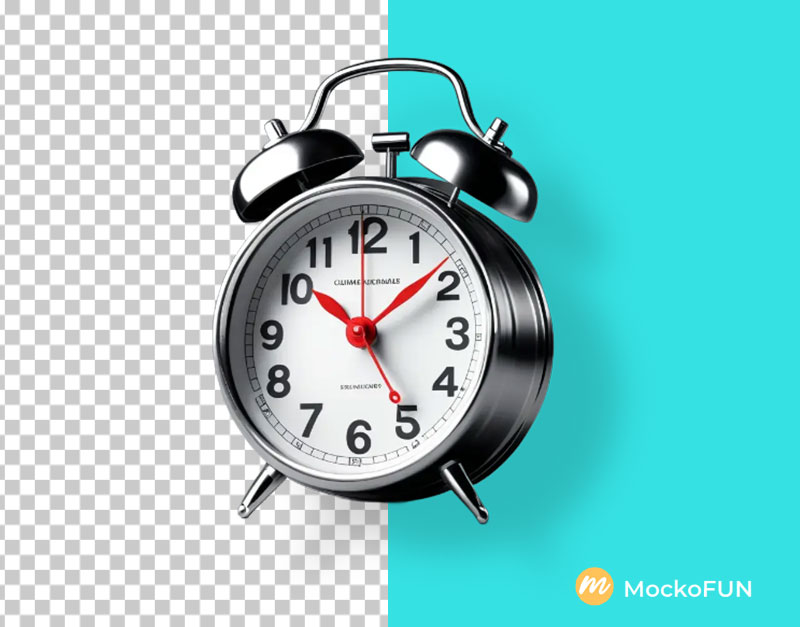
MockoFun Settings: Aspect Ratio Square (1:1), Effects & Styles None
Prompt: 2720204425 alarm clock, high details, hyper realistic, 8k, volumetric lighting, sharp, vibrant colors, light gray background –transparent <<mockofun_1>>
Cutout objects are useful resources for graphic designers, teachers, business professionals that use them in all kinds of projects.
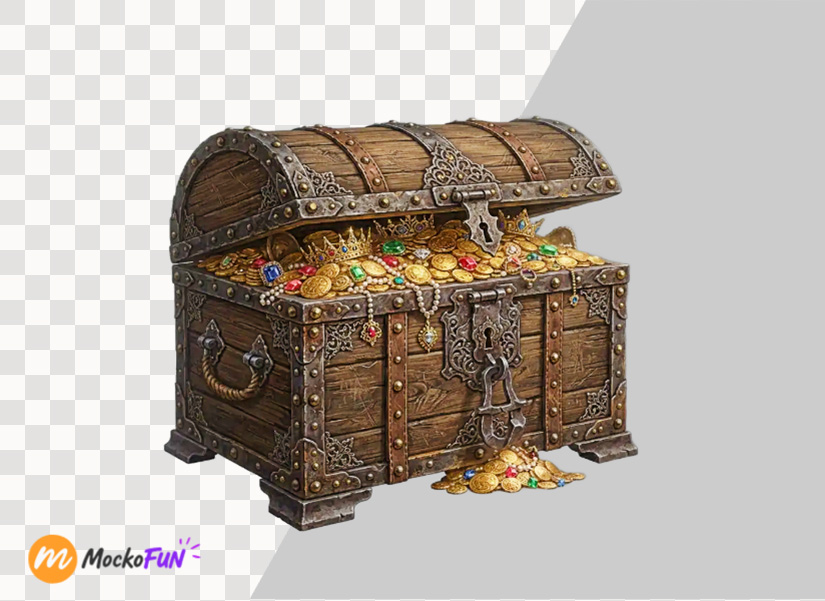
Generate individual objects isolated from backgrounds for use in designs, presentations, games, and creative compositions.
Prompt: “Vintage wooden treasure chest, detailed fantasy style, isolated, transparent background, PNG.”
AI Sticker PNG
With MockoFun PNG AI generator you can create a sticker PNG with transparent background. Check out our AI Sticker Generator if you want to create custom stickers with cool designs. In the text prompt example below, you can replace the word “cat” with other characters/subjects for making stickers.
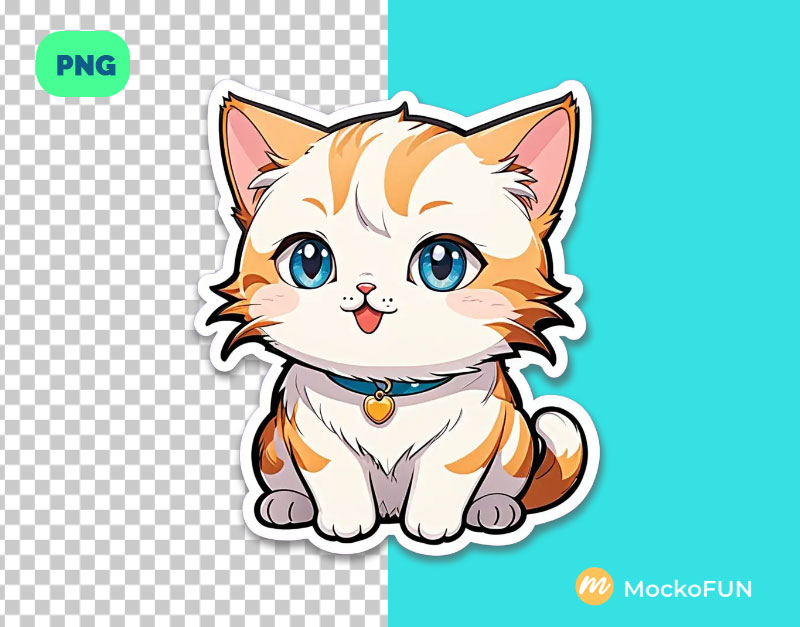
MockoFun Settings: Aspect Ratio Square (1:1), Effects & Styles Sticker Cartoon
Prompt: cute cartoon cat sticker, white border outline, highly detailed cartoon illustration, gray background –transparent
AI Character PNG
When looking for a transparent PNG maker, people also search for an AI background remover. You have to know that MockoFun can do both things:
- Generate PNG images from text and,
- Remove background of existing images.
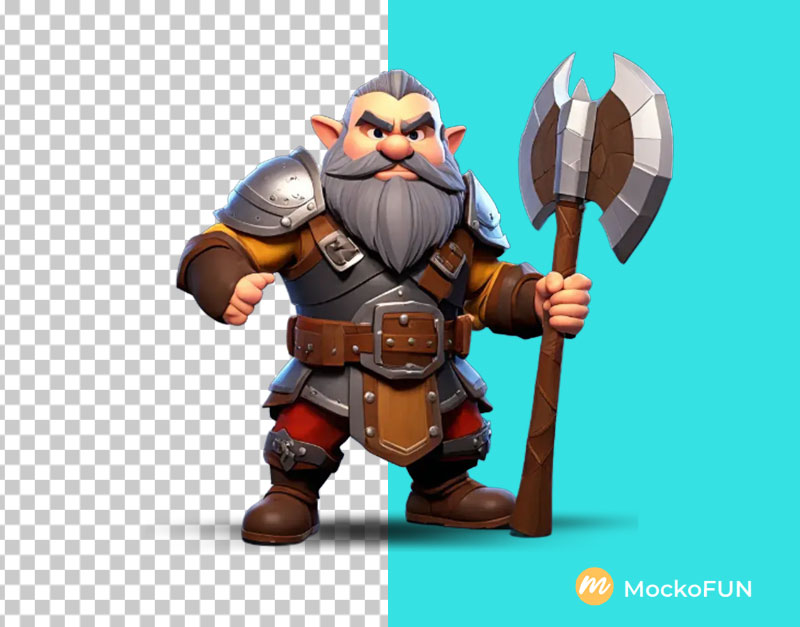
MockoFun Settings: Aspect Ratio Square (1:1), Effects & Styles 3D Cartoon
Prompt: 4204976748 Dwarf fighter wielding a battle axe, male, full armor, isometric idle stand, low poly design, depicting body position. Disney style. isometric art style, featuring 3d elements, high detail, impression of being a Concept Art from ArtStation, showcased on Behance, with ray tracing enhancing smooth textures, sharp focus on the warrior, illuminated by ethereal lighting, digital render. light gray background. –transparent
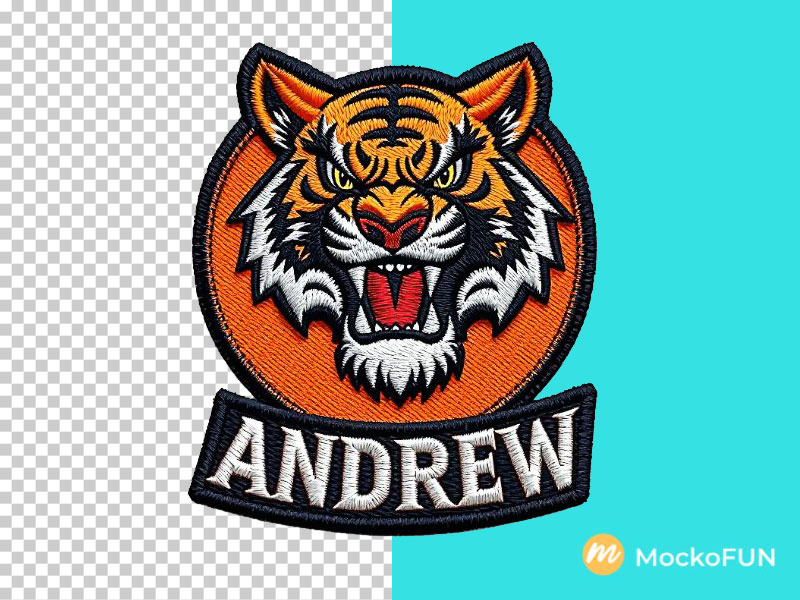
AI Embroidered Patch PNG
What Type of PNGs Can You Create?
Here are some types of PNG images that you can create online with MockoFun AI:
- Transparent Logos – Used for websites, social media, and branding without a background.
- Icons – Small graphics for apps, websites, or user interfaces, often with transparent backgrounds.
- Emojis/Emoticons – Fun, expressive images that can be used in messages or online content.
- Clipart – Simple illustrations for blogs, presentations, and educational materials.
- Avatars – Personal profile pictures for social media or websites, often with transparent backgrounds.
- Product Images – Images of products with no background, often used for e-commerce platforms.
- Game Assets – Sprites, character images, and background elements for game development.
- Web Elements – Buttons, banners, and UI elements for web design.
- Artworks or Illustrations – High-quality artwork or illustrations with transparent backgrounds, often for creative projects.
- Text Overlays – PNG images of text or quotes with no background, used in graphics or videos.
Can AI generate transparent PNGs?
Yes. AI image tools can be used to create graphics intended for transparent backgrounds, although the exact transparency workflow depends on the tool and generation method.
For example, Midjourney does not offer the functionality to create images with transparent backgrounds. It doesn’t even work when you add Midjourney “transparent background” prompt because the default image format is JPG. You get a Midjourney white background.
Midjourney transparent background option is not available.
In an attempt of making a Midjourney PNG file, people often use these word combinations in their text prompts:
- White background
- Plain background
- Solid < color > background (example: “solid gray background”)
In Mockofun, all our AI models have the PNG transparent background option.

 How to save Midjourney images as PNG?
Be ready. Right click and copy the image. Then go into any photo editing software like Gimp or Photoshop. Paste the image into a blank document. Remove the background. Then you can save it as a PNG file with transparency. These extra steps are super annoying.
Can Dall e make PNG images?
The Dall e PNG generator is not yet available. Most of the AI image generators provide WEBP image files. This is the reason why many people need to convert WEBP to PNG for using the images.
Nano Banana Transparent Background
Nano Banana and similar AI image tools cannot output true alpha-channel transparency directly. When you ask for a transparent background, the AI often draws a fake gray-and-white checkerboard pattern instead of removing the pixels.
In Mockofun you can use Nano Banana and get transparent background instantly.
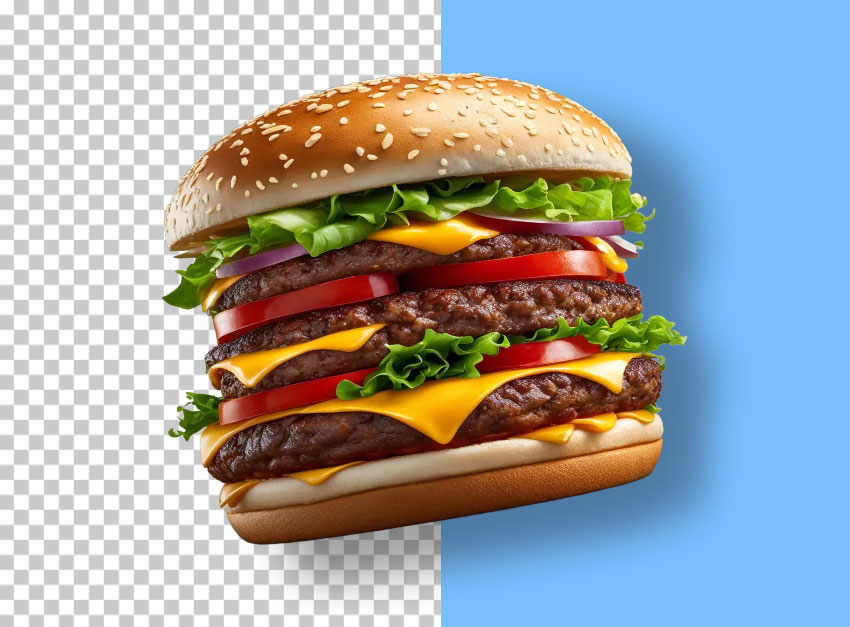
Create AI images with transparent backgrounds online with MockoFun.
The MockoFun AI PNG generator is so much better for making images with transparent background. It is probably the best PNG AI generator. Below you have plenty of cool examples on where to use cutout people and isolated objects.
Where to Use PNG Images
- Transparent Background
- Different Styles & Effects
- FREE PNG File Download
PNG is commonly used when an image needs transparency. Transparent PNG graphics can be placed on top of other designs/backgrounds. Here are some popular uses:
- YouTube thumbnails — reaction characters, objects, emojis, and clickbait elements.
- Social media posts — add characters, stickers, products, or decorative elements to your designs.
- Websites & Blogs — icons, illustrations, logos, buttons, and visual elements.
- E-commerce online stores — product cutouts with transparent backgrounds.
- Presentations — icons, people, objects, and illustrations without background boxes.
- Graphic design — combine multiple PNGs into posters, banners, ads, and flyers.
- Games — characters, items, weapons, icons, sprites, and other game assets.
- Stickers & merchandise — stickers, apparel designs, labels, and printable graphics.
- Videos — overlay people, objects, effects, and graphics onto video frames.
- Apps — interface icons, illustrations, avatars, and decorative elements.
Easily create your own free PNG images with just a few clicks. Create any kind of human character, animal, or object quickly and effortlessly, without spending hours searching for the perfect image.
Other MockoFun AI Tools
AI Photo Generator
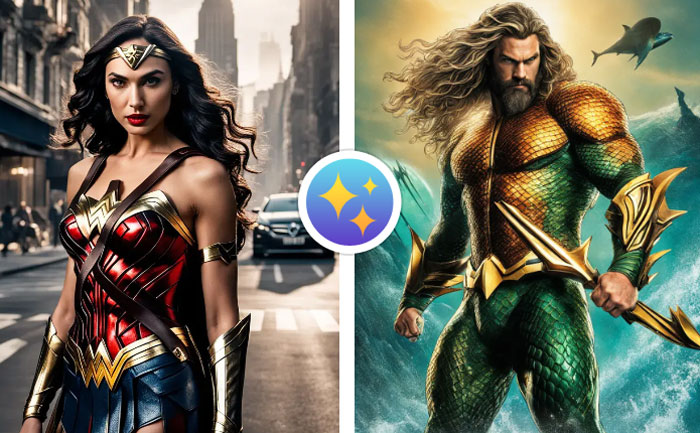
Try our AI Text to Image online tool and generate images using text prompts.
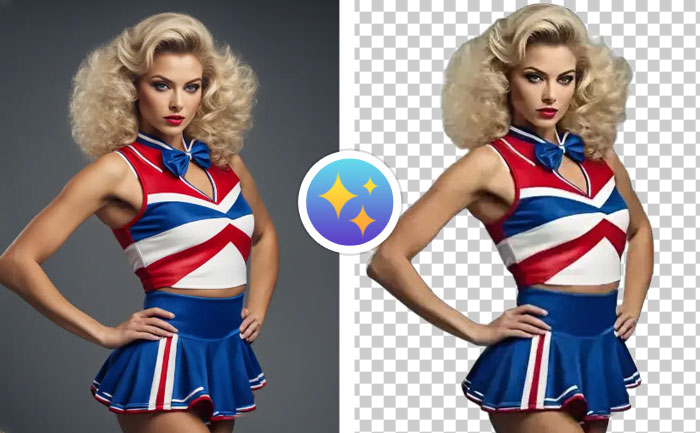
AI Remove Background
Our Background Remover used AI technology to remove your photos background.
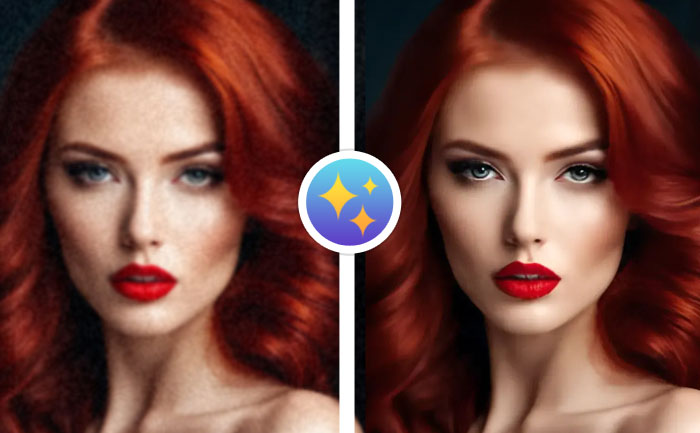
AI Upscale Image
The AI Upscale Image online tool from MockoFun to make images larger.
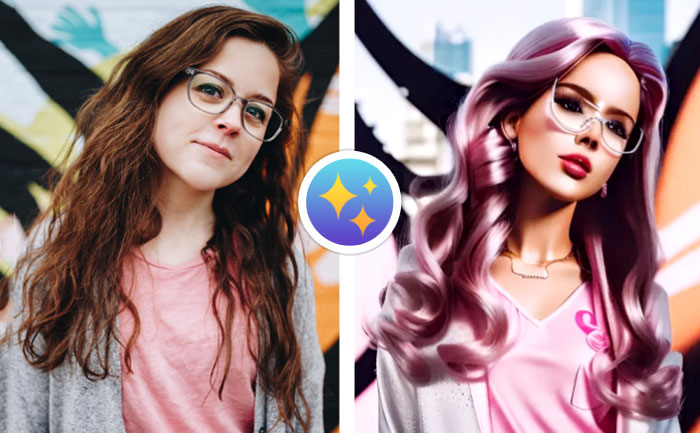
AI Photo Editing
Apply creative AI Photo Filters online and make your pictures cool using MockoFun.
Related Tutorials
Learn MockoFun from these quick tutorials for beginners. It’s quite easy!
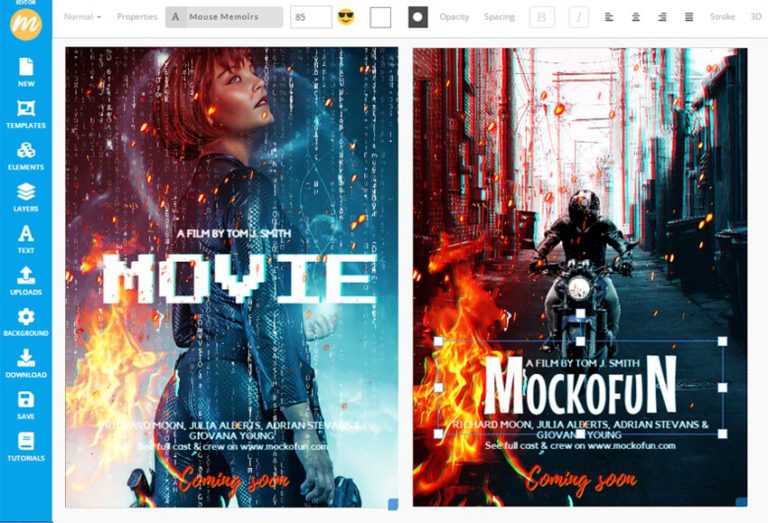
How To Make a Movie Poster
Do you want to make a movie poster design? Use our movie poster generator and create an eye-catching design quickly.
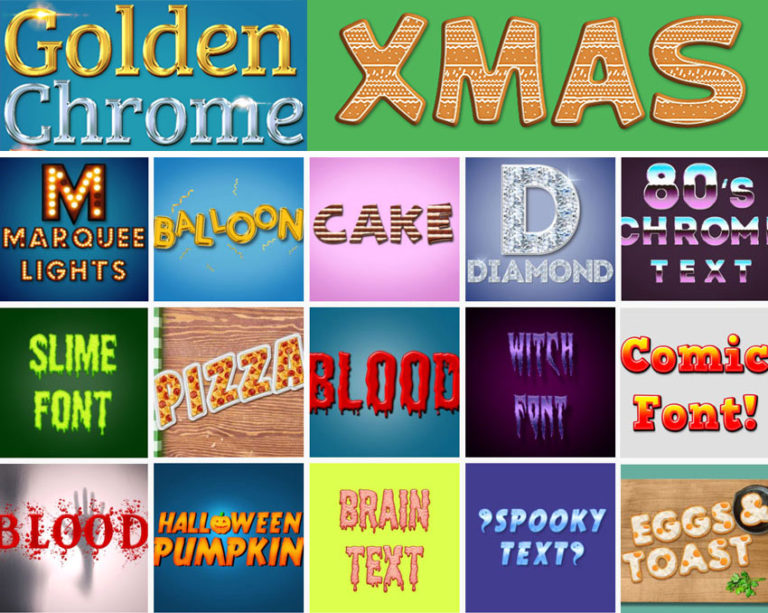
Text Effects
Create awesome text effects & font styles online with MockoFun. Learn how to do it!
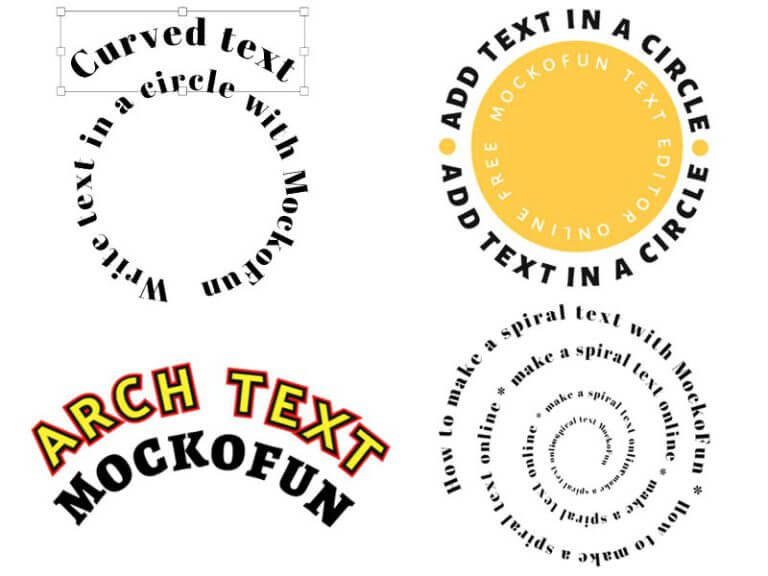
How To Create a Curved Text
Create curved text and circle text using MockoFun text editor. This curved text effects is available online.