
Convert Photo to Sketch Online Free
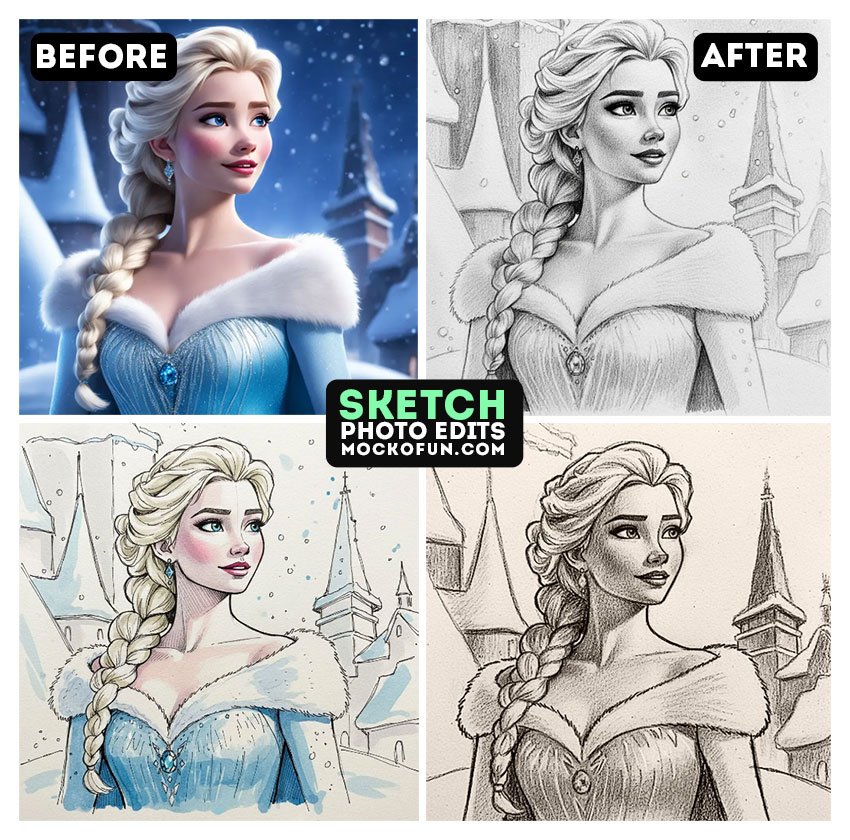
How to Make a Photo Look Like a Drawing
Turn Photo into Sketch
Use the power of MockoFun’s AI to convert photo to sketch.
- Realistic AI Sketch Generator Free
- Photo to Sketch (No Watermark)
- Super Fast Results
- Free AI Credits (10 credits/month)
- Premium User (100 credits/month)
Sketch My Photo Online Free
How to make a photo look like a drawing online free using MockoFun?
It’s easy! Upload your photo and choose the effect that you like best. Here are the three easy steps:
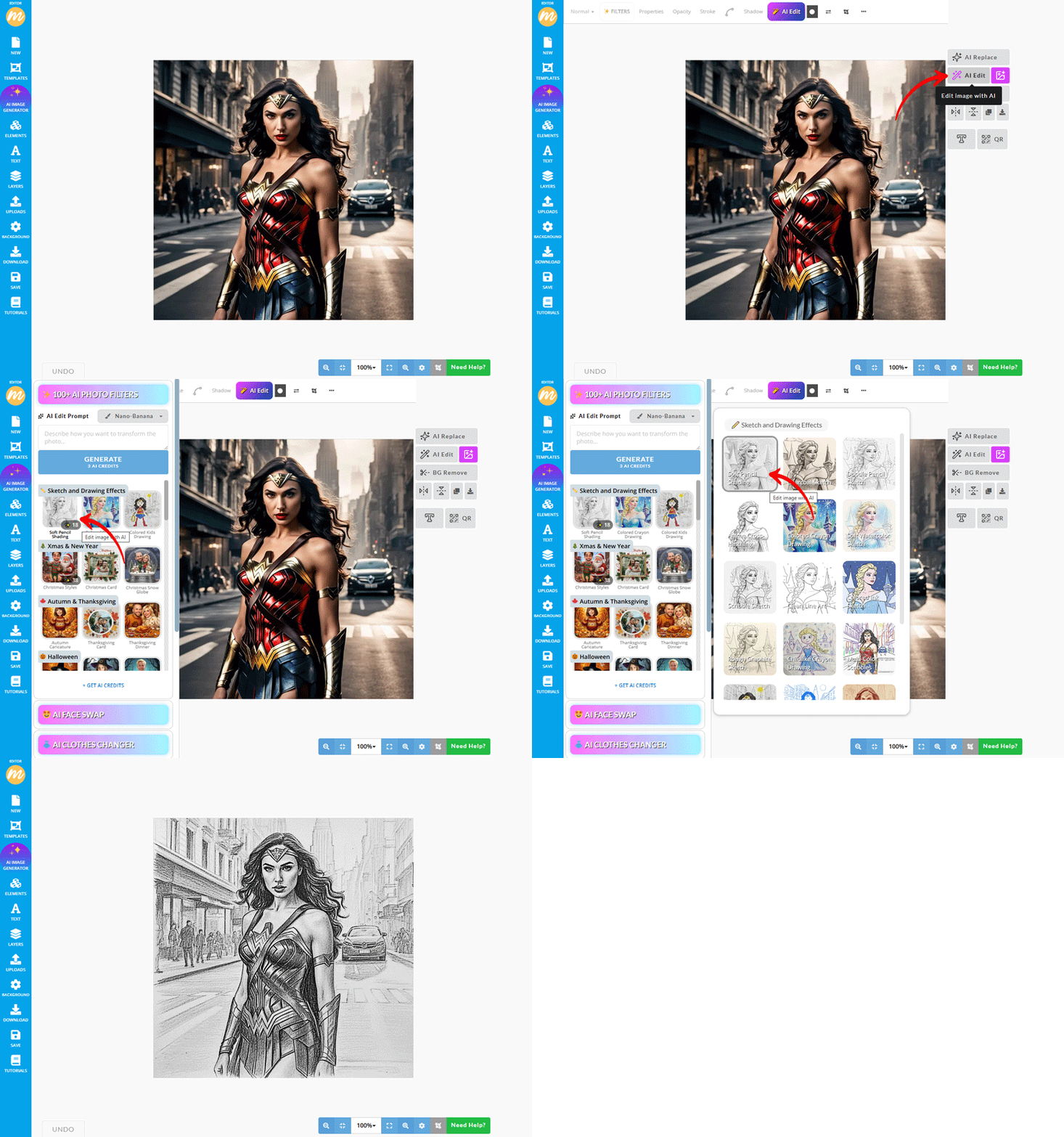
Step 1. Upload Your Photo
Upload a photo. It can be a portrait, a landscape or any other image.
Step 2. Choose the Sketch Effect
Go to AI Edit and choose the sketch effect that you like.
Step 3. Generate
Click "Generate" to transform photo to sketch online. Download image or edit in MockoFun.
Turn Photo into Sketch Online Free
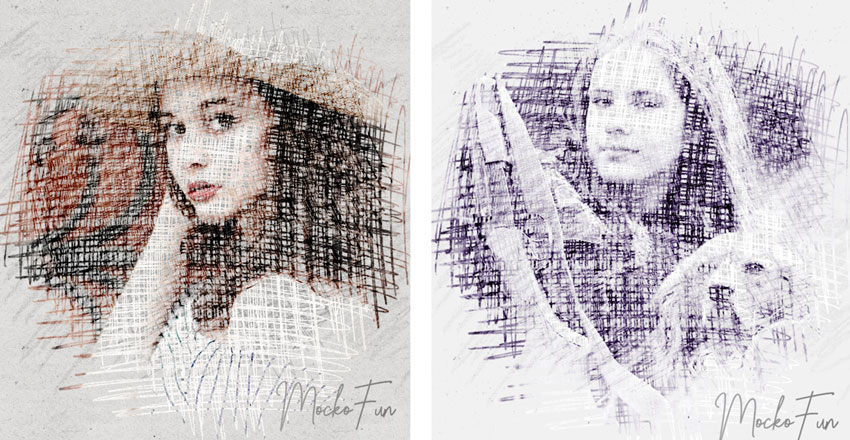
Picture to Drawing Converter
Turn your favorite photos into beautiful hand-drawn art with our AI sketch maker.
You can convert picture to sketch online free in just seconds. Upload your image, and the tool will create a detailed pencil drawing automatically. No special skills are needed, just one click and your AI generated sketch is ready.
Our tool helps you make a realistic sketch of a picture or a creative sketch of a photo for personal or professional use.
Turn picture to sketch and use it for profile pictures, posters, or gift ideas. The results look natural, like they were hand drawn by an artist.
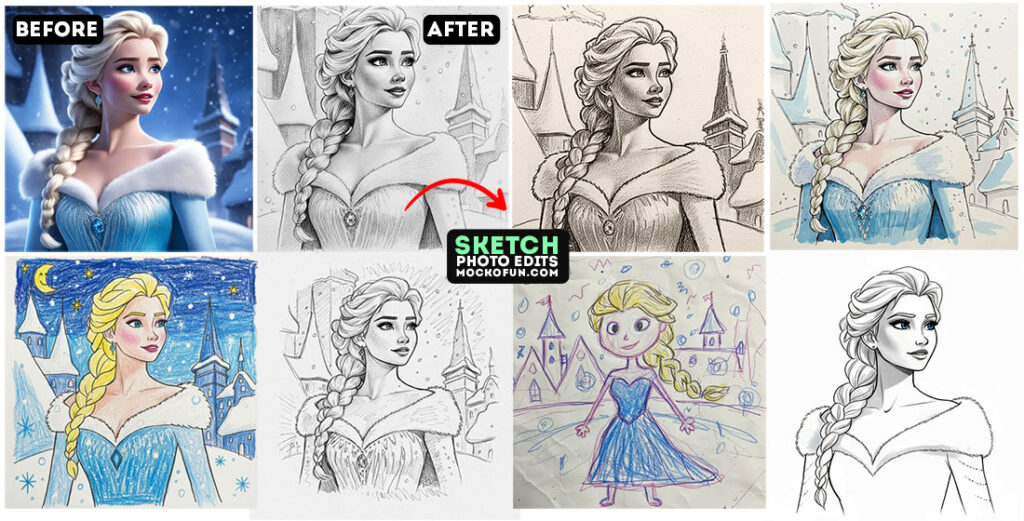
Thanks to the power of photo to sketch AI, you can get high-quality results instantly! The AI understands edges, shadows, and details to make your photos look artistic.
In MockoFun you can change photo to sketch and experiment with different effects to match your style.
Whether you want to transform photo to sketch for fun, design, or decoration, MockoFun is the perfect tool. It’s simple, fast, and creative. Just upload, click, and download your sketch.
Our sketch generator AI is built to make realistic drawings that look handmade. Try turning portraits, landscapes, or pet photos into digital art. It’s a great way to explore AI drawing and add a unique touch to your pictures.
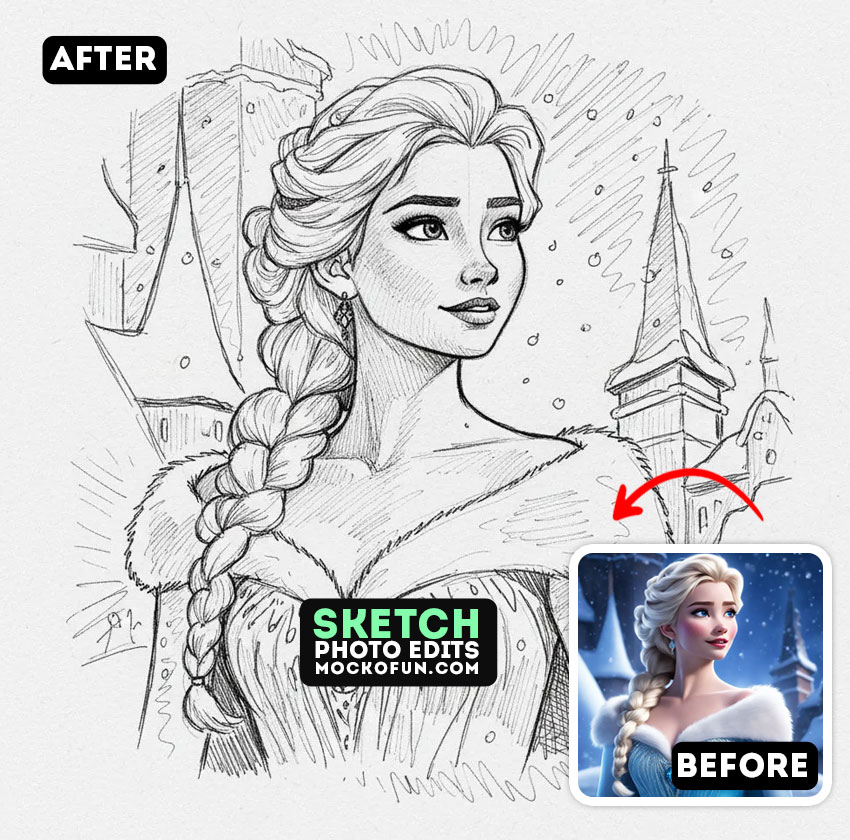
Do I want to see my picture as a drawing? MockoFun lets me to easily sketch my photo in seconds.
All I have to do is to upload my image, and watch it turn into a clean, artistic sketch automatically. Let’s say I want an anime sketch from my favorite photos. I can do it easily! This style is popular for avatars, fan art, and social media. Try it out and see how your photo transforms into anime-style artwork.
“convert the subject(s) into a anime character(s) and add a black and white anime sketch effect. Use pen linework with precise cross-hatching. Use dense, layered diagonal black pen strokes on darker areas, giving a rich, textured shading effect. The background is plain white.“
If you want to turn photo into sketch free, this tool is the right choice. No sign-up or software is needed, no Photoshop scripts or plugins. It’s quick and easy to use directly in your browser.
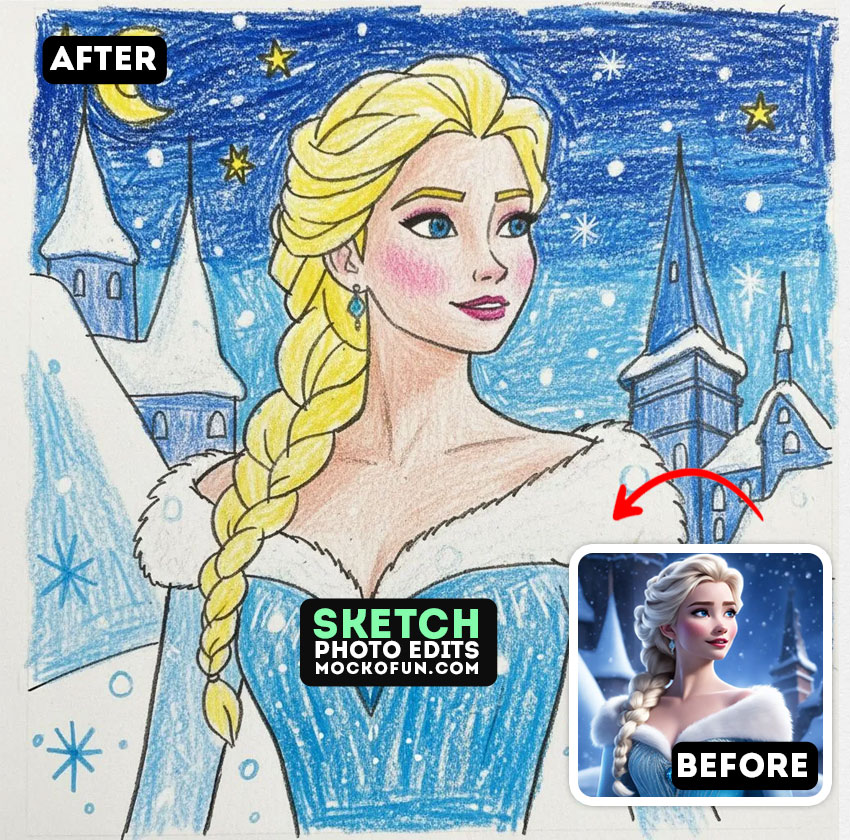
The photo to color sketch option adds soft tones and light colors to your drawings. It’s a great way to make your photos look more vivid and artistic, perfect for posters, cards, or digital art projects.
The convert image to sketch AI, has lots of presets and customization options. The AI sketch generator free gives you high quality sketches without any design skills.
Convert photo to sketch for a traditional look or convert photo to line drawing for a more modern and clean art effect. Line drawings are ideal for logos, tattoos, and minimalist designs.
Our photo to sketch free tool makes creativity simple and accessible to everyone.
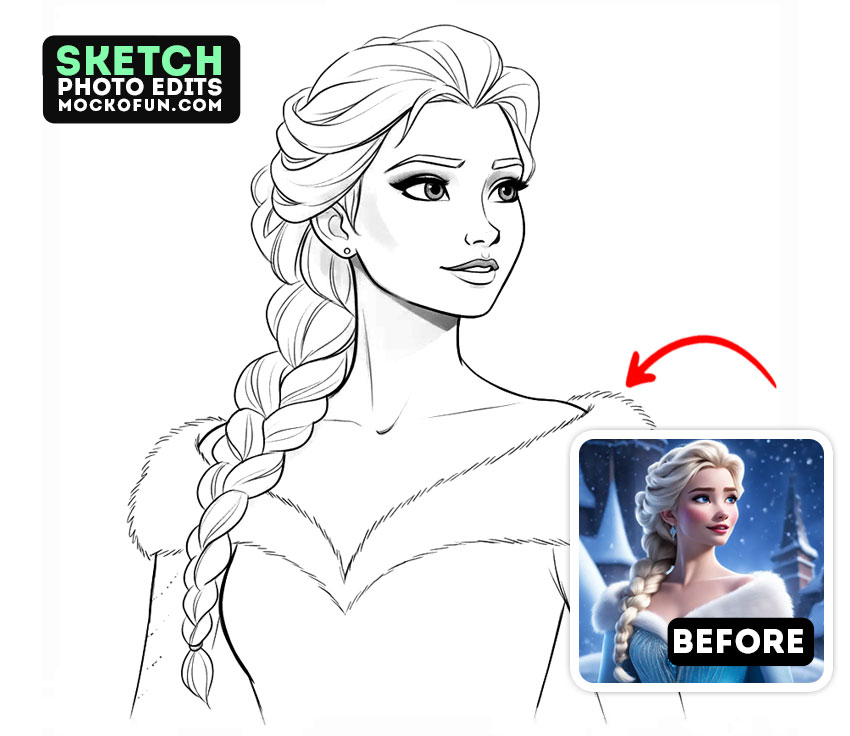
Transform your favorite memories effortlessly with our photo to charcoal sketch tool.
Whether you’re looking for a picture to sketch free solution or want to explore creative effects like photo to drawing, this online generator has you covered.
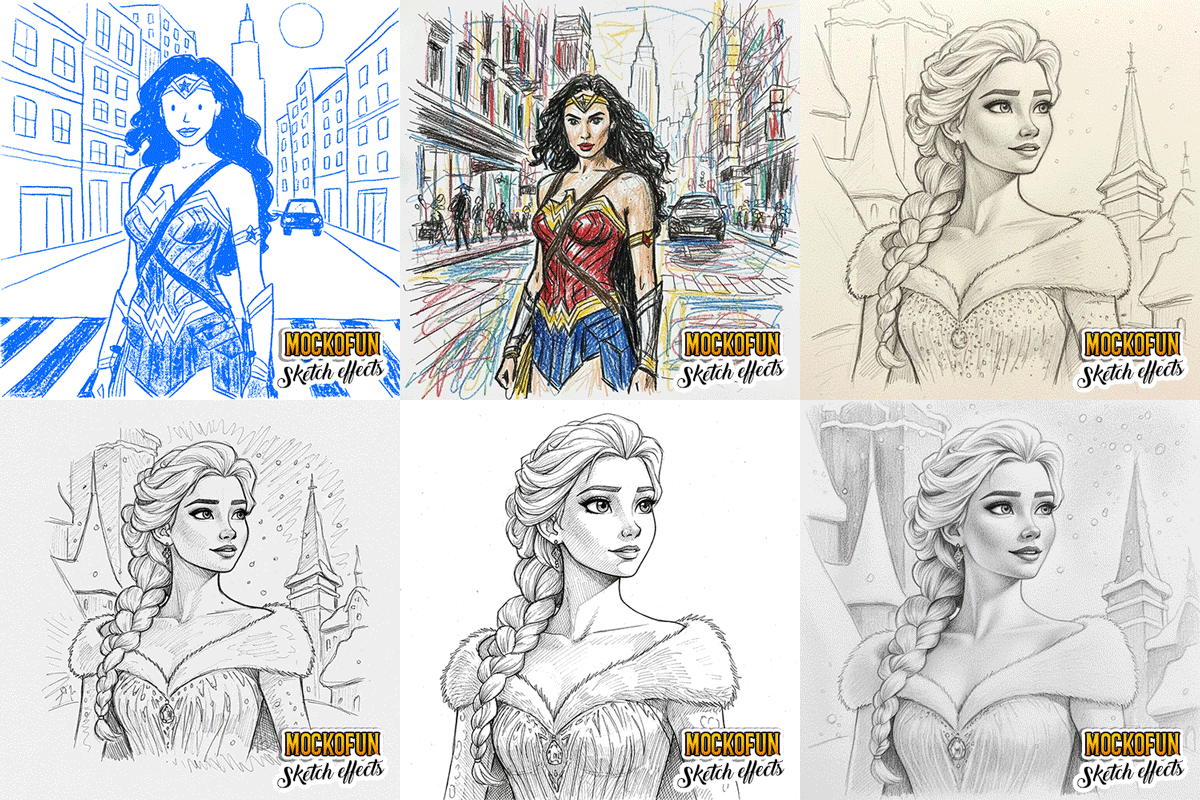
- Pencil Sketch
- Charcoal Sketch
- Line Art Sketch
- Colored Sketch
Experience stunning realism using the image to sketch free feature, or capture delicate details with the image to pencil sketch option.
Best of all, our photo to sketch freeware offers an easy and accessible way to create artistic masterpieces using a free photo to sketch converter. No design skills required.
In MockoFun you have lots of image editing AI models like Nano Banana to play with.
✨ 5 Use Cases (Photo to Sketch AI Filters)
- Portrait Sketching – Turn selfies or portraits into pencil/ink-style sketches.
- Artistic Social Media Content – Create eye-catching sketch visuals for posts & stories.
- Profile & Avatar Creation – Generate sketch-style avatars for personal/professional use.
- Concept Art & Illustration – Convert photos into sketch bases for artists & designers.
- Print & Merchandise Design – Produce sketch effects for posters, gifts, and apparel.
In MockoFun we have other similar tools that you can try:
Frequently Asked Questions
What is a photo-to-sketch AI filter?
A photo-to-sketch AI filter uses artificial intelligence to analyze an image and convert it into a hand-drawn style sketch, such as pencil, ink, or charcoal.
Can AI turn photos into pencil or line sketches?
Yes, the MockoFun AI sketch filters can automatically generate pencil, line-art, charcoal, or artistic sketch effects with adjustable styles and intensity.
Are photo to sketch AI tools free to use?
Many AI photo editing tools offer free basic sketch filters, with premium options available for higher resolution, advanced styles, or commercial use. In MockoFun you have 10 free AI credits per month to try our AI photo effects. You can also buy AI credits from here.
Do AI sketch filters work on portraits and other photos?
The MockoFun AI sketch filters work well on portraits, landscapes, objects, and pets, adapting the sketch style to different image types.
Other MockoFun AI Tools
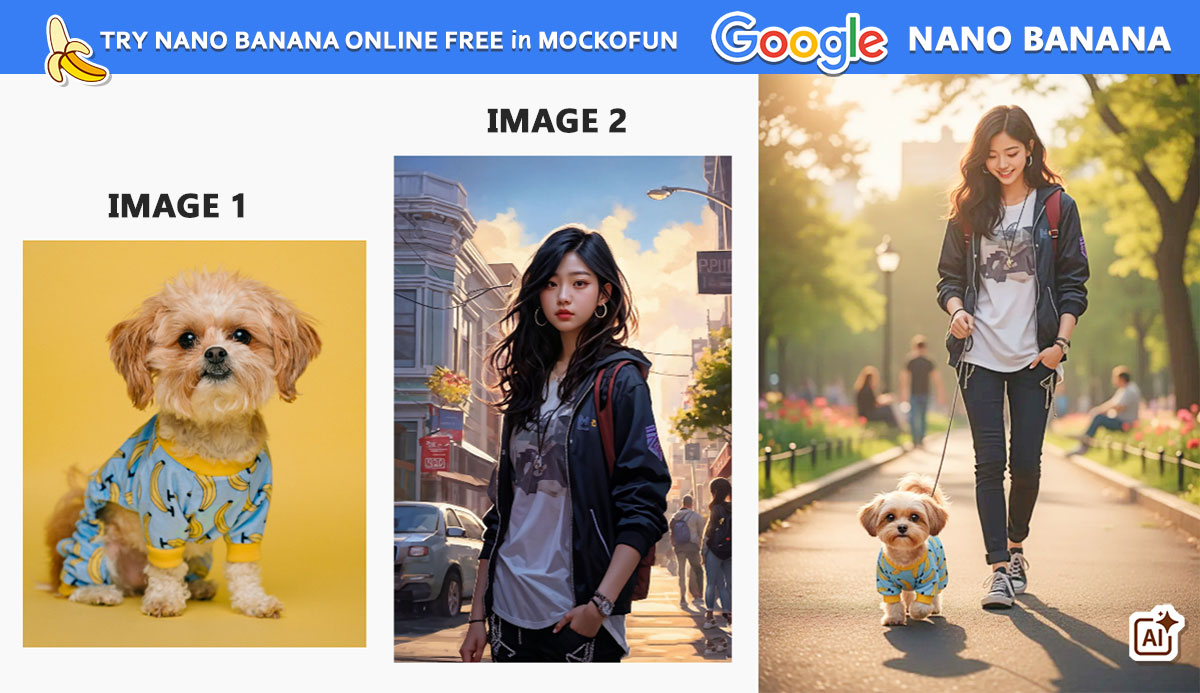
Nano Banana AI Online
Try Nano Banana in MockoFun and generate images using text prompts.
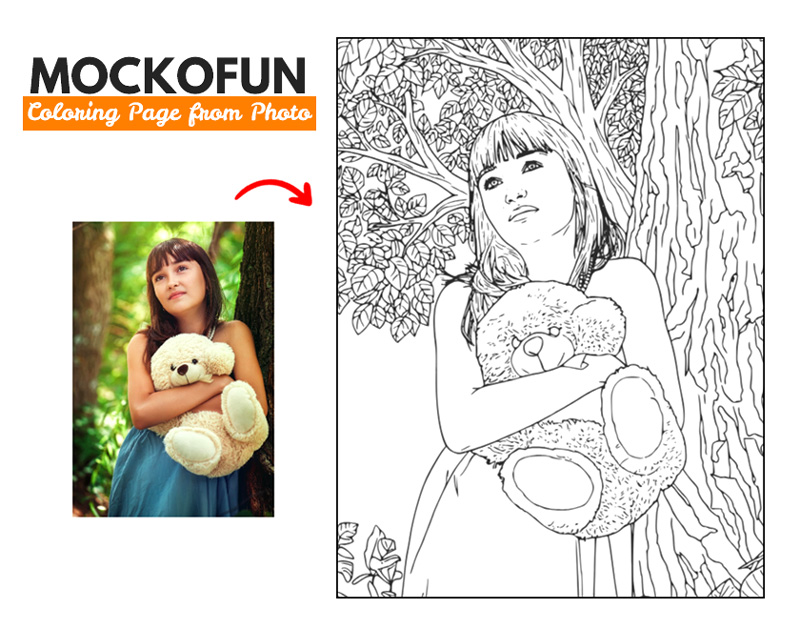
Photo To Coloring Page
Convert photo into coloring page online with MockoFun.
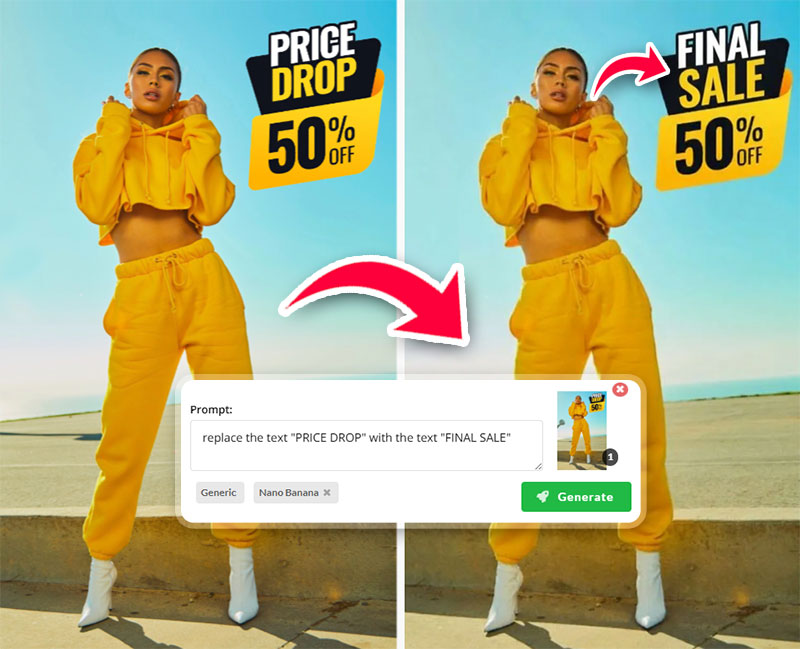
Edit Text in Photo
Edit text in photo in just a few seconds! Works great for any text image.
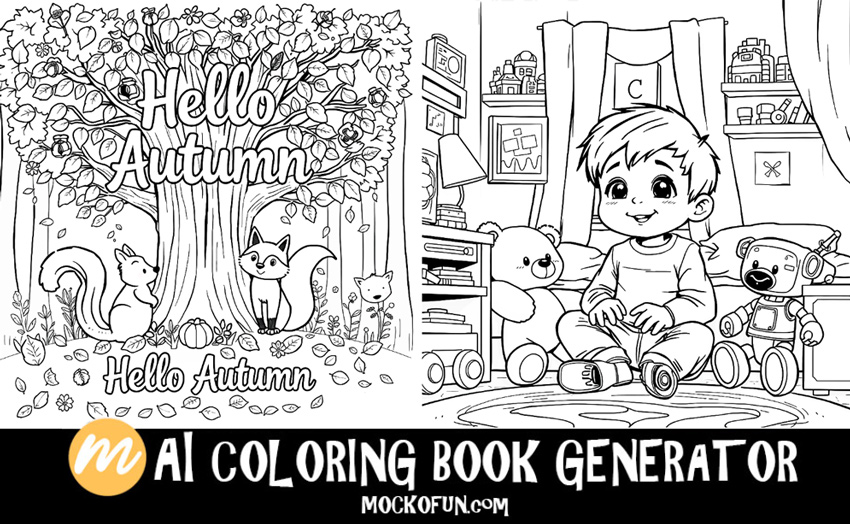
AI Coloring Book Generator
Use the AI coloring book generator in MockoFun to make personalized coloring books.