
Colorize Drawing
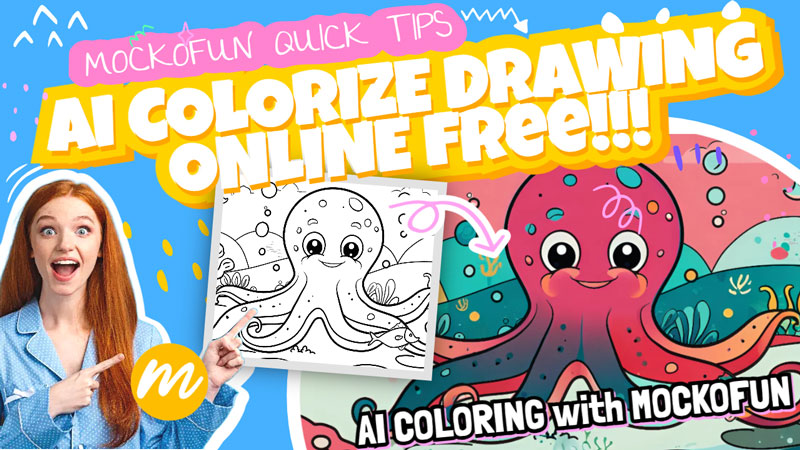
How to Digitally Color a Sketch?
Can you color a sketch with MockoFun? Of course you can. Try the AI coloring tool!
The MockoFun color my drawing generator is great especially for kids and teenagers. How to color a drawing on computer? There are basically to ways: colorize with Photoshop or with MockoFun AI.
If you need to colorize black and white drawing you are in the right place. The colorize drawing AI tools are really fast and easy to use by anyone. So, colorize drawing online free with AI.
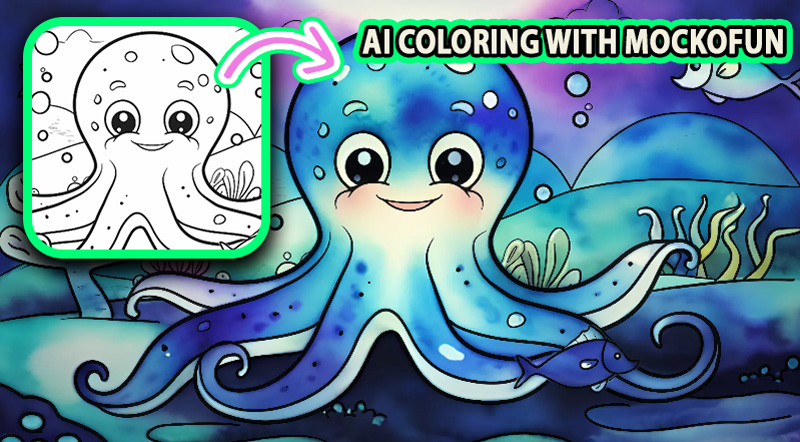
How to Digitize Drawings
If you don’t know exactly how to digitize drawings, learn from this quick tutorial for beginners. It’s a straightforward process and involves taking a photo of your drawing, sketch, watercolor artwork, etc.
AI Coloring [🏎️💨 Fast Method ⚡🚀]
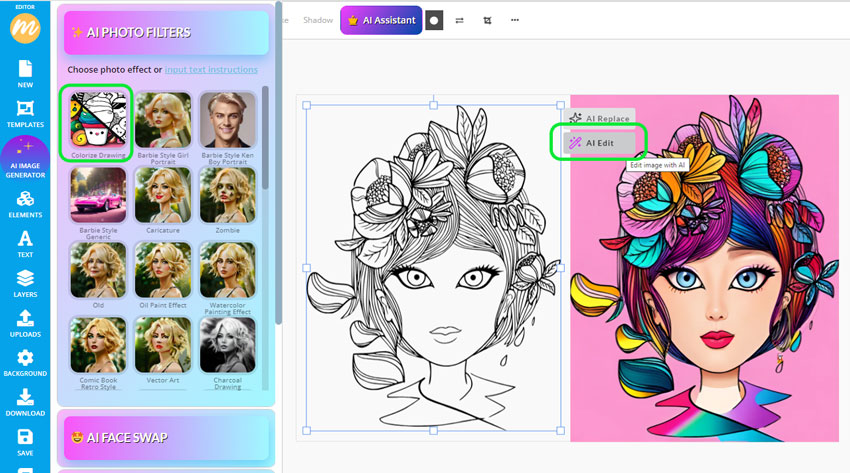
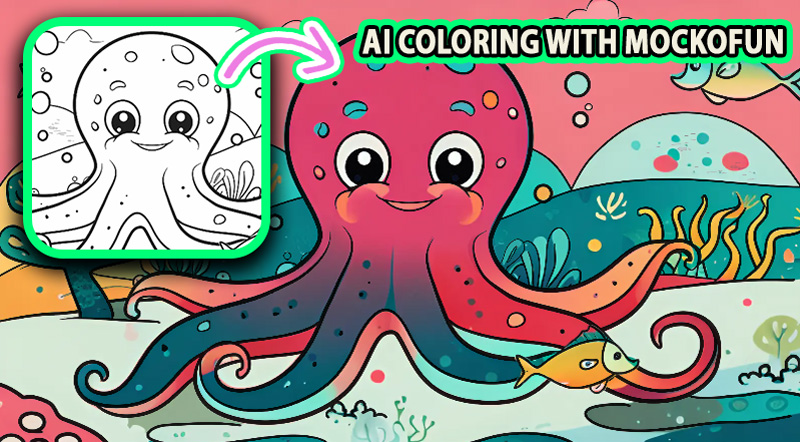
Click the AI Edit button and from the AI Photo Filters choose Colorize Drawing. It will turn your drawing into a colorful flat illustration.
The AI might not always recognize what the drawing is about. So, it might be hard for the AI to find the best colorization methods. Use the more advanced colorization method presented below.
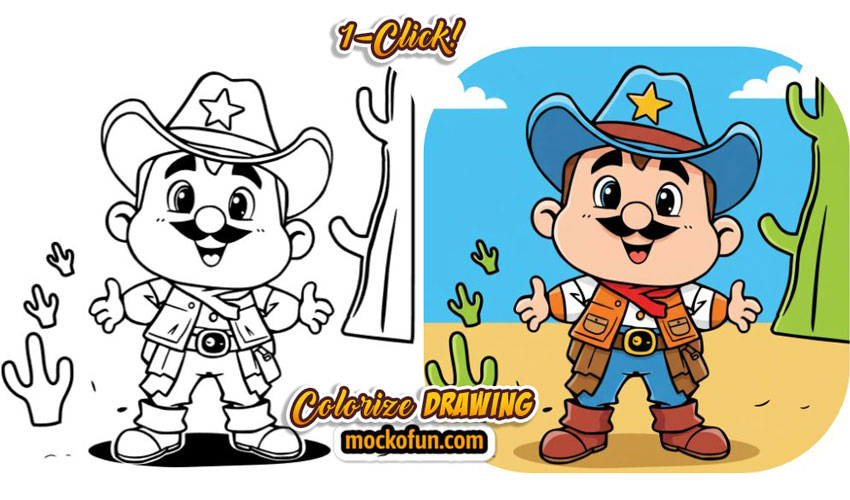
The MockoFun’s auto color drawing AI free feature gives you access to 7 colorization options. Turn your sketches or doodles into colored artworks with 1-click!
AI Coloring [  The Best Method
  ]
]
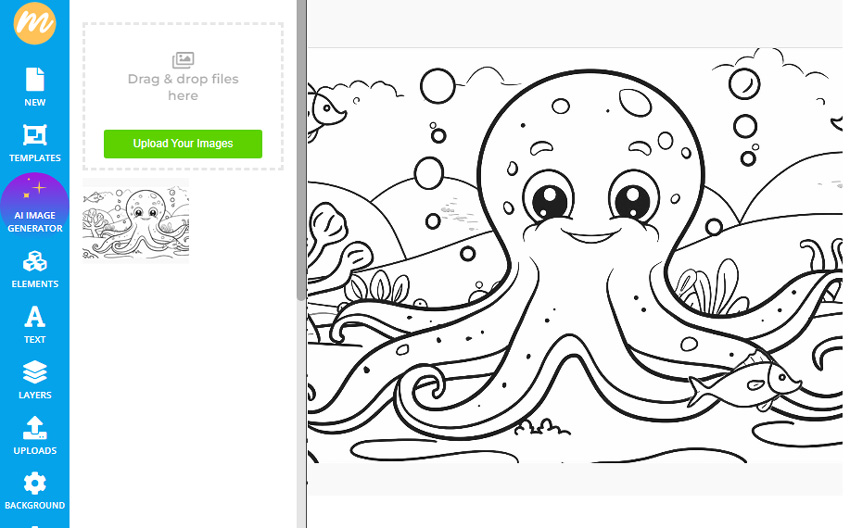
Step 1. Upload Your Drawing
Open MockoFun create and go to Uploads from the left side menu.
Click on the Upload Your Images button. Choose a black & white sketch, drawing, line art or coloring sheet from your computer. Alternatively you can drag and drop your image or even copy/paste it from another website.
Click on the uploaded image to add it on canvas.
Step 2. Vectorize Sketch
This step is optional. If your drawing is low quality or scanned from a paper sketch, enhance it with our AI Upscale.
With MockoFun you can convert drawing to digital image online. Use Filters like Highlights/Shadows to add contrast and AI tools like Upscale to improve quality.
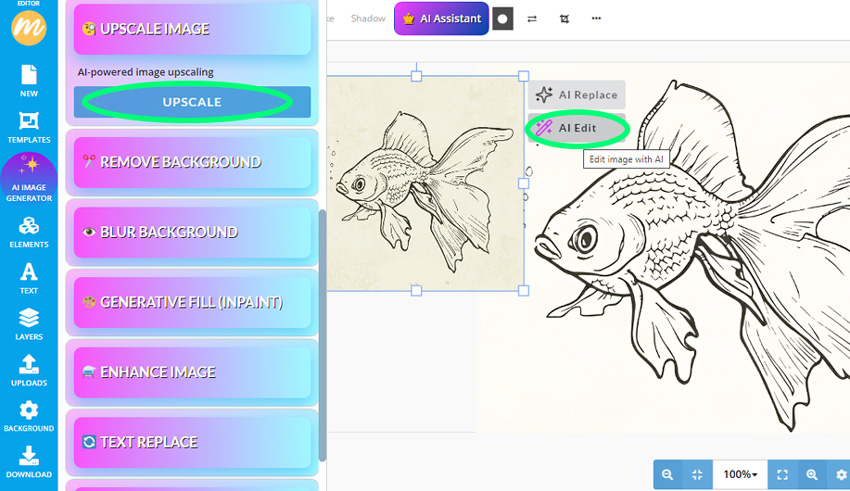
Convert drawing to line art not good enough? If you need a vector image, go to Properties > Vectorize Layer > Contour. You can download the result as a SVG vector file.
Step 3. AI Colorize Online
Now comes the fun part. So, how to color a drawing online? The MockoFun’s AI coloring online tool helps me color my lineart in just a few seconds.
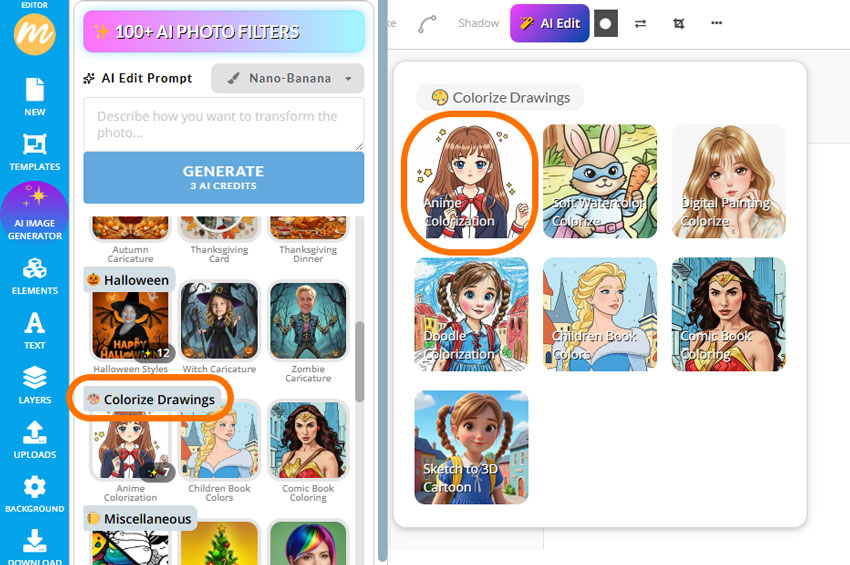
Click on the AI Edit button and there you have over 100 AI Photo Filters. Go to the Colorize Drawings category and simply choose the effect that you like best.
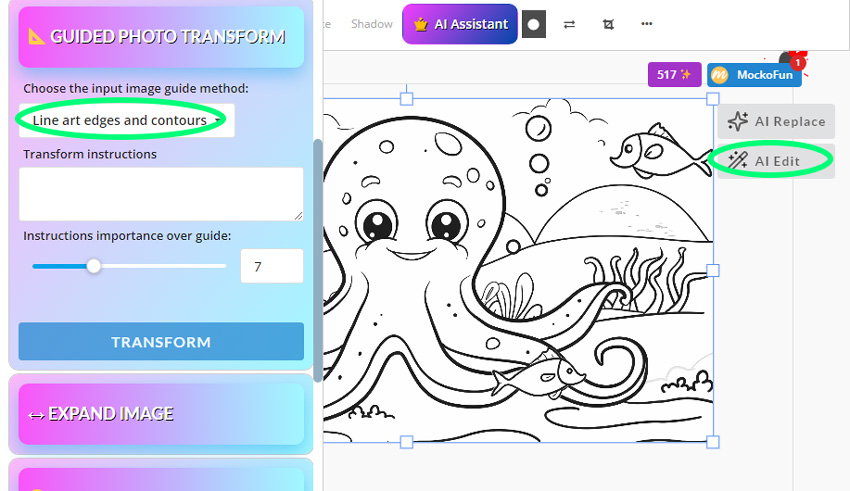
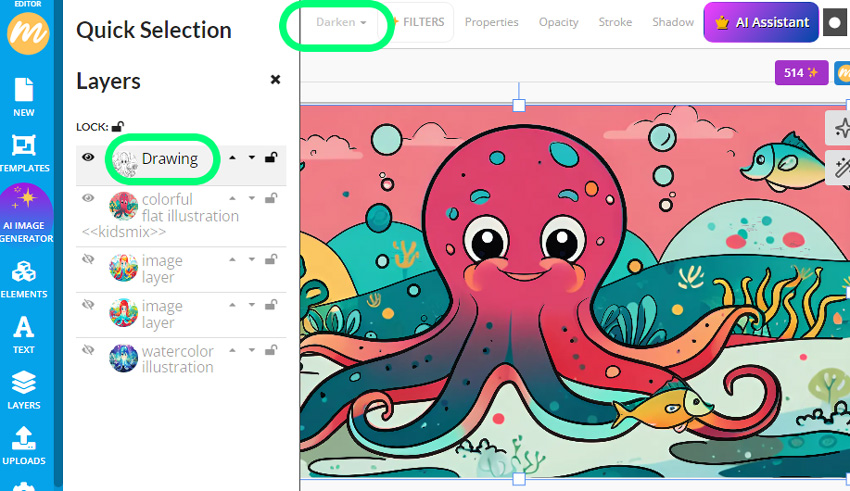
The auto colorize drawing effect looks great. You can try all the AI colorize drawing effects and see which you like best. The anime manga colorizer looks great.
If you want to color a picture choose one of the AI filters.
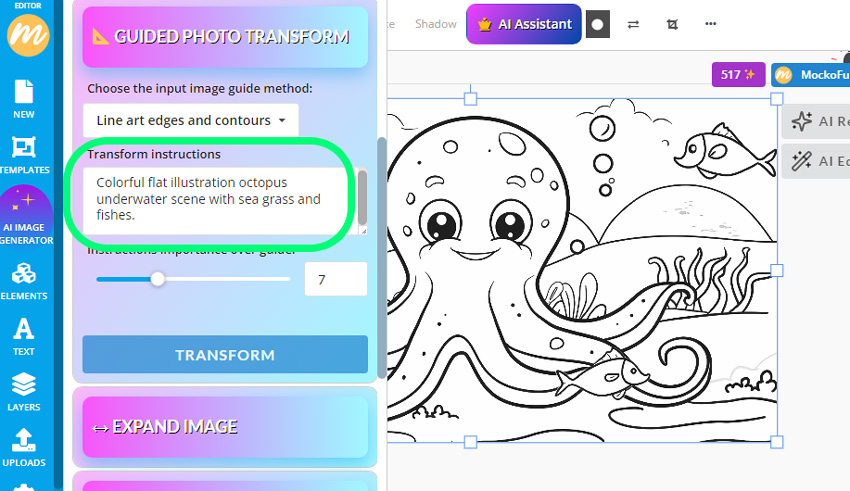
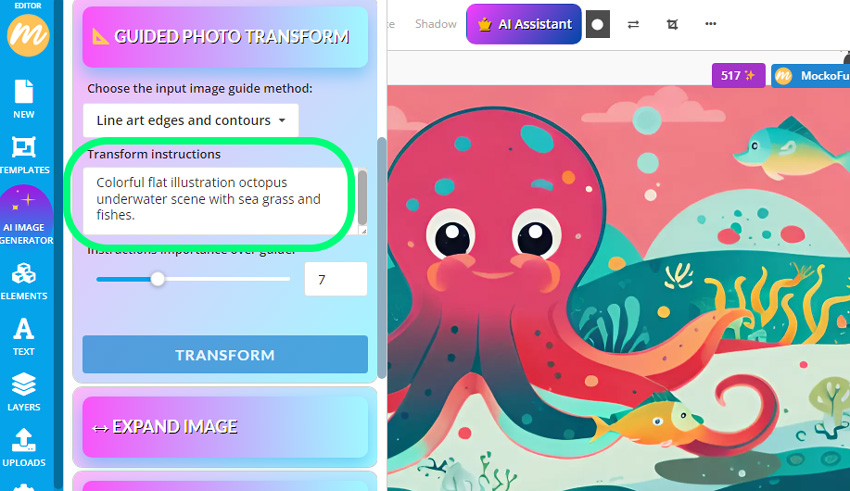
If you don’t want to use the AI filters, try the text prompts.
You can create unlimited color effects by using different text prompts and different AI models like Nano Banana, Flux Kontext, QWEN Edit (all available in MockoFun).
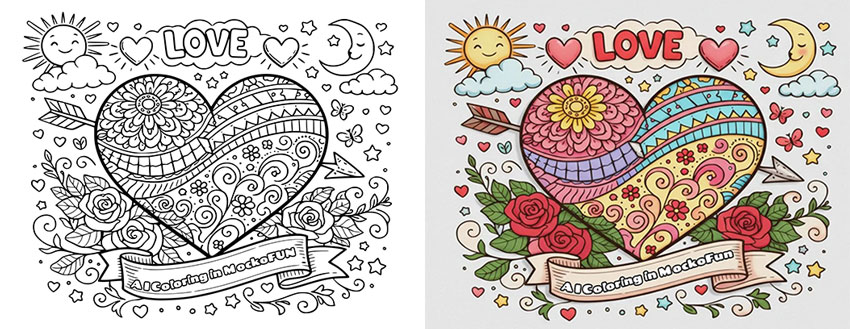
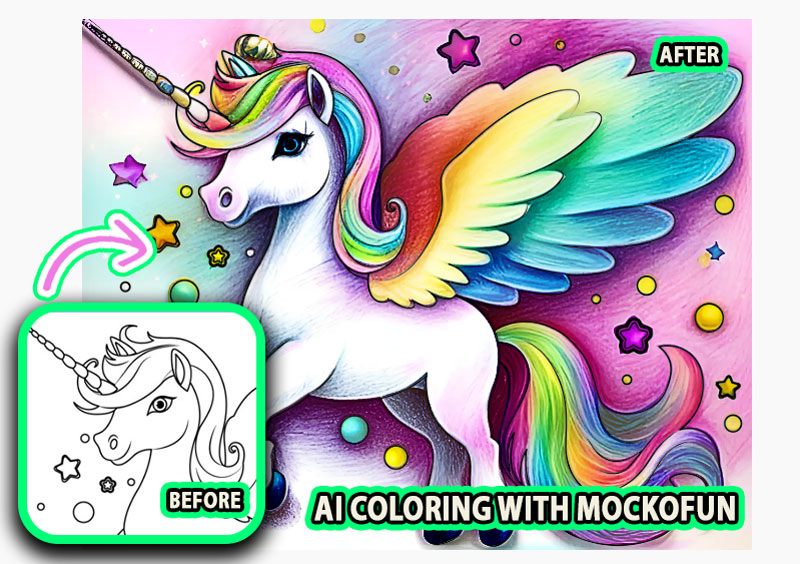
Text Prompt: Colorful pencil drawing illustration of a cute unicorn with wings and stars
Our colorize sketch AI software is constantly being updated and new features are added.
The coloring styles that you can now try are:
- Watercolor illustration
- Flat vector illustration
- Pencil drawing illustration, etc.
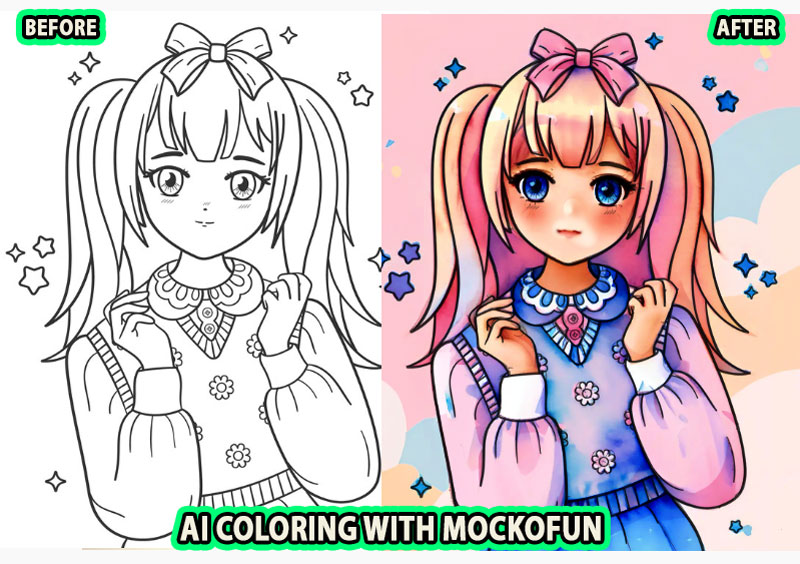
Text Prompt: Colorful pencil drawing illustration, blonde anime girl, blue eyes, beautiful dress and pink hair bow
AI Coloring Book Generator
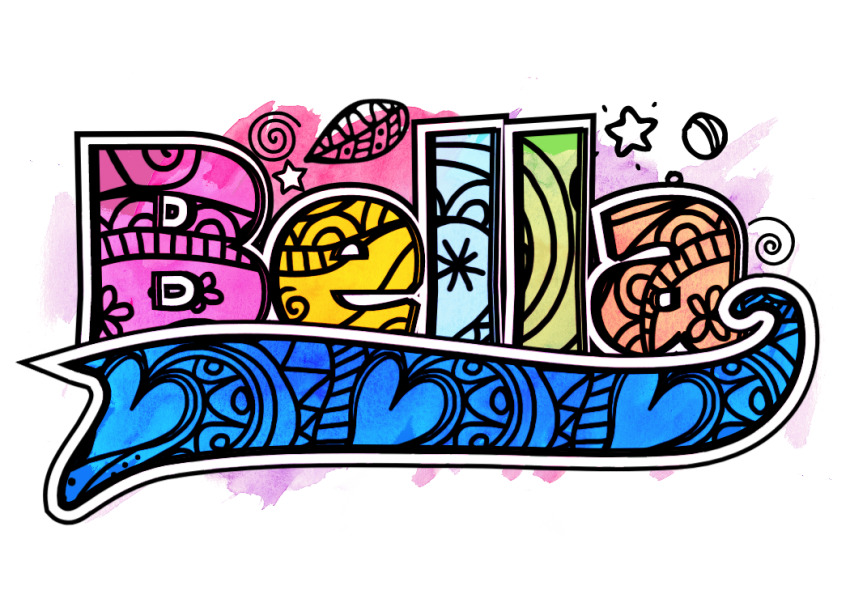
Try the AI coloring book generator and create unique colouring sheets with custom designs and personalized text. Below you have some examples of what MockoFun AI can do.
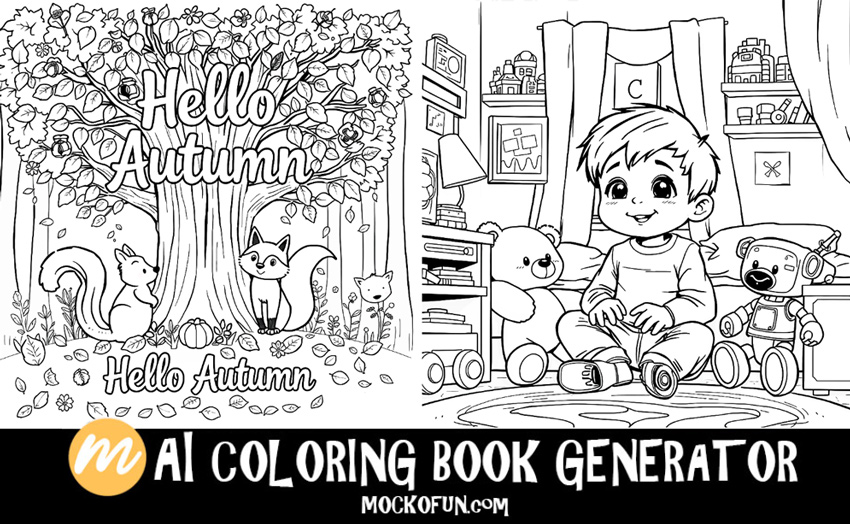
Our free online name coloring page generator is great for making name coloring pages in seconds. All you have to do is to choose a coloring book font that you like and write your name, quote, etc.

In Conclusion
Now you know how to digitally color a sketch using AI advanced technology. If you want to digitally color the drawings manually (not with AI) use Photoshop, Gimp or Procreate.
MockoFun is a Petalica Paint alternative to colorize my drawings. You too can color your drawings using different styles and color tones.
Tell the AI what you want in the form of a short description to colorize sketch images instantly. The colorize sketch online process has never been easier.
The AI digital coloring turns your drawings into stunning artworks. Try now!
Credit: Image from Freepik & Pixabay
Other MockoFun AI Tools

AI Photo Generator
Try our AI Text to Image online tool and generate images using text prompts.
AI Sticker Generator
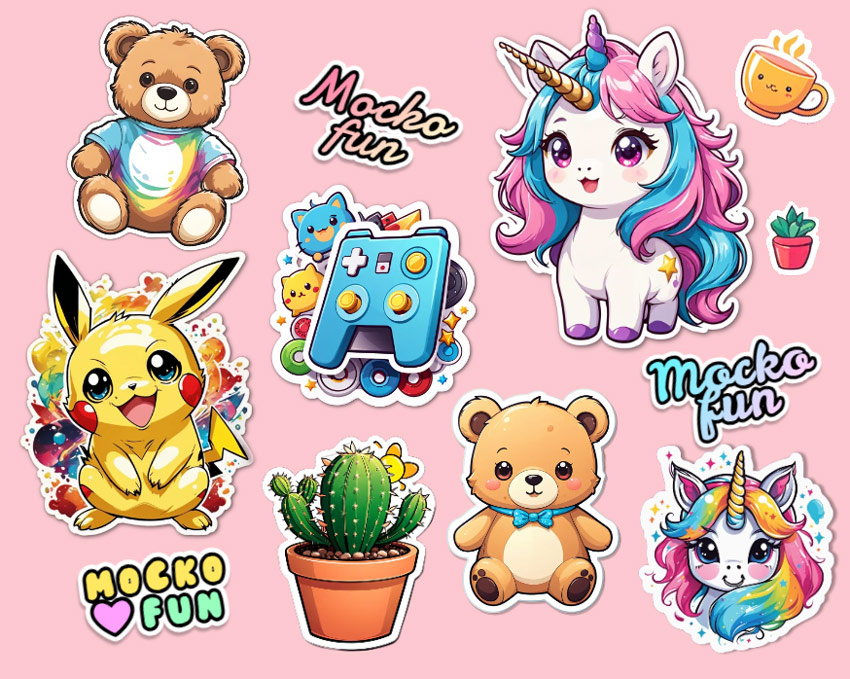
The AI sticker generator helps you create custom stickers.
AI Cartoon Generator
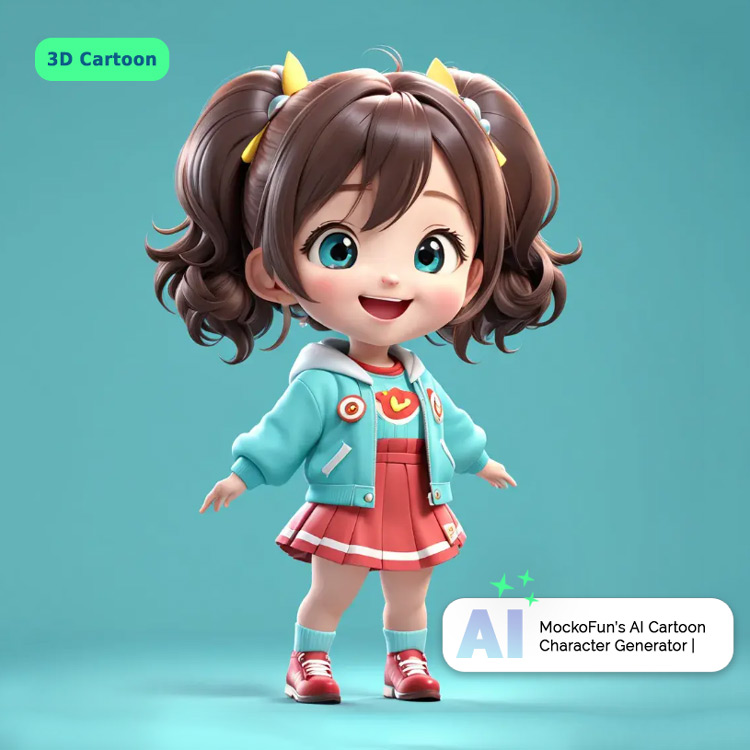
Great for making cartoon characters, cute animals, etc.

AI Photo Editing
Apply creative AI Photo Filters online and make your pictures cool using MockoFun.