
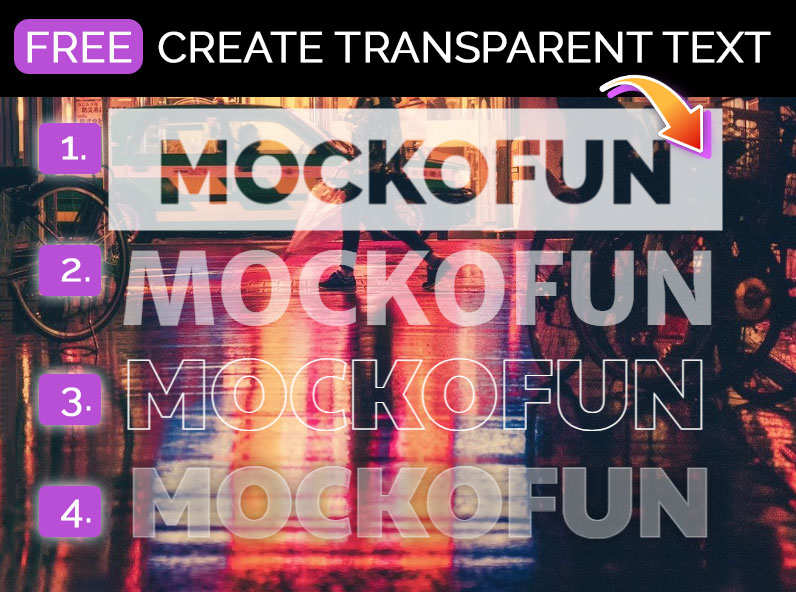









Transparent Text Generator
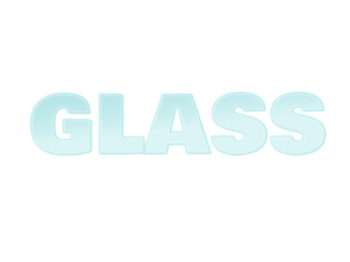
Transparent text effect that you can use online with MockoFun.
Download as text PNG with transparent background or as text JPG. The transparent text maker helps you create a text with transparency or with low opacity levels. Use this transparent text image generator to create a picture watermark.
Use this template
Transparent Text Generator Free
Transparent text effect that you can use online with MockoFun online text editor.
To edit the transparent text, go to the Layers menu on the left and click on the Text mask. Double click to change the text. From the top menu change the font, size, etc. After you edit the text, select the Rectangle layer and resize it to fit the new text.
Create Transparent Text
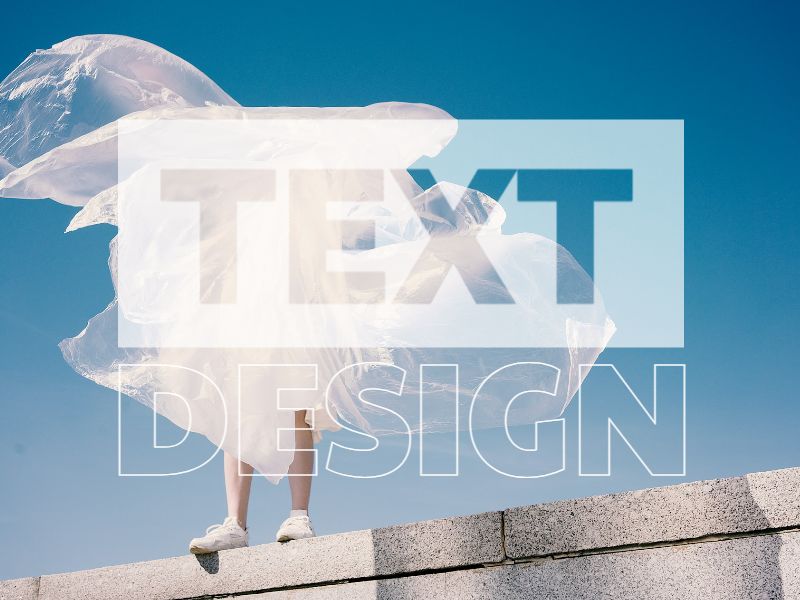
You don’t need Photoshop to create transparent text. You can do it online with MockoFun.
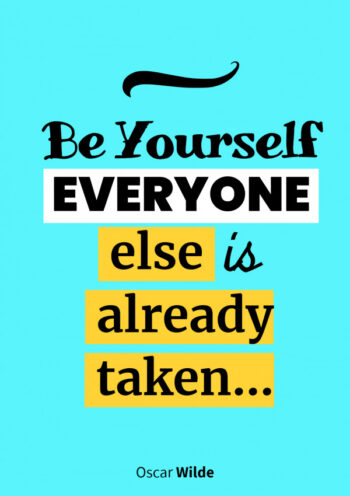
The transparent text generator is great for making a text that has a lower opacity level. Use it for making cool social media images. This is a transparent text generator free for online use. Download the JPG or PNG transparent text.
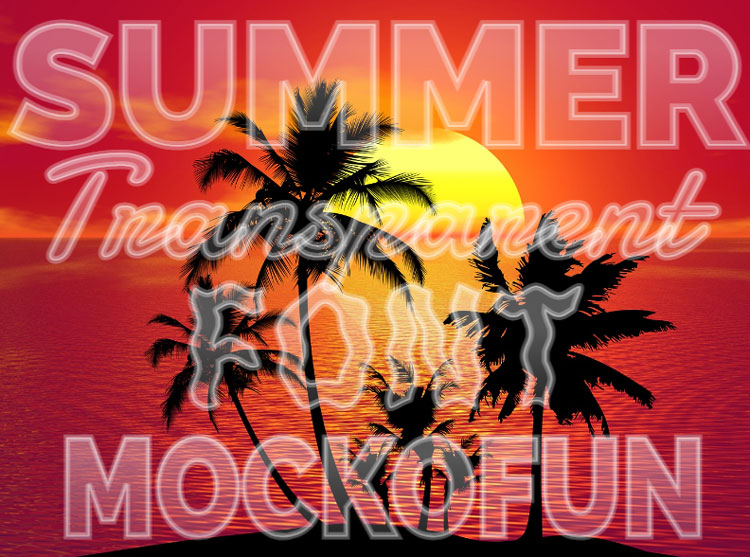
I usually use the MockoFun transparent text creator to make images for Instagram and my other social media networks. The transparent font generator is allowing you to create text that has a lower opacity level or it’s made using just a simple outline font nothing else. So, this transparent text maker is different from a transparent background text generator which is actually a text effect made with our PNG text generator.
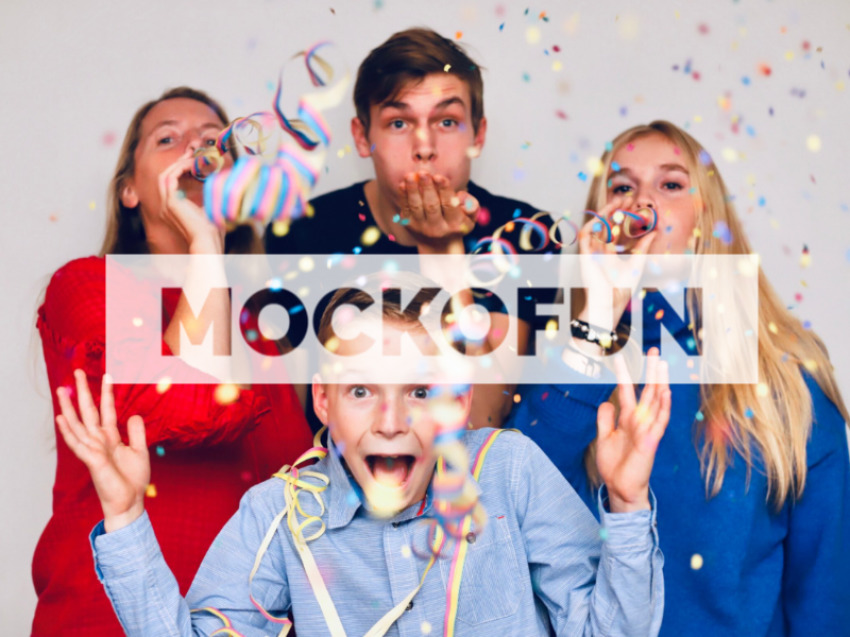
The transparent font works great also as a picture watermark. The transparent text online is fully editable (font, size, color, etc.). Try our transparent text on image online!
Cool Text Effects
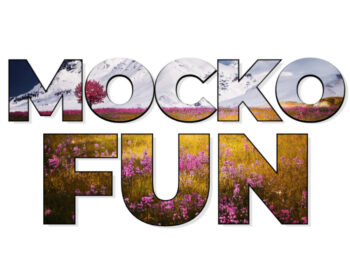
If you need yet another cool effect that combines text with images, we have other cool text effects.
Try the picture inside text generator from MockoFun. It allows you to fill text with image online.