
 Create Scary Portraits in One Click: Get Our Halloween Filter














Fade Image
FREE
Add To Favorites
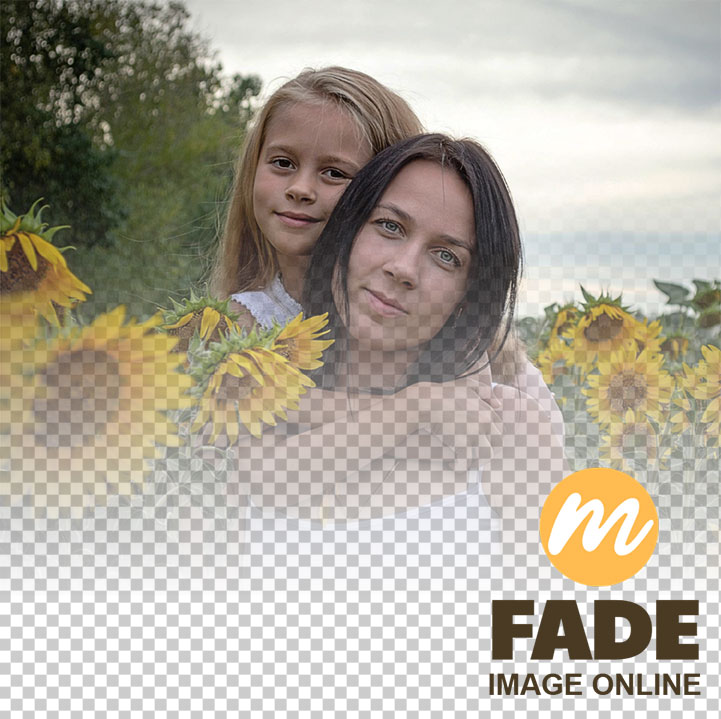
Instantly blend your photos into any background with smooth, custom transparency gradients. Fade image online with Mockofun and download the PNG with transparent background!
Use this template
Fade Image Online
Instantly blend your photos into any background with smooth, custom transparency gradients.
Mockofun allows you to fade image to transparent online free and download the PNG with transparency. Easily fade image edges or adjust overall opacity to create beautiful, seamless visual transitions.
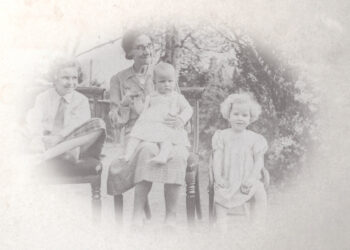
Mockofun is a free, browser-based tool to apply linear fade effects to your pictures in seconds. It’s easy to create professional transitions and vignettes with our free online image fader.
Image Fader Online
How to Use
- Click on the Replace Image button to add your photo
- Upload your photo to instantly apply linear gradient fades
- Adjust the gradient by resizing or rotating the Mask layer.
- Set the color of the Base Color layer. If you need a transparent background set the Opacity to 0 or simply hide the Base Color layer.
- Download the image fade effect as JPG or PNG with transparency.
Features
- No installation required: just upload, customize your transparency, and download your perfect graphic.
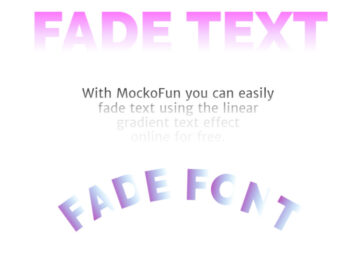
- Smooth Gradients: Apply linear fades for seamless background blending.
- Precision Opacity: Adjust your image transparency using the Opacity setting.
- True Transparency: Export your designs as high-quality PNGs with fully preserved alpha channels.
- 100% Browser-Based: Edit your images instantly without downloading any software or extensions.
No need to fade image in Photoshop, you can do it online with Mockofun!