
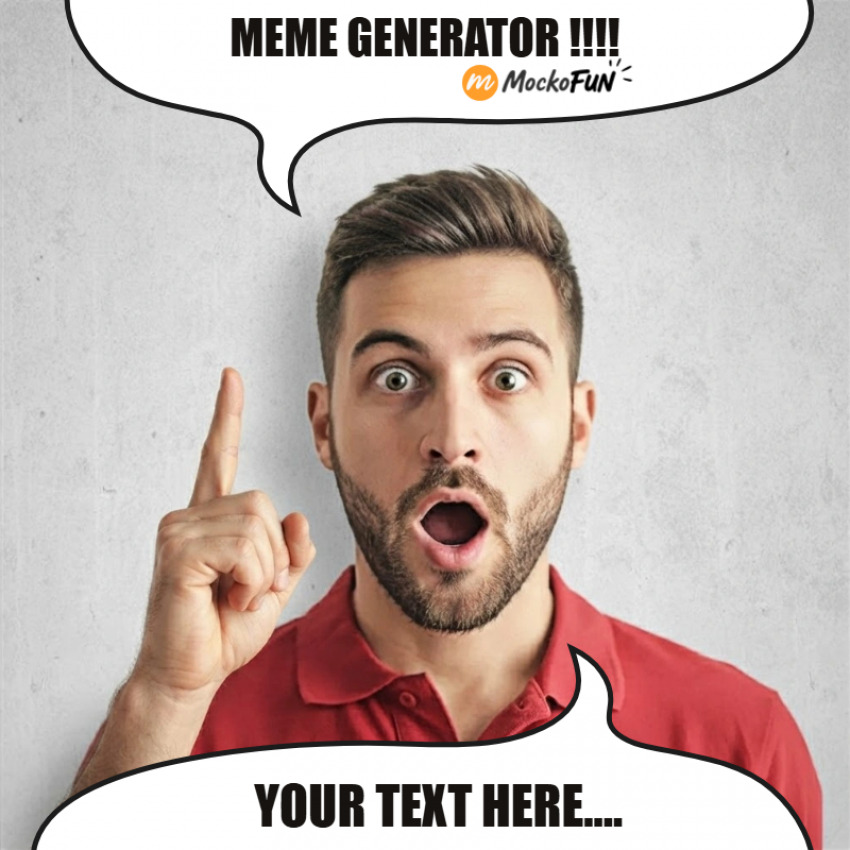
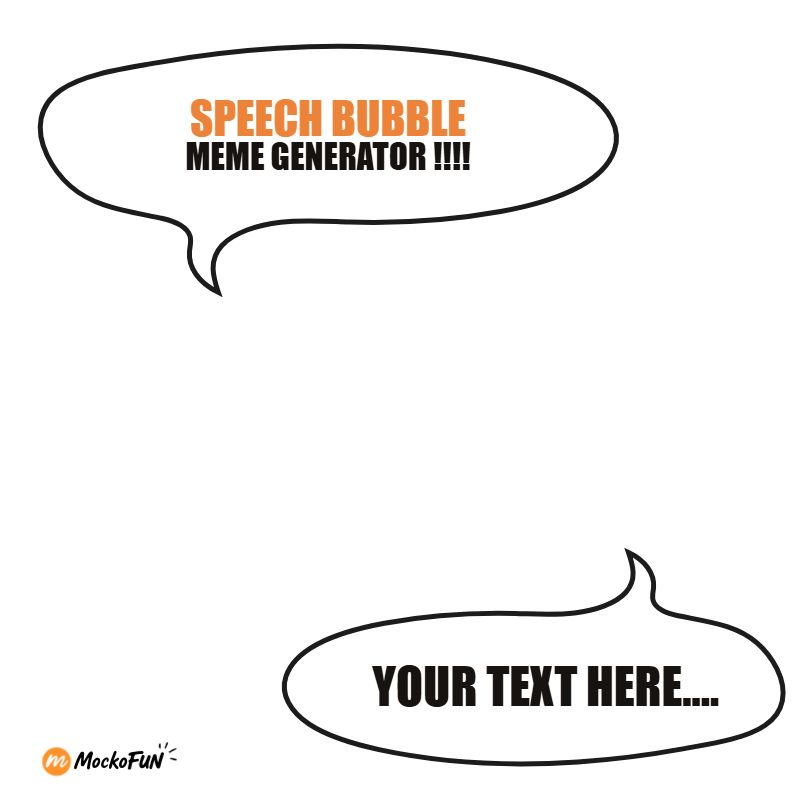
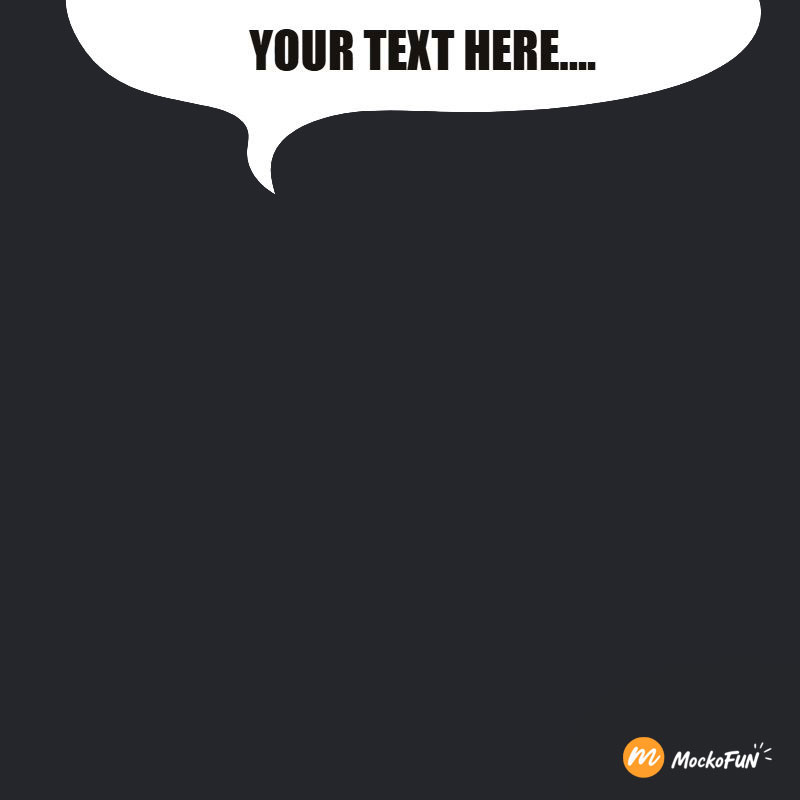
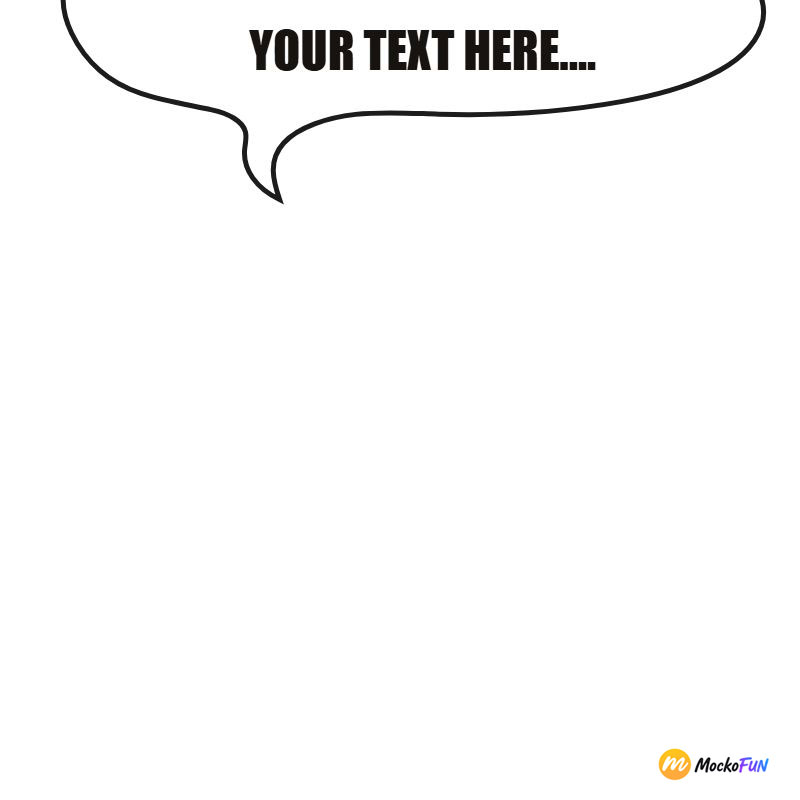


Speech Bubble Meme Generator
MockoFun speech bubble meme maker allows you to create personalized images for TikTok, X, Discord, Facebook, Instagram and other social media. All our templates are made with the meme font generator that uses the Impact font.
Use this template
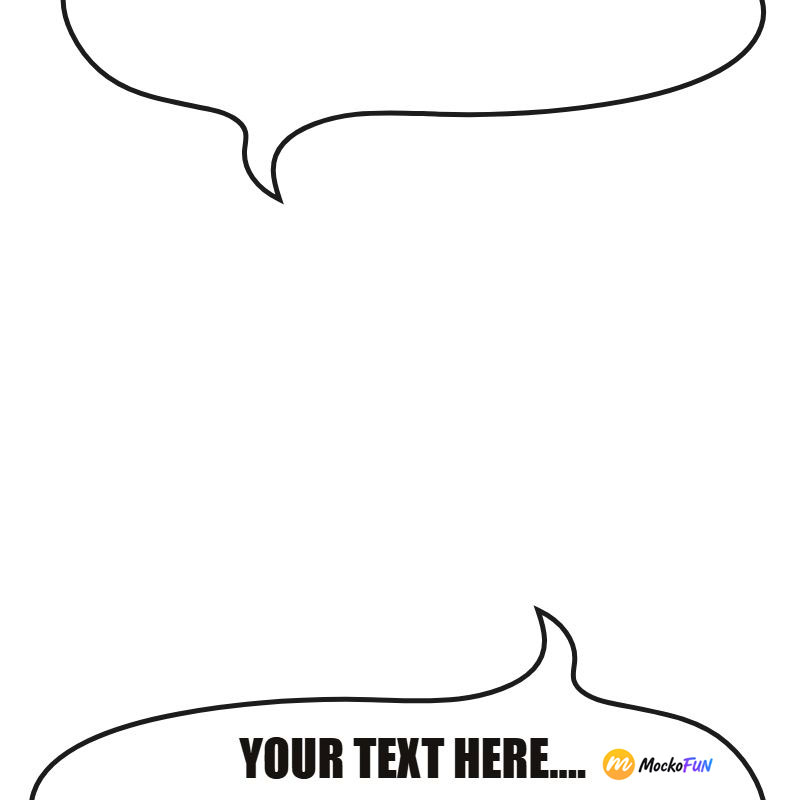
A speech bubble meme is an image or GIF edited to include a comic-style dialogue bubble, making it look like the subject in the picture or the user who posted it in a chat, is speaking.
Speech Bubble Meme Template
Open the free template and use our speech bubble meme generator to add your own photo and text. Then, download the speech bubble meme PNG or JPG depending on what you need for your projects.
How to Use the Speech Bubble Meme Generator
- Open the meme template online
- Add a photo (upload from computer, pick from gallery or generate with AI)
- Edit the text inside the speech bubble
- Move, resize, etc. the speech bubble to your liking
- Download the JPG, PNG or WEBP image.
The speech bubble meme template is fully customizable and ready to use online. To see all the elements of the text bubble meme template, go to Layers on the left side menu.
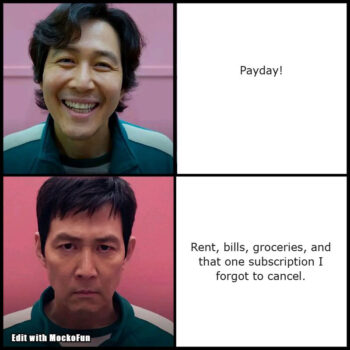
If you need a Discord speech bubble meme generator, you are in the right place. The text bubble meme is a free tool that turns any image into the popular character speech bubble meme format quick and easy. Check out our SpongeBob meme generator or the Squid Game meme template. The Impact font generator is also useful for making memes online.
Frequently Asked Questions
How do Discord speech bubble memes work?
On Discord, users post images with a transparent or solid white speech bubble cut out at the very top edge. Because Discord displays images directly below a user’s profile picture and username, the tail of the bubble points upward, making it look like the person above the image is saying whatever is in the picture.
How do I make a speech bubble meme?
You do not need advanced editing software like Photoshop. Free browser-based generators like MockoFun let you upload a photo, position the bubble, add custom text, and download the result in seconds.
What file formats are supported?
Most online generators accept standard image formats including PNG, JPG, and WebP, and many also support animated GIFs. If you want a transparent cutout effect for chat apps, export your final meme as a PNG or GIF.
Can I customize the speech bubble’s appearance?
Yes, most makers allow you to adjust the bubble’s shape size, and placement (top, bottom, or both). You can also move the tail to point left, center, or right, and choose between a classic white bubble with a black outline or a transparent cutout style.