











Versus PNG
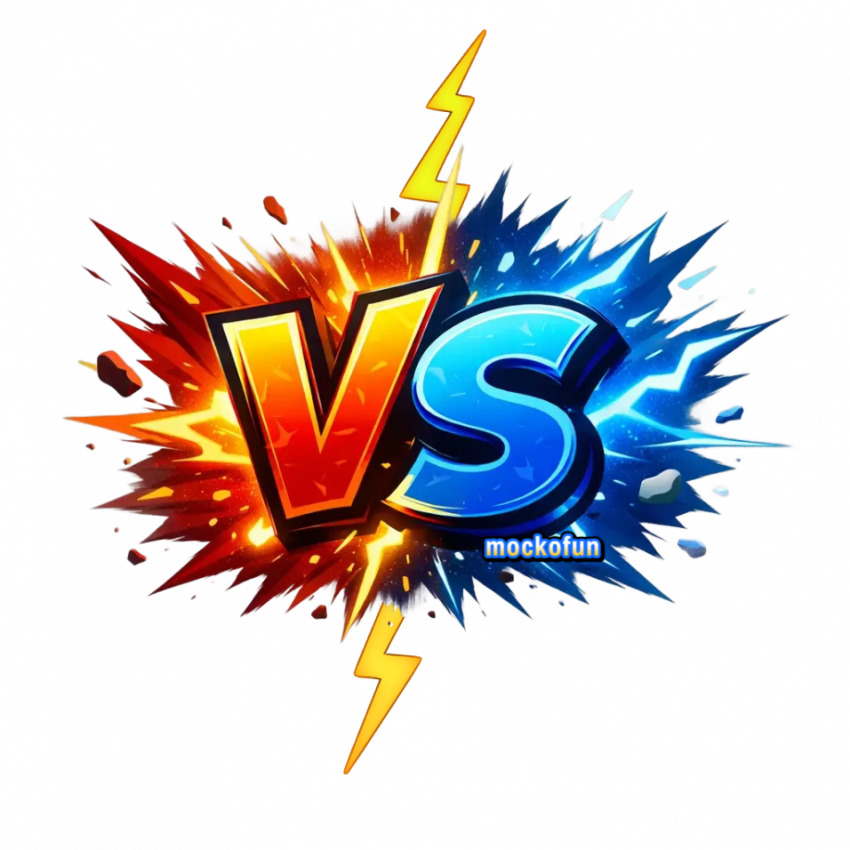
Versus PNG image that you can download online from MockoFun. The text is not editable, but you can add other text layers in just a few seconds. Our comic text generator is great for making PNG text.
Use this template
A vs png image is commonly used to create comparison graphics, matchup visuals, or competitive designs for social media posts, YouTube thumbnails, blog posts, and presentations.
Because a vs png transparent file has no background, it can be easily placed between two photos, products, characters, or ideas to highlight a head-to-head comparison. Designers and content creators also use a versus png transparent element to quickly build engaging “this vs that” visuals, making it simple to show contrasts, battles, reviews, or side-by-side evaluations in a clean and professional way.
Versus PNG Free
A vs png free image like this one is useful especially for YouTubers and gamers. This versus logo transparent has a vibrant design with fiery tones of orange and red in contrast with cold tones of blue. The flash shapes are in separate layers and you can move or remove them.
You can use this versus png logo in your projects. It’s important to know that the text is not editable.
- If you need a vector image with editable text, try our versus clipart image, or
- Edit text in image online
The versus transparent is available in PNG file format without background. Edit the vs template and use it as overlay in your projects. The vs sign png is easy to integrate in presentations, videos, etc. It works o any type of background, light or dark.
So, if you are searching for a vs sign transparent, you are in the right place. With MockoFun you can create other designs with our free PNG text generator that you can find inside the tool.
The vs image has a small watermark in the preview. You can easily remove it once you logi and download the vs image transparent in its original PNG file format.