




QR Code Flyer
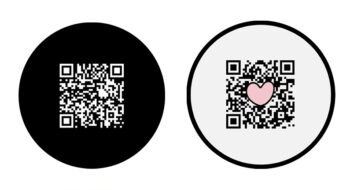
Modern QR code flyer design that you can edit online with Mockofun. Customize QR code by adding your link, logo and color scheme. By default the flyer has a classic black and white QR code that you can edit.
Flyer with QR Code
Do you need a QR code flyer? You, are in the right place!
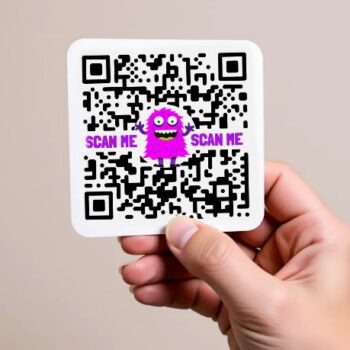
A QR code on a flyer acts as a bridge between the physical and digital worlds, allowing people to quickly access online content by scanning it with their smartphones. This can be used to direct users to websites, landing pages, social media profiles, online forms, or even provide promotional codes and discounts. By incorporating a QR code, flyers become more interactive, engaging, and provide a convenient way for people to learn more about a brand or promotion.
How to Add a QR Code to a Flyer
- Open this template in MockoFun
- Click on the QR code
- Go to the QR Code Settings
- Add your link
- Add your logo (optional)
- Customize the QR design, choose the colors, etc.
If you want to add a QR code to a flyer that you already have it is just as easy. Upload the flyer in Mockofun and click on the QR code button near your image. Again add your link, logo, etc.
QR Code Flyer Design
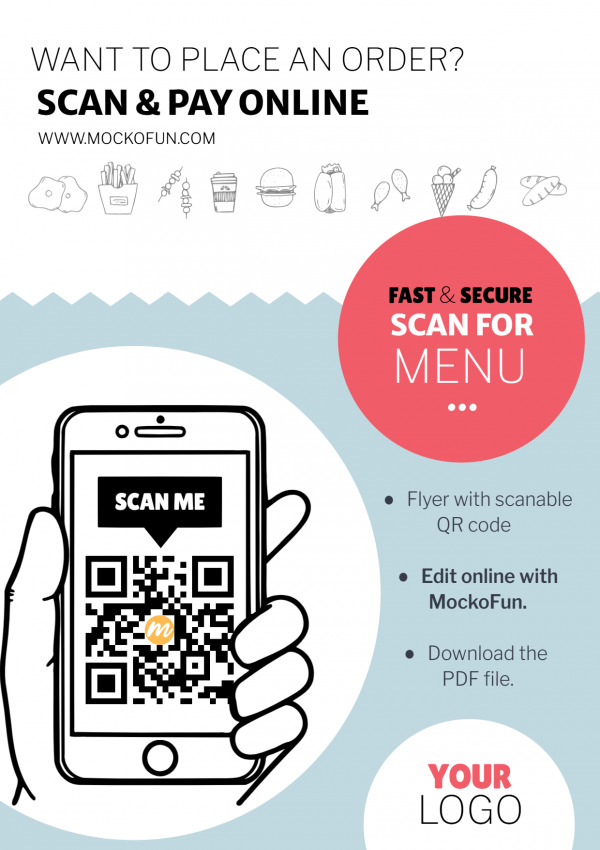
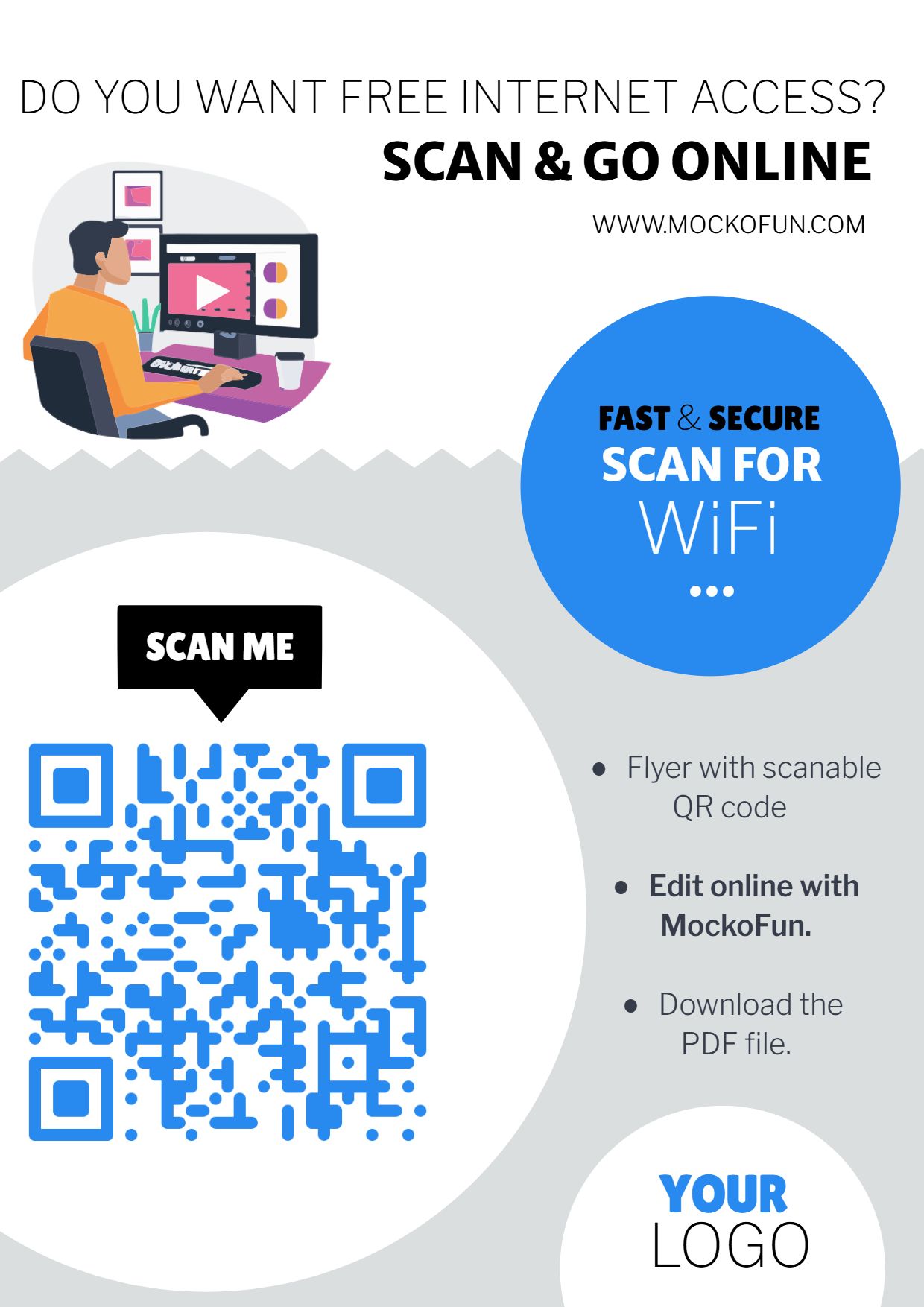
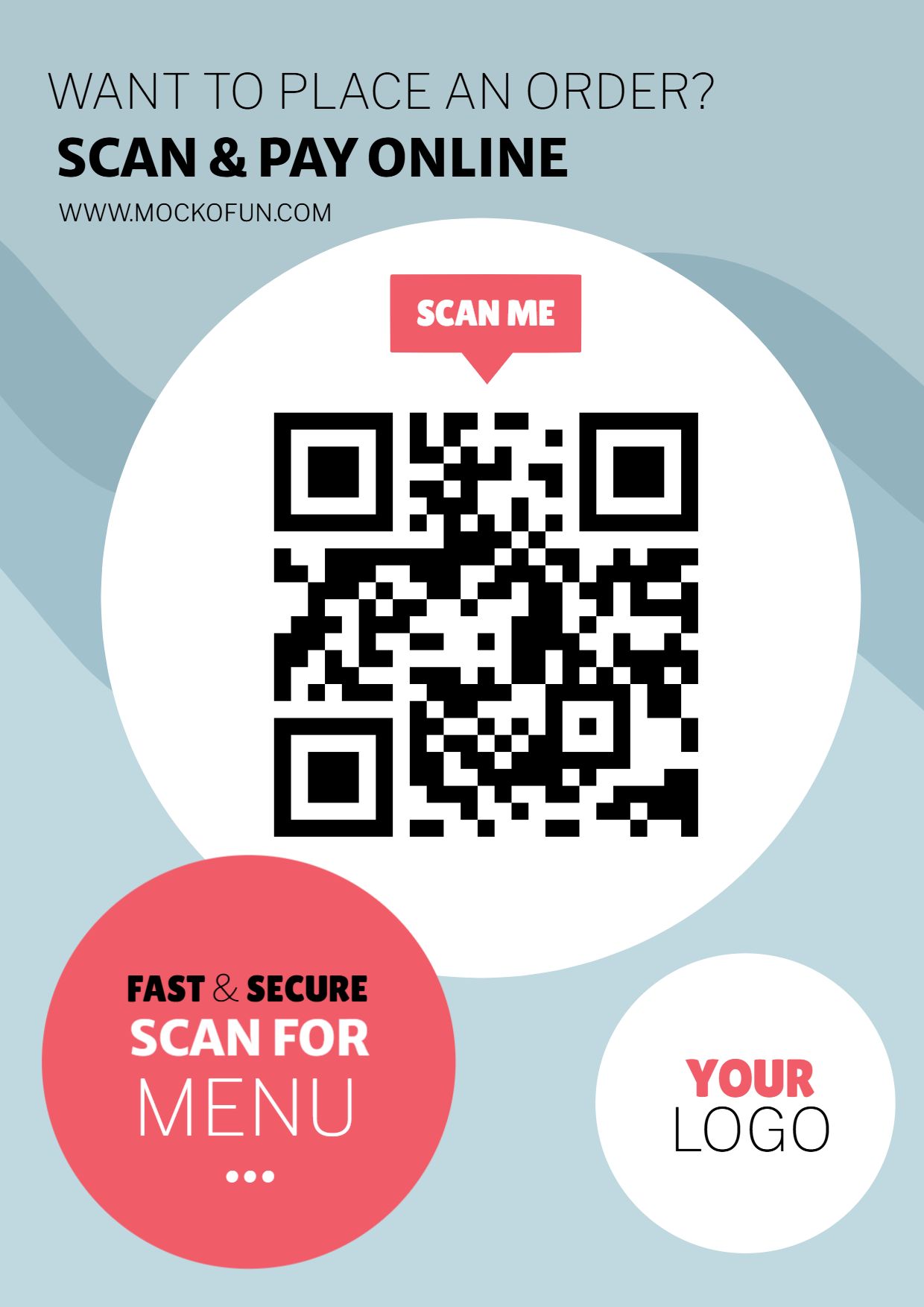
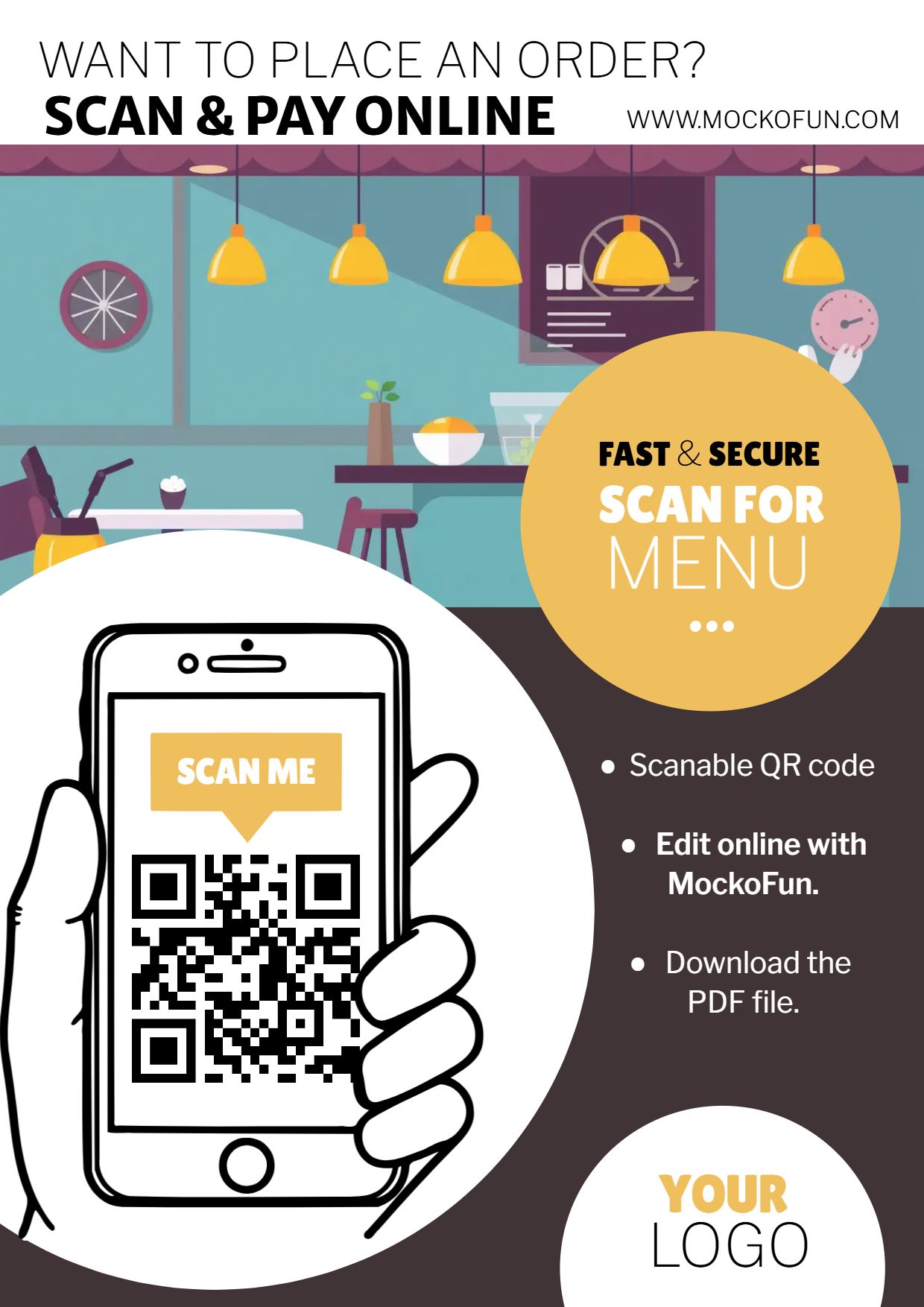
Our QR code flyer template is fully customizable online. You can easily change the color theme. By default it is a white and light blue background with red accents. In the preview images you have some cool color combinations that you can use. Most of the graphics are included in this template. Check out the Layers menu because some of them are hidden.
Create as many QR code flyer templates you need for your business or for your clients. It’s a must have template for every business owner, big or small.
A flyer with QR code example, quite popular among our users is the restaurant menu with QR code which is actually our default template design. But, this flyer QR code can easily be customized and turned into an event flyer with QR code for example or any other poster you need.
This flyer with QR code template has a standard A4 size (8-1/4 x 11-3/4 in 210 x 297 mm). From the Settings menu you have the option to adjust the flyer size.
Download the result as JPG or PNG for web use. If you want to print it, download the PDF file.
QR Code Shapes
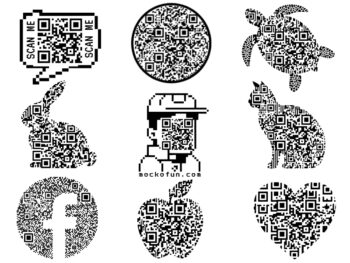
In Mockofun you can even create your custom shaped QR code using any shape you need like a circle, star, heart, animal shape, etc. It’s a really unique feature! Learn how to make a QR code online from this quick tutorial.