Edit Photos Free
Photo Editor Online
MockoFun – free online photo editor & easy to use Photoshop alternative
Crop and resize photos, remove backgrounds, add text, apply filters, adjust colors, add frames & overlays, enhance images with AI.

 Create Scary Portraits in One Click: Get Our Halloween Filter FREE NOW!
MockoFun – free online photo editor & easy to use Photoshop alternative
Crop and resize photos, remove backgrounds, add text, apply filters, adjust colors, add frames & overlays, enhance images with AI.
The Mockofun online photo editor is an easy to use and free web editing tool.
Edit images and photos, crop, resize, rotate, remove background or objects from photos, add text, apply smart filters for non-destructive photo editing, adjust colors, add frames & overlays and enhance images with AI.
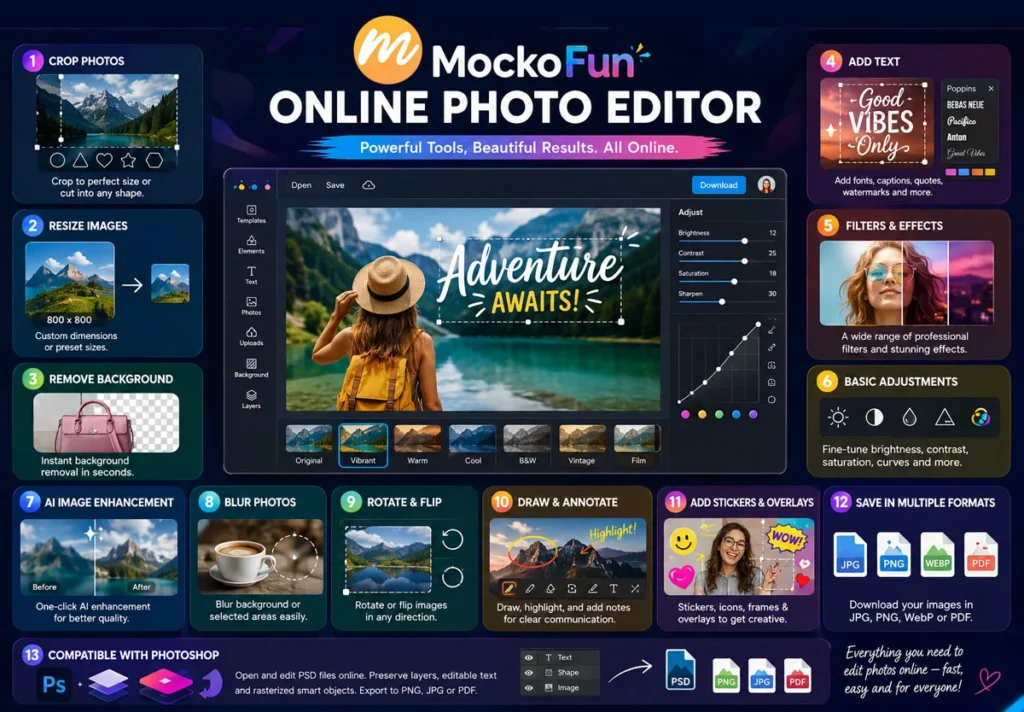
Crop image online with Mockofun. Remove unwanted areas or adjust your images to the perfect size for social media, websites, documents, and more.
You can also cut pictures into shapes such as circles, triangles, hearts, and stars using shapes from gallery.
Resize photos to custom dimensions or choose preset sizes while maintaining excellent image quality for web, print, or sharing.
You can also stretch and skew images when you need more control over their proportions.
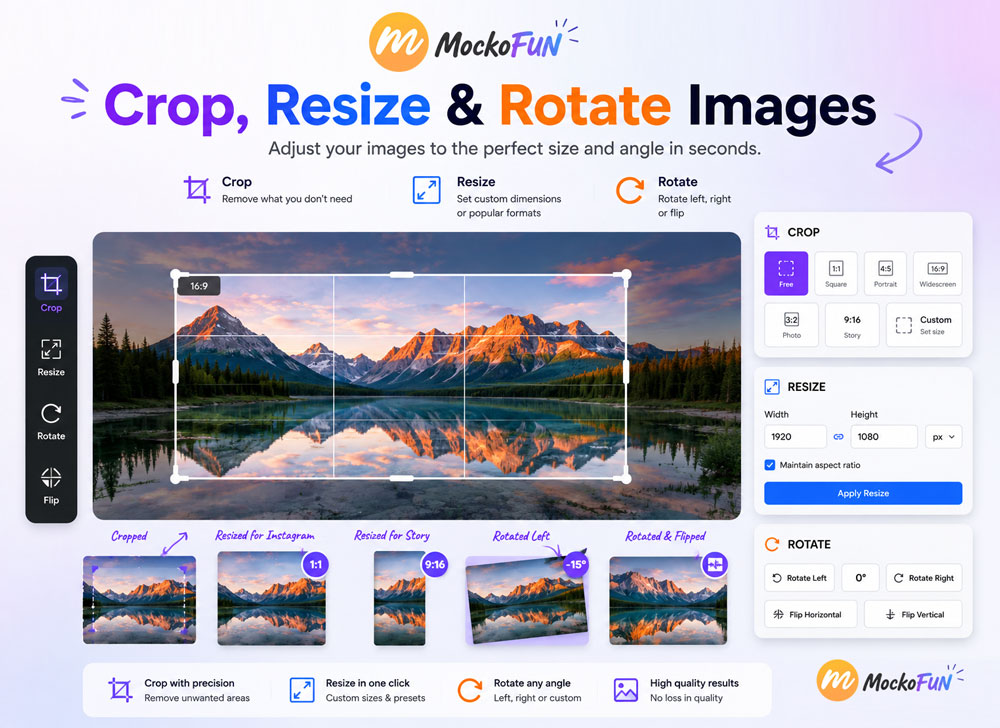
Rotate images to correct their orientation. You can also flip photos horizontally or vertically for quick and accurate adjustments.
Use the online image flipper tool from Mockofun to flip photos horizontally or vertically.
Apply creative distortion effects to transform the shape, perspective, or appearance of your photos.
Remove image backgrounds to create transparent PNGs or prepare clean product, profile, and portrait photos.
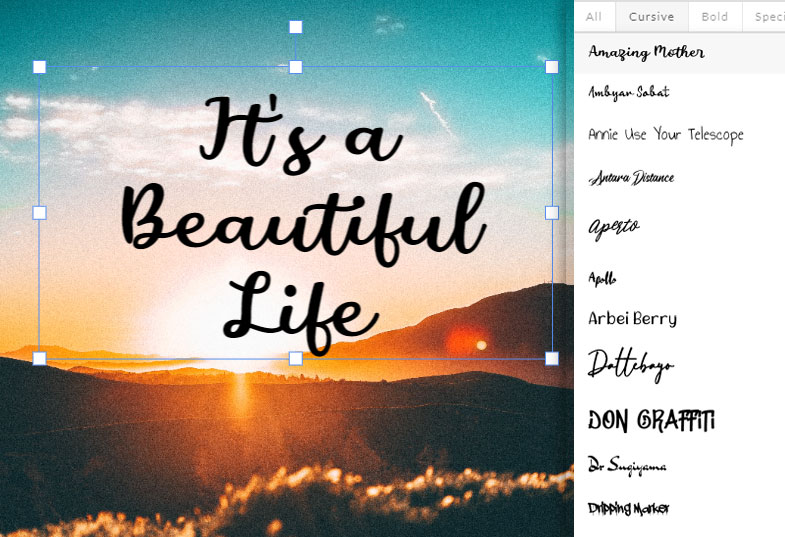
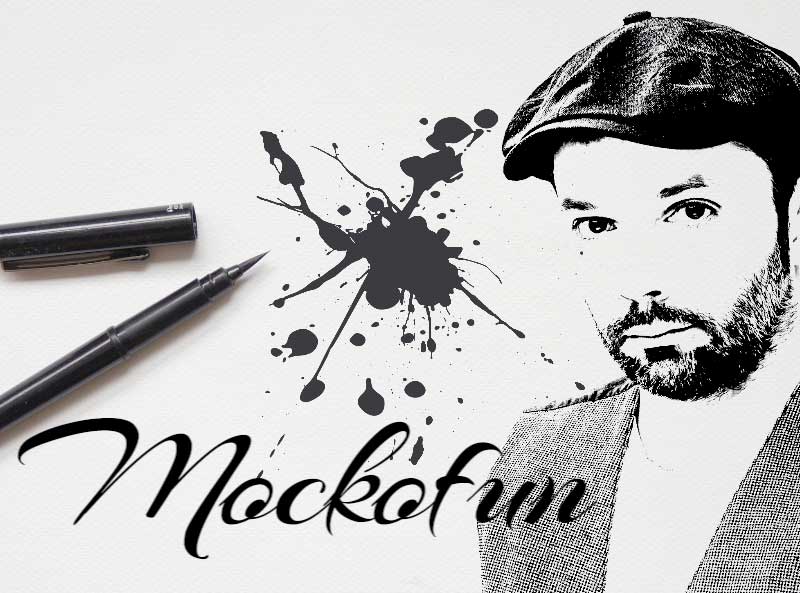
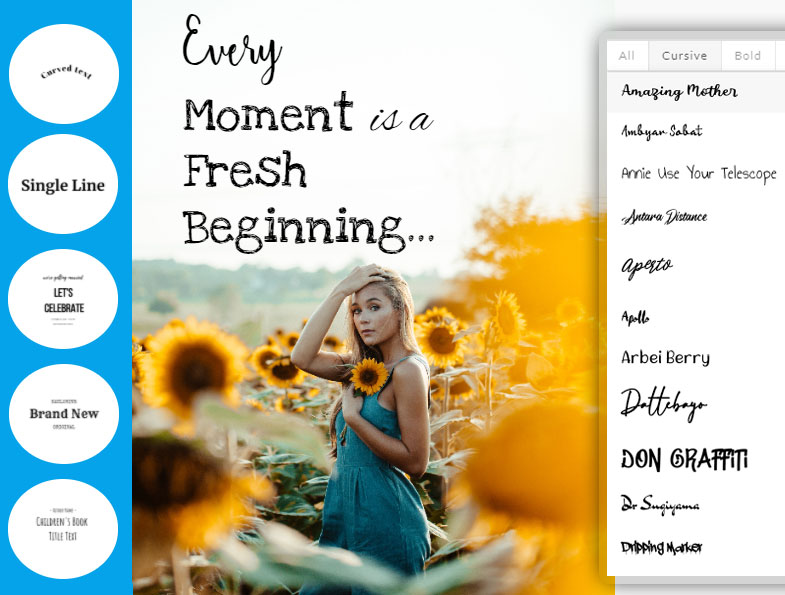
Add text to photos using free online fonts and customizable text effects.
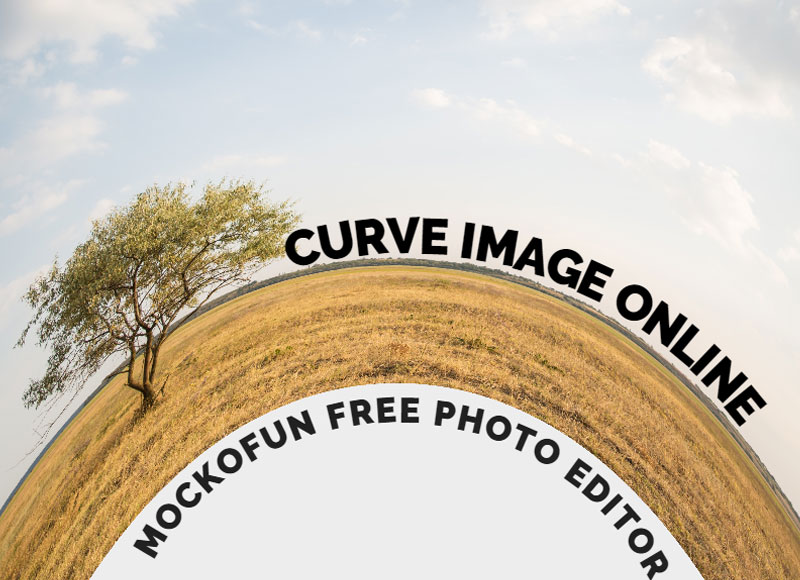
Create curved, arch and circular text. Add text styles like stroke outline, highlight, drop shadow, 3D and other text effects.
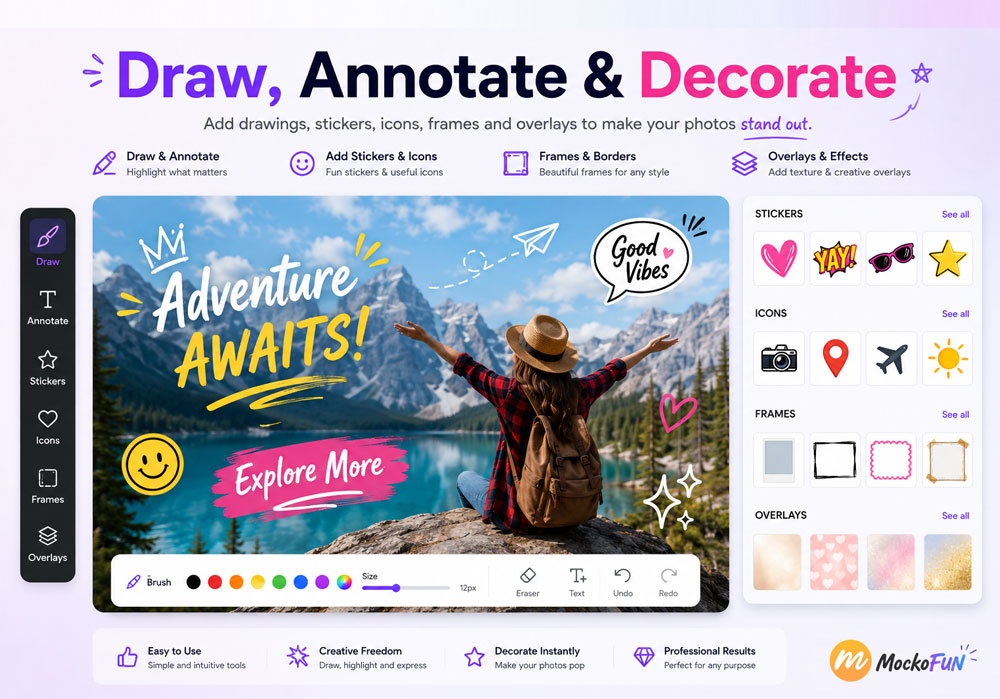
Draw directly on your photos and add shapes, arrows, highlights, and notes for tutorials, presentations, instructions, and visual explanations.
Personalize photos with stickers and icons.
Turn photos and designs into animated GIFs by combining images, text, effects, and other elements.
Create simple animations and export them as GIF files or animated WebP files.
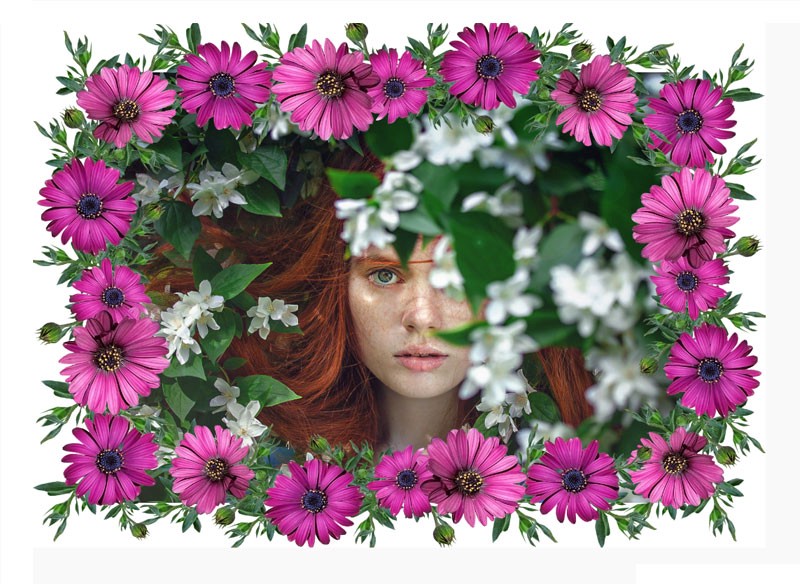
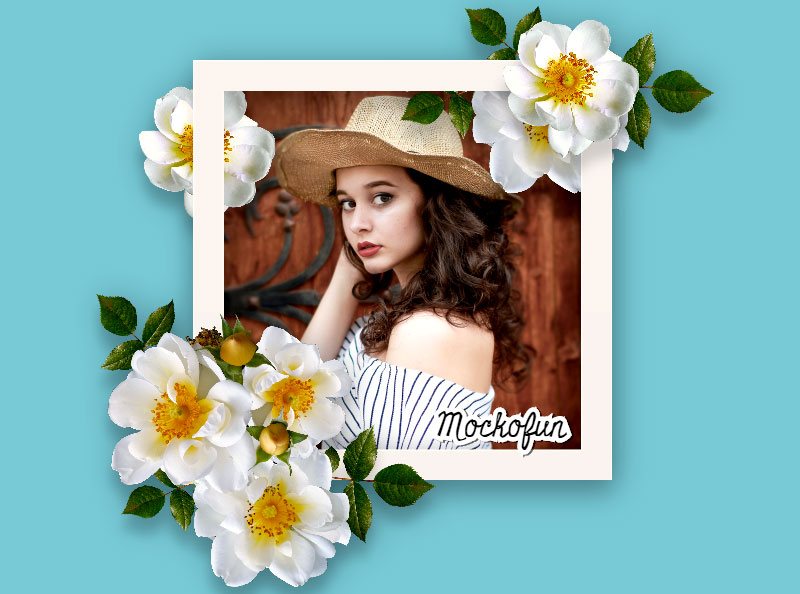
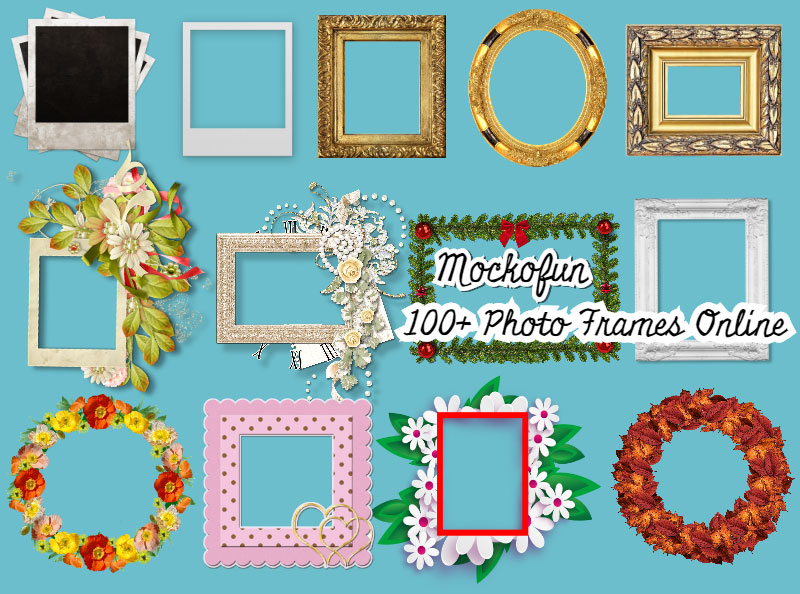
Add decorative photo frames and photo borders online. Apply a vignette for a subtle effect.
Mockofun allows you add overlays for editing to your photos such as light, fog, rain, and bokeh to enhance your designs.
Enhance photos by adjusting brightness, contrast, color, tone, sharpness, and other image properties. Apply 60+ filters and adjustments for everything from subtle corrections to creative effects.
MockoFun’s filters support non-destructive editing, allowing you to experiment with multiple effects without permanently changing the original image.
| Category | Examples |
|---|---|
| Color | Hue, Saturation, Color Balance |
| Tone | Exposure, Levels, Curves, Contrast |
| Detail | Sharpen, Highpass, Blur |
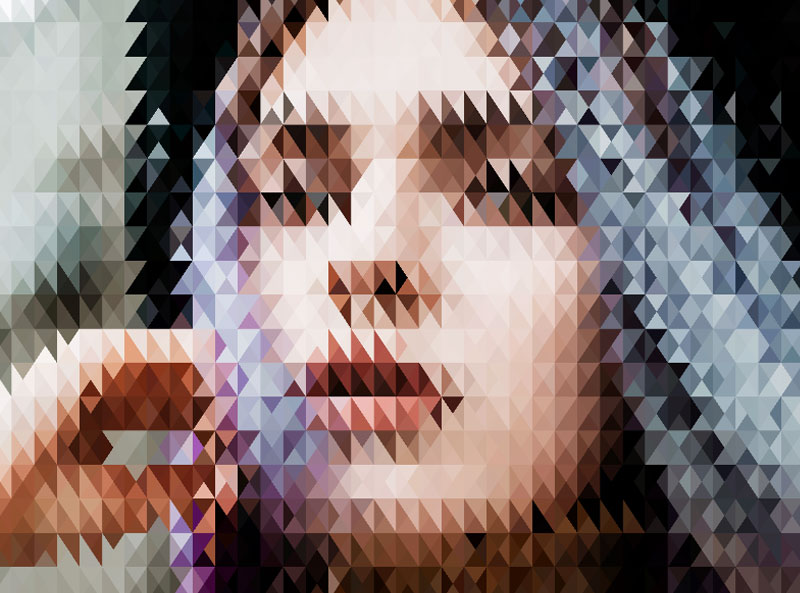
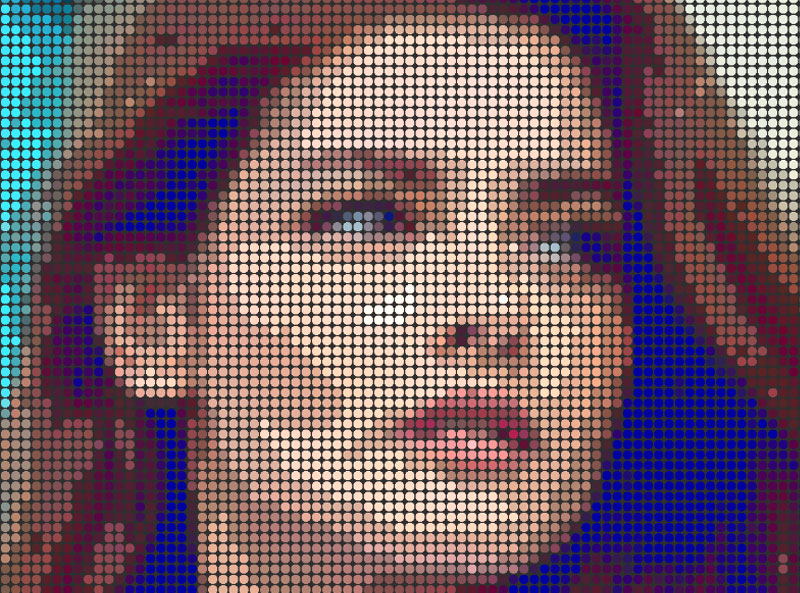
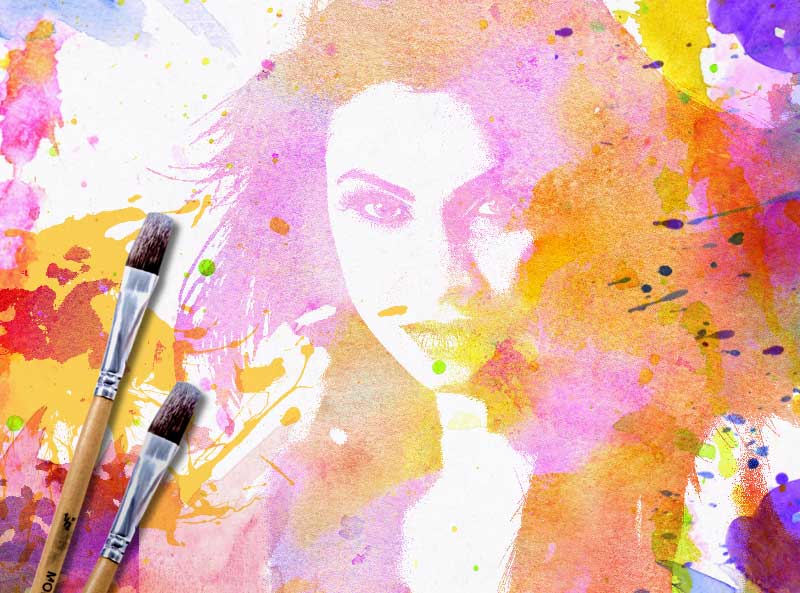
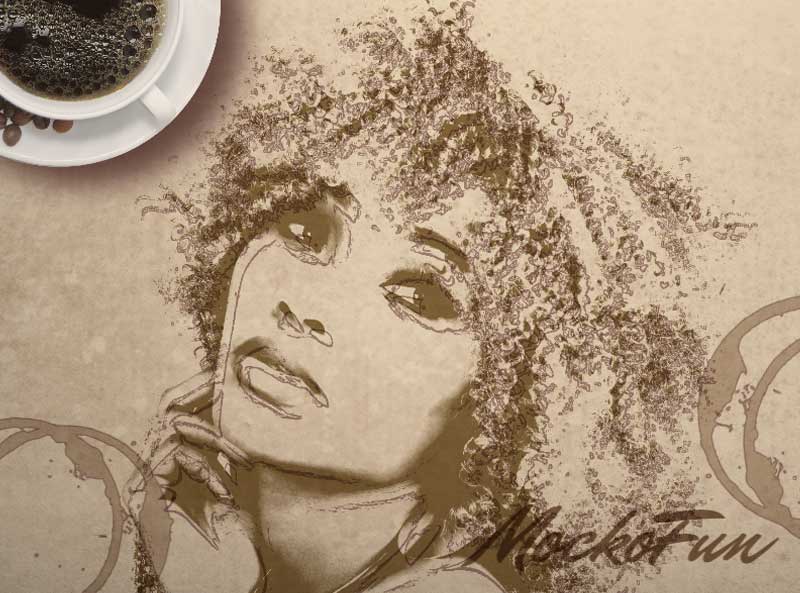
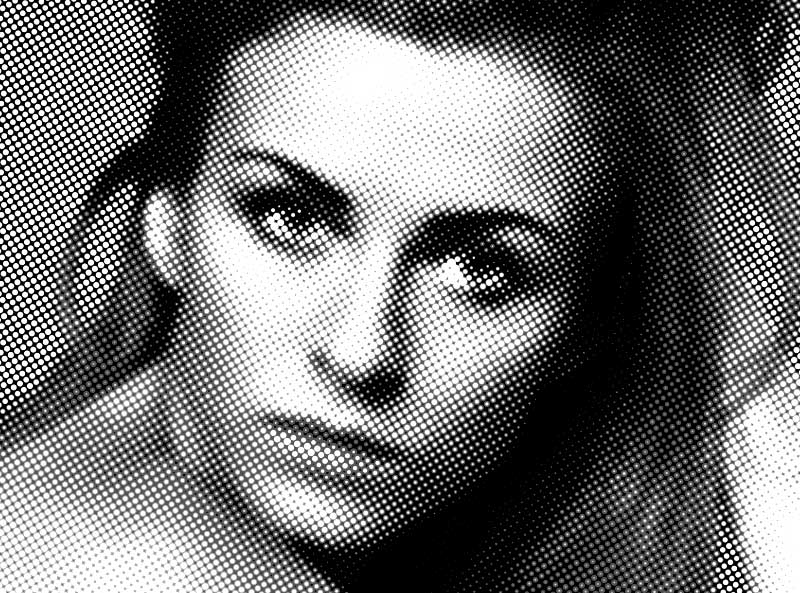
| Creative | Oil Painting, Halftone, Pointillism, Watercolor |
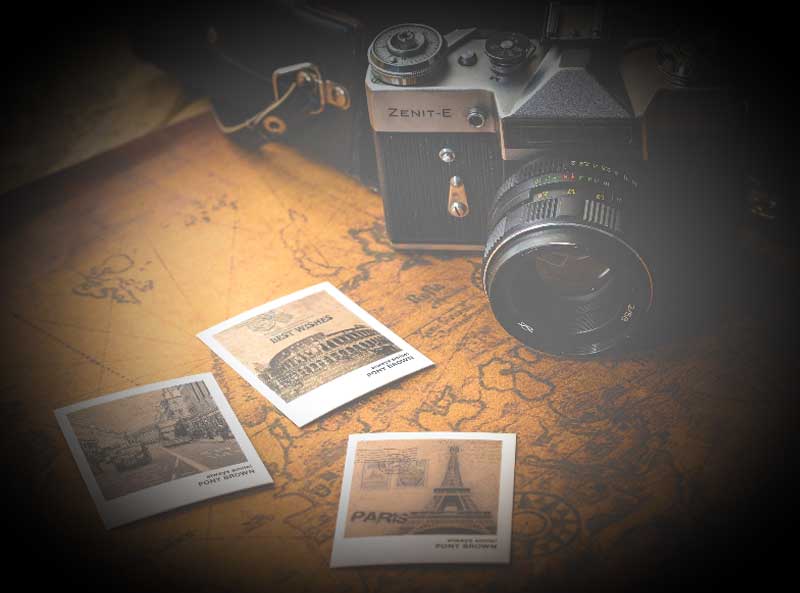
| Vintage | Sepia, Polaroid, Kodachrome, Noise |
| Distortion | Bend, Kaleidoscope, Displacement |
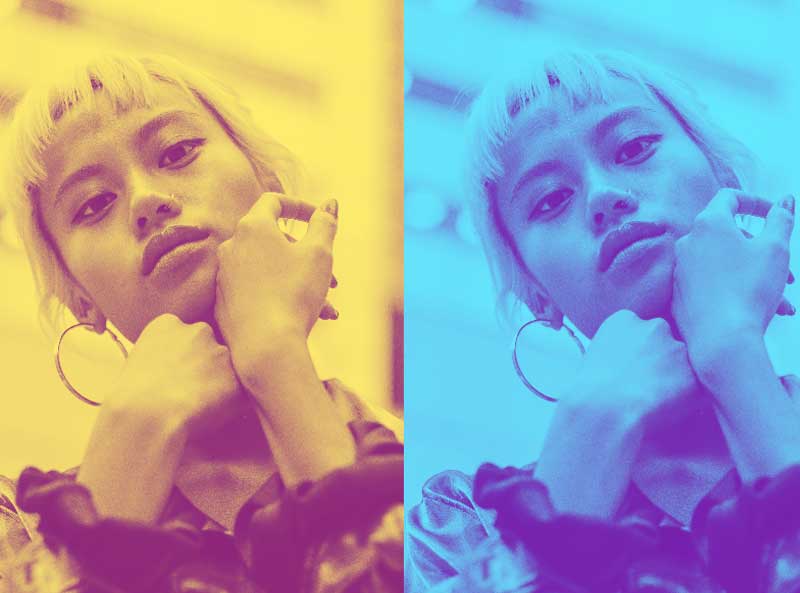
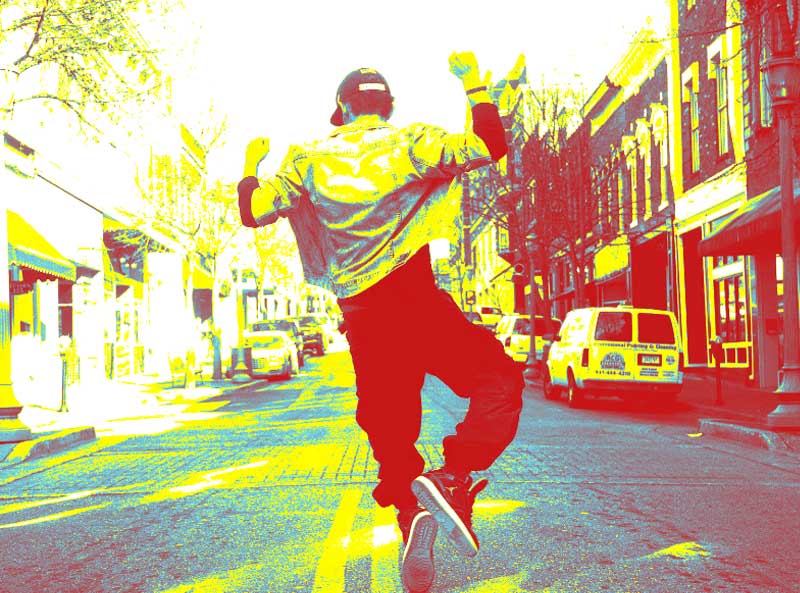
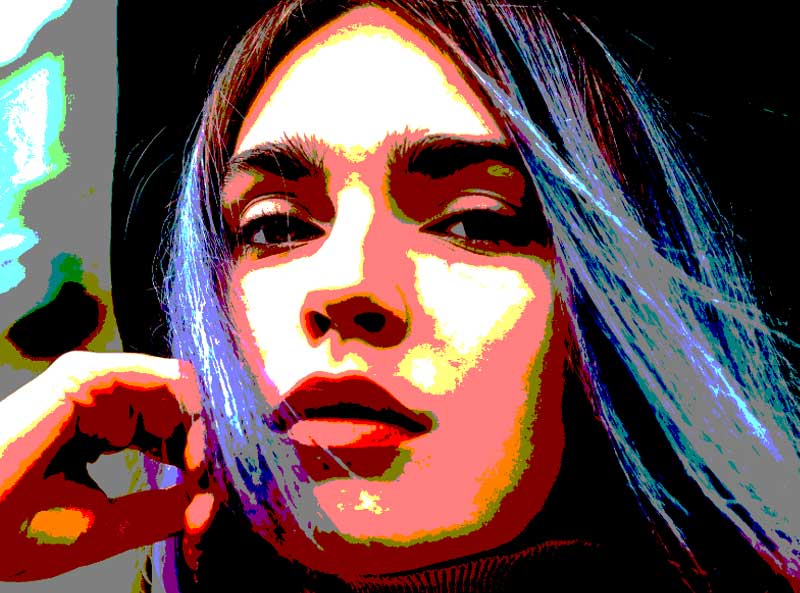
| Stylization | Cartoonizer, Posterize, Duotone |
Combine these traditional filters with AI photo effects to create professional results quickly.
Open and edit PSD files directly in your browser without installing additional software. You can save your work or convert PSD files to formats such as PNG and PDF.
MockoFun supports layers, editable simple text, and rasterized smart objects, although complex Photoshop features may not always render exactly as they do in Adobe Photoshop.
Download your edited images in popular formats for websites, printing, and online sharing:
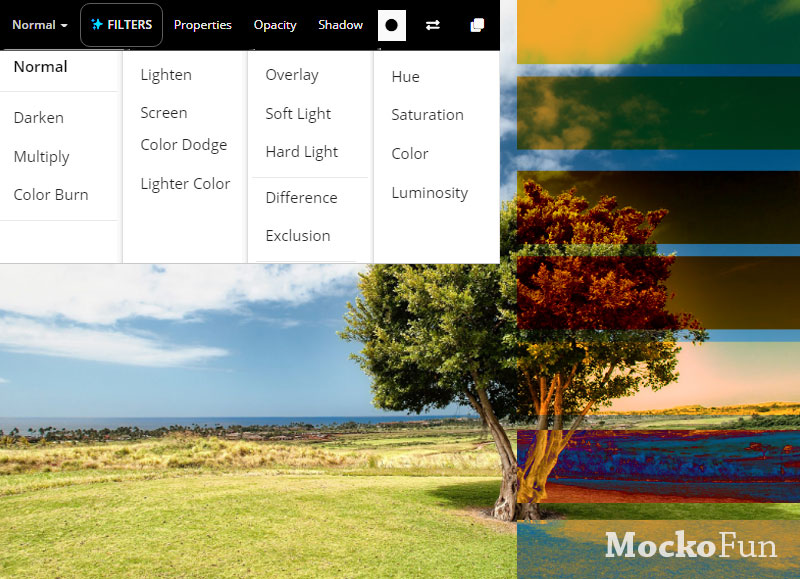
Mockofun supports layers, masks, blending modes, and non-destructive editing, making it suitable for both beginners and professionals. Make quick photo edits following these steps:
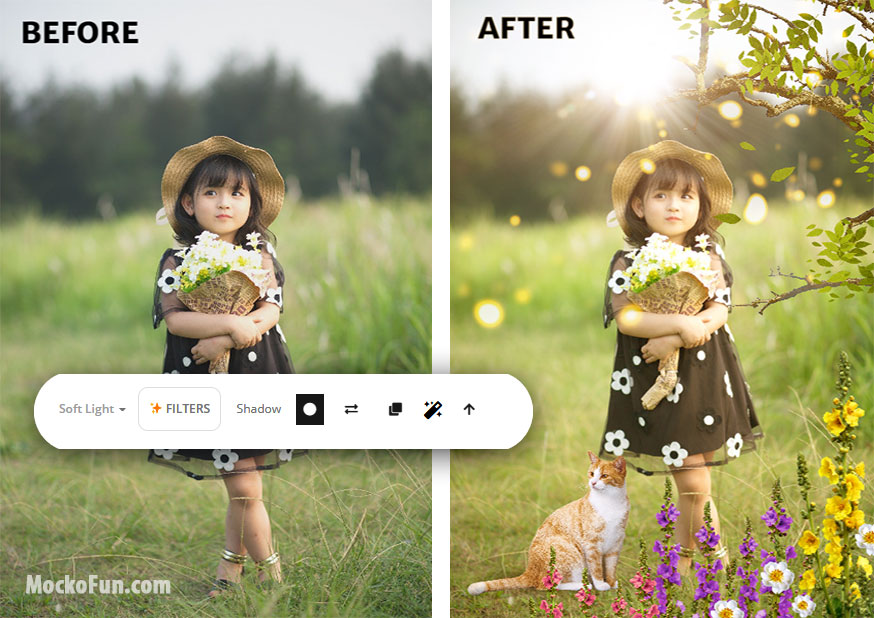
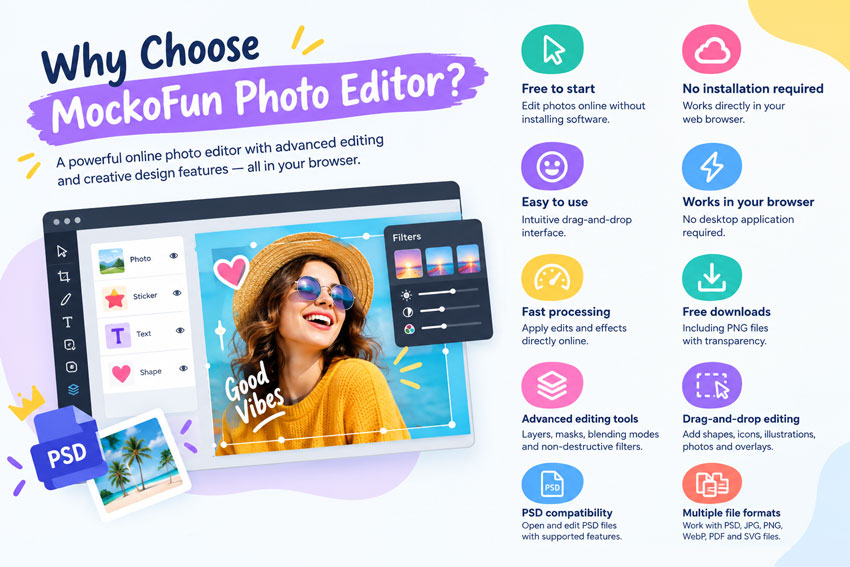
MockoFun is a powerful online photo editor that combines advanced image editing with creative design features all directly in your browser.
MockoFun lets you edit, enhance, and transform photos directly in your browser. Use it for everyday image editing, creative photo effects, photo manipulations, etc.
Here are some examples of use cases:
MockoFun is an online photo editor that lets you edit photos, add text, apply filters and effects, create collages, and make creative designs directly in your browser.
Yes. MockoFun offers free online photo editing tools that you can use without installing desktop photo-editing software like Photoshop.
Yes. Becaus MockoFun runs in your browser, has intuitive tools for basic & advanced editing, it can be used by beginners who want to edit photos without learning complex desktop software.
Yes. You need to create an account to use the MockoFun editor and start editing your images online.
MockoFun supports popular image formats including JPG, JPEG, PNG, WebP, PDF, GIF, SVG, and PSD.
Yes. You can upload and edit PNG images, including transparent PNG files.
Yes. MockoFun can open and edit PSD files directly in your browser. Save PSD as PNG, JPG, and PDF. Complex PSD files may not render exactly as they do in Photoshop.
Yes. You can crop and resize images online to custom dimensions or use preset sizes. Crop photos to remove unwanted areas and change the composition.
Yes. MockoFun offers a wide selection of photo filters and image adjustments. You can apply color effects, blur, distortion, vintage styles, artistic effects, and so on.
Yes. You can add text to photos and customize fonts, colors, sizes, letter spacing, alignment, and styles. Create curved, outlined and stylized text.
Yes. MockoFun you can easily remove, edit and replace image backgrounds. Create transparent images or prepare photos for products, profiles, social media, etc.
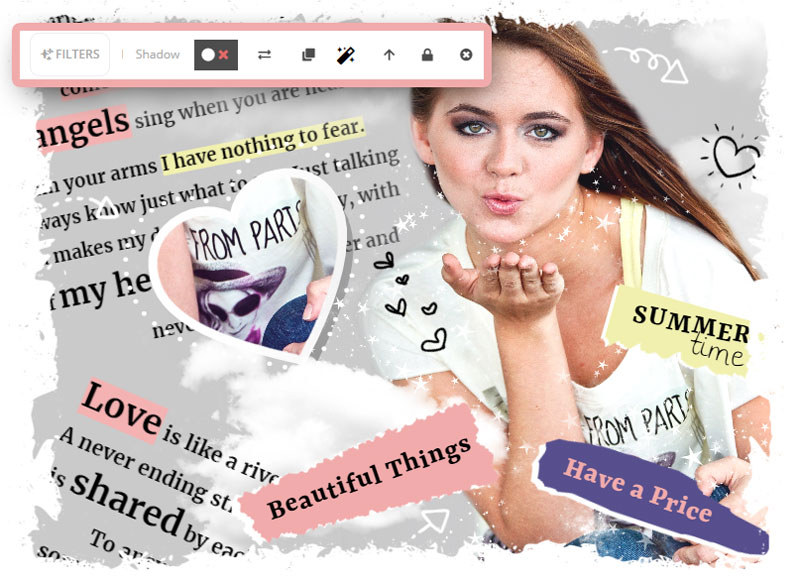
Yes. MockoFun lets you combine multiple photos into a collage and customize the layout and design.
Yes. MockoFun includes many AI photo editing tools alongside traditional photo editing filters and adjustments.
Yes. MockoFun can be used to create graphics and images for business, marketing, e-commerce, social media, and other commercial projects. Some resources may require attribution or a license for use without attribution.
No. Edited images can be downloaded without a MockoFun watermark where the applicable tool and plan allow it.
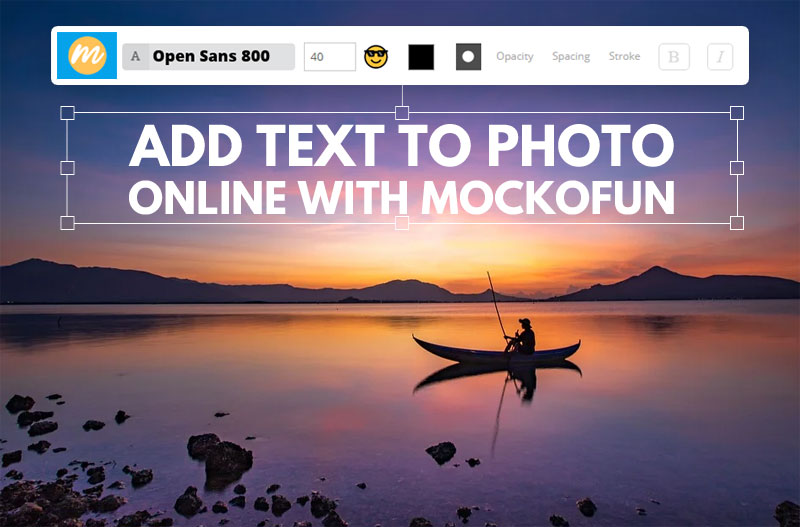
Add text to images using free fonts and text effects.
MockoFun into a funny photo editor online.
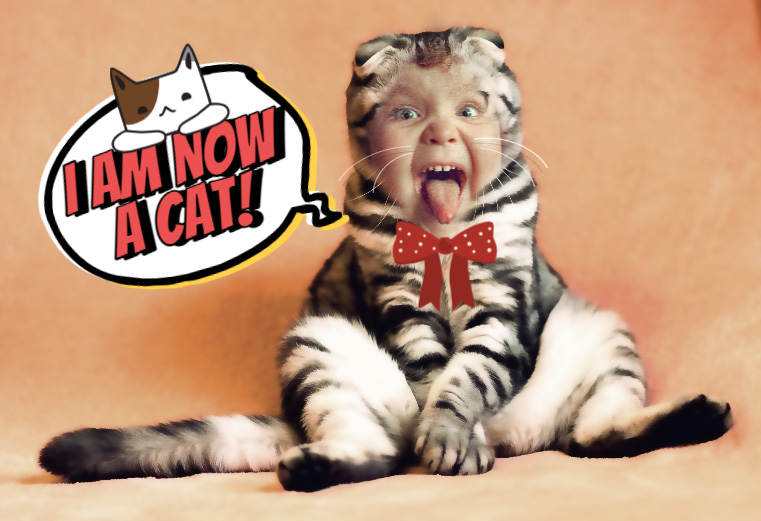
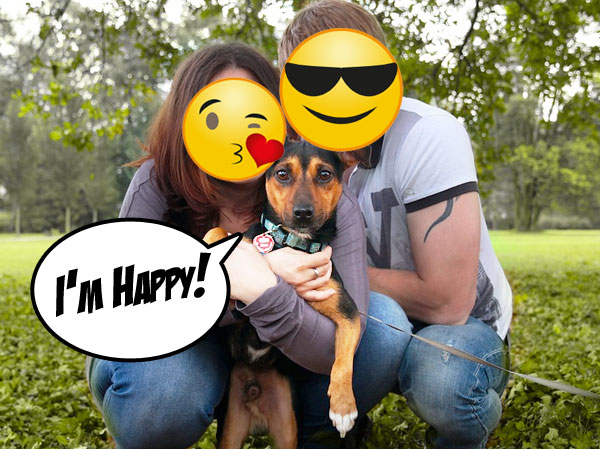
Make funny photos: you can add emoji to photo and speech bubbles with text.
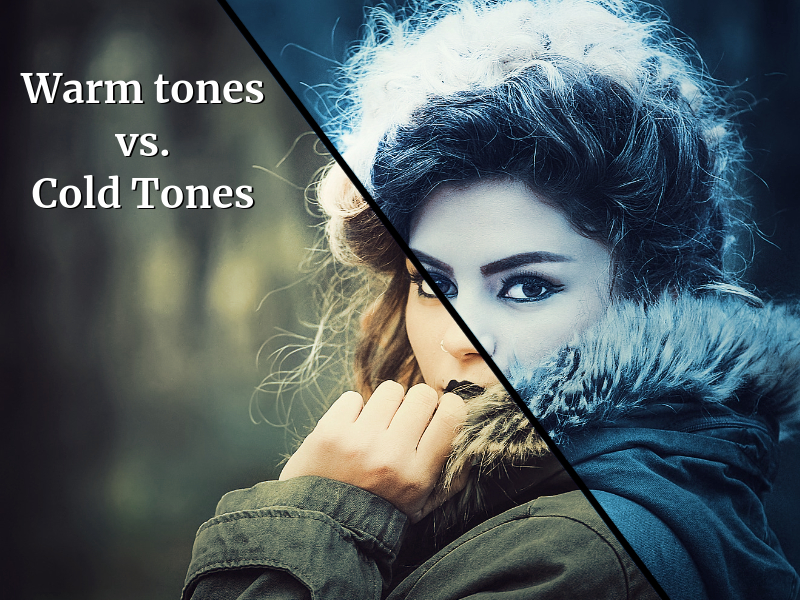
Mockofun also has AI photo filters for basic retouching and creative effects.
Add decorative photo frames and vignette.
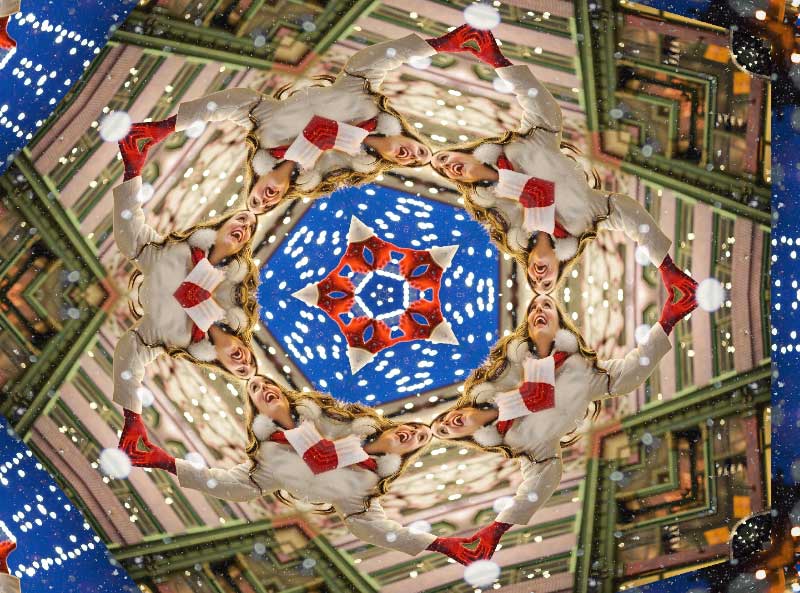
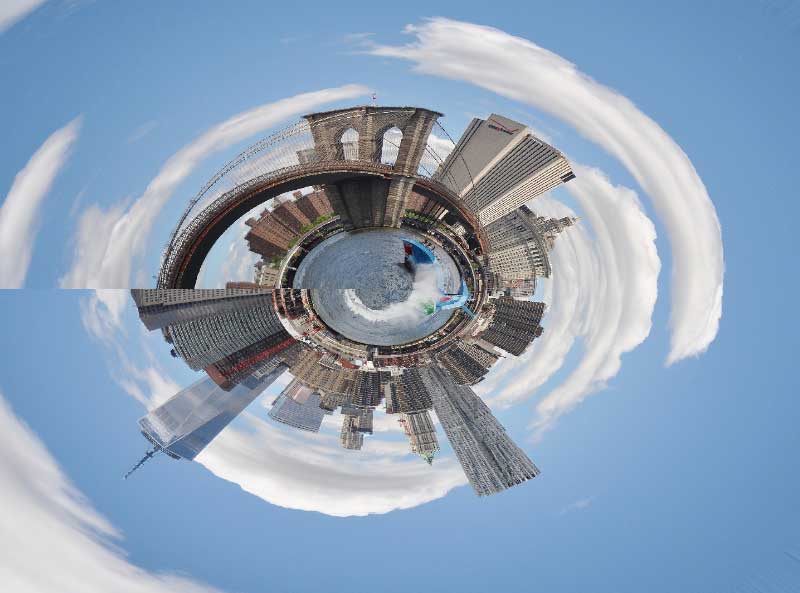
Distort images online using: Bend Filter, Polar Coordinates Filter, Kaleidoscope Filter, Displacement Map Filter, etc.
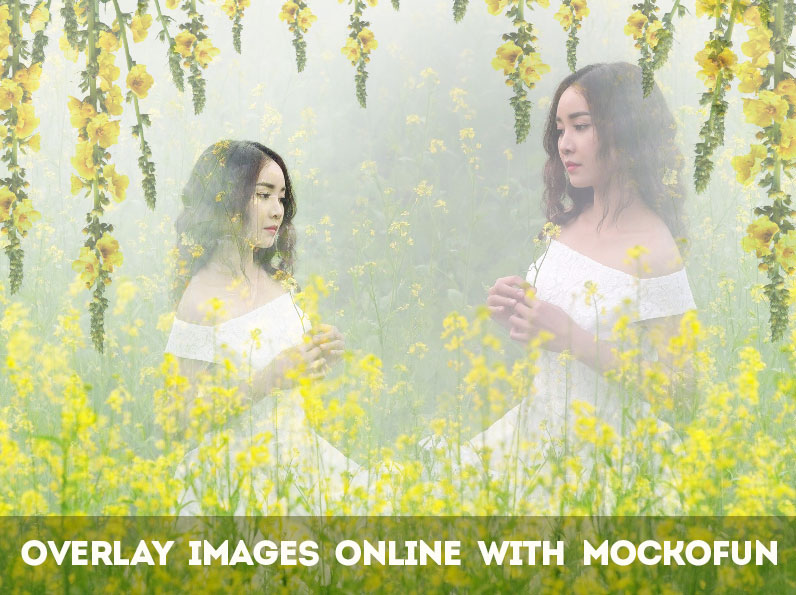
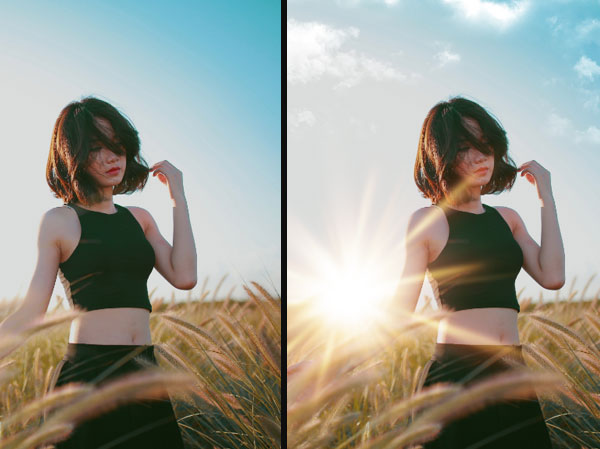
Choose from 100 free overlays for editing: fog overlay, dust, rain, snow, sun overlay, lens flare, fire overlay, smoke and so many other.
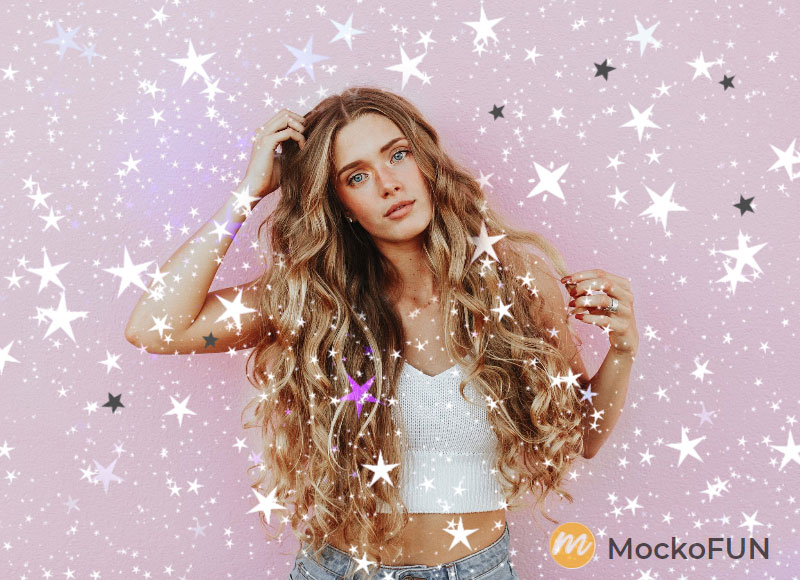
Use the free fire photo editor to create awesome photo effects with fire overlays.
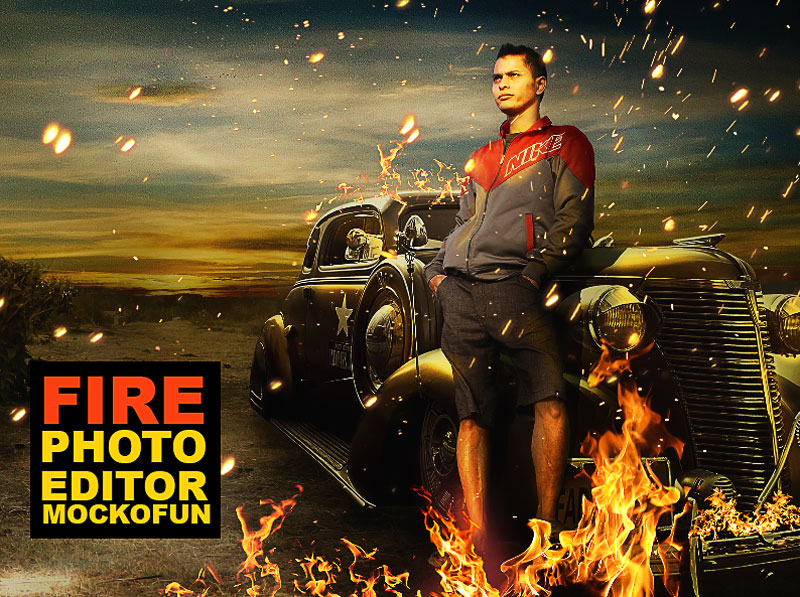
We now have over 50 online photo filters (smart non-destructive filters like in Photoshop).
Learn how to use Mockofun photo editor from these quick tutorials for beginners.
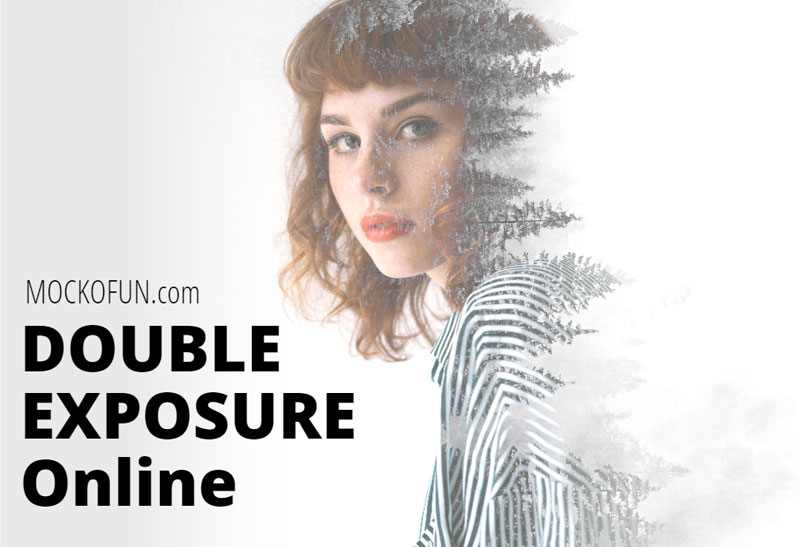
Create double exposure effect by overlaying one or two images.
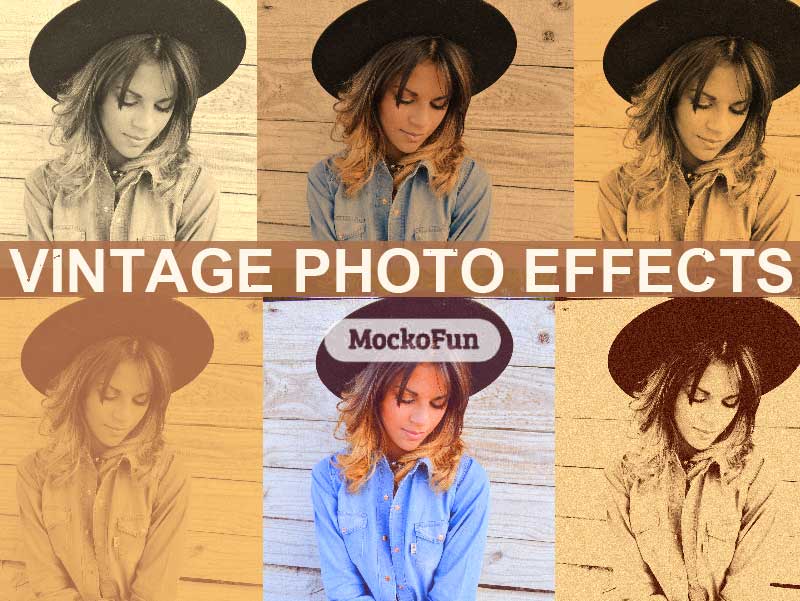
Create old photo effects by adding vintage filters.
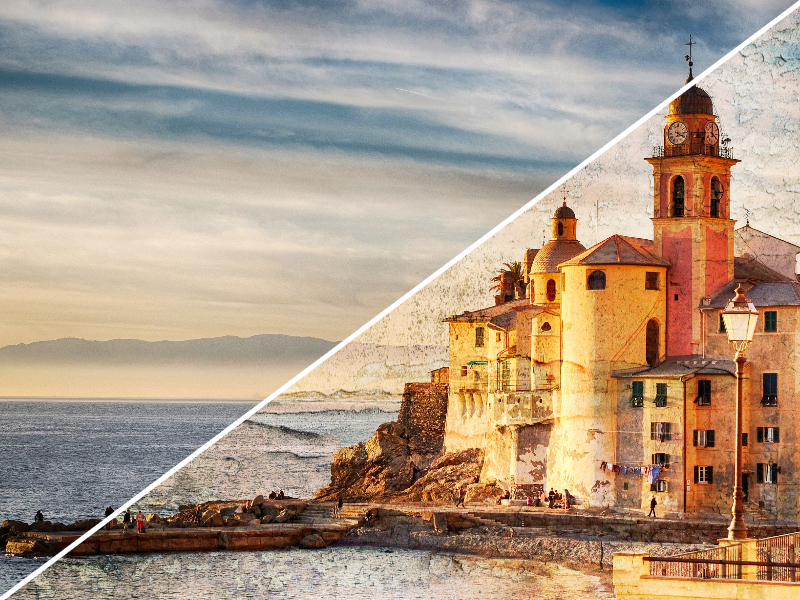
Edit photos online with filters, adjustments & blending modes.
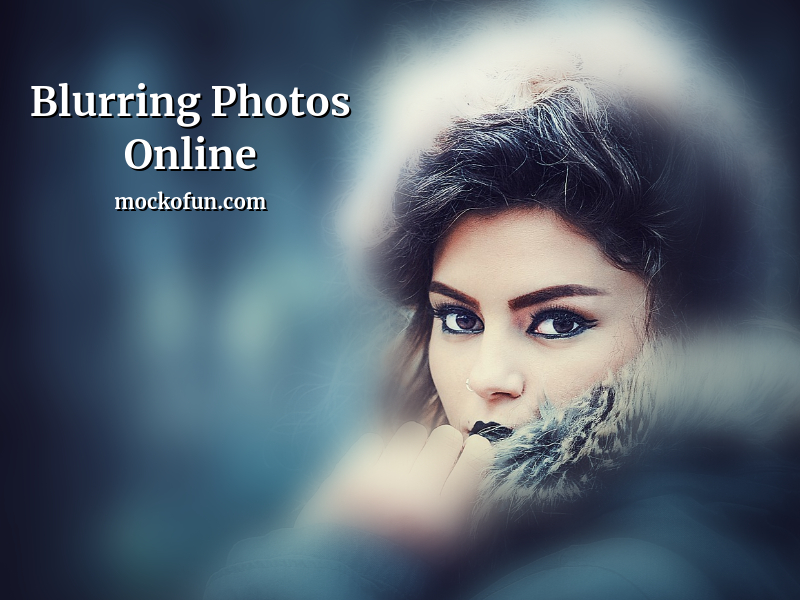
Blur photos online to create depth, focus attention on specific areas, or hide sensitive information.
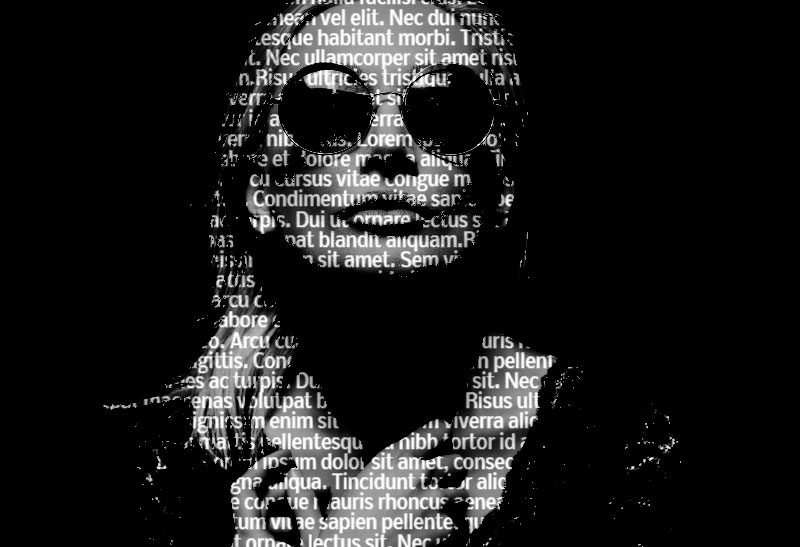
Create a text portrait effect online and set the font type, size and color.
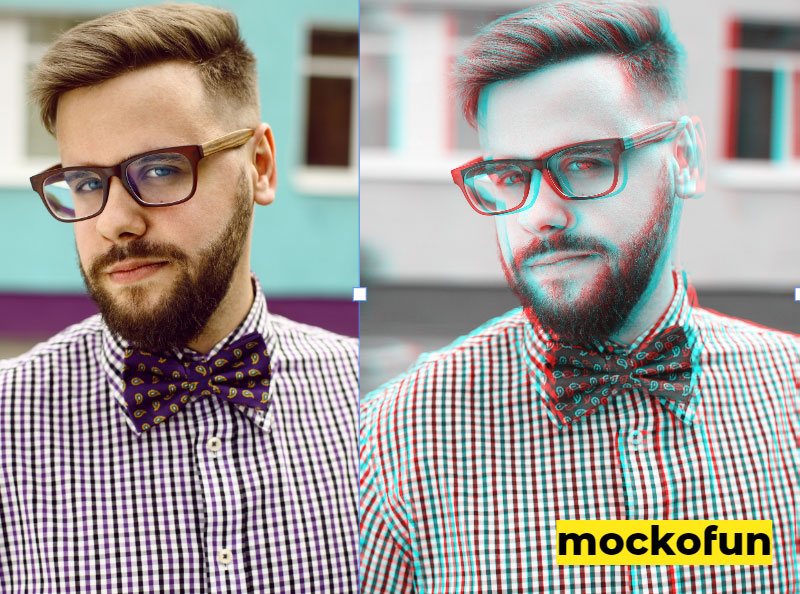
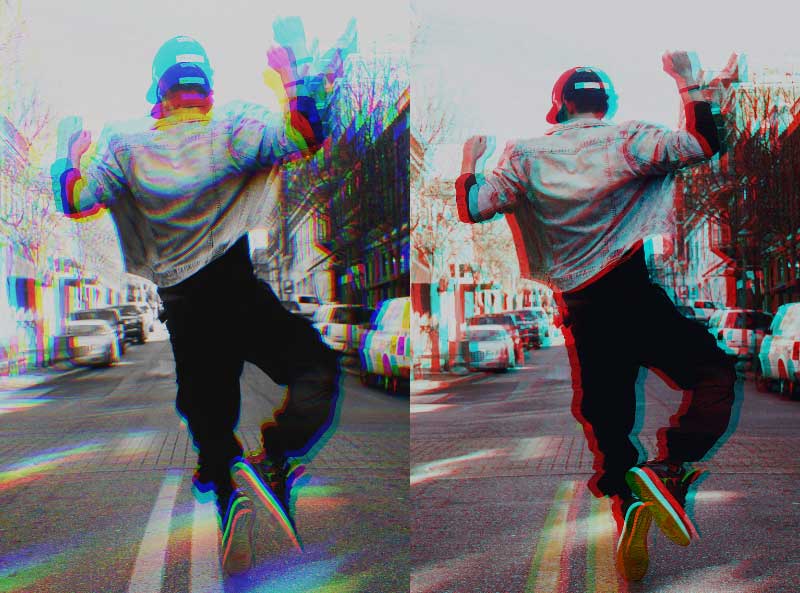
Create anaglyph 3D images online with photo filters like Chromatic aberration (Color fringe).